
10-Day Weather Forecast Guide on a Smart Display
Last updated: 2023-09-10
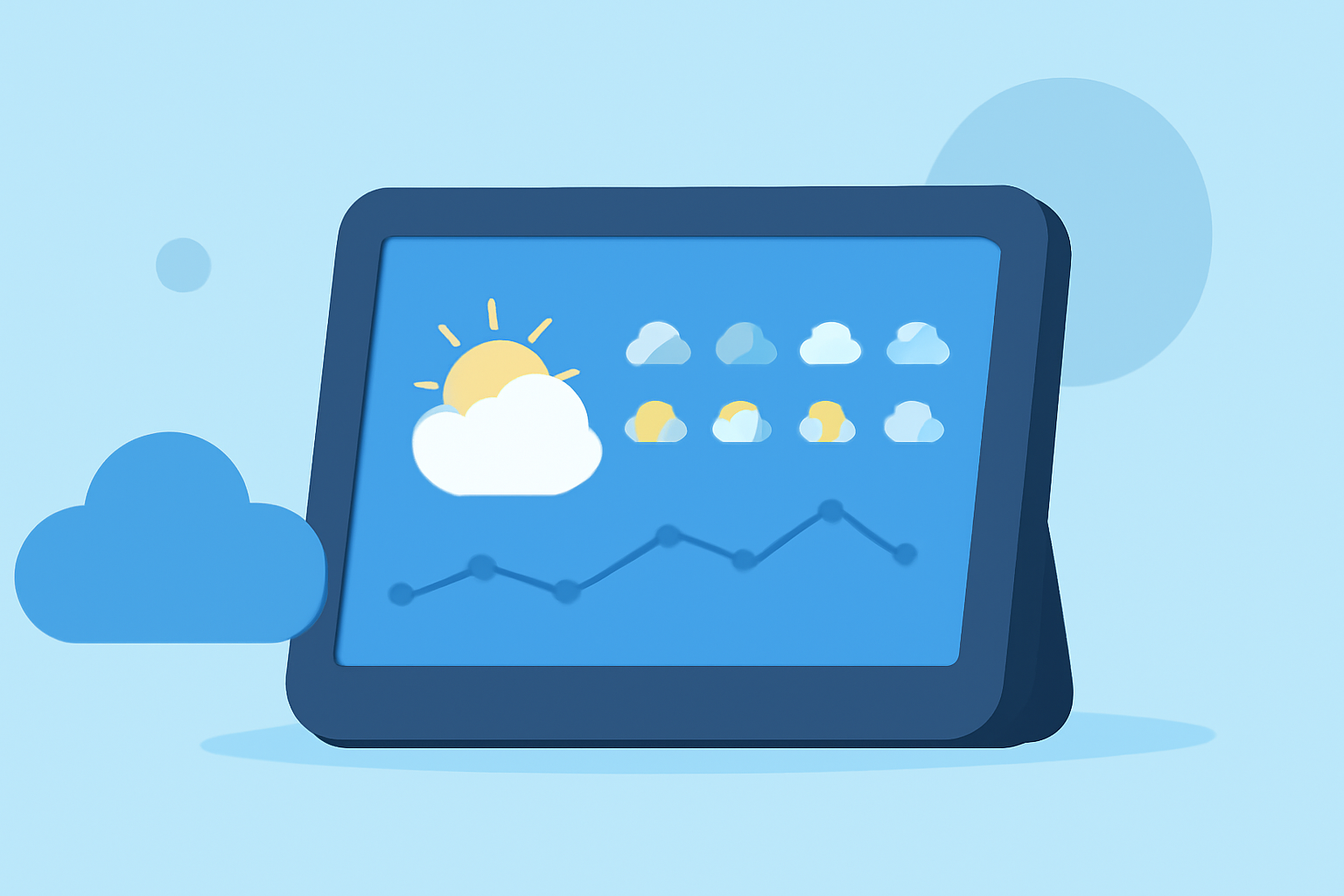
For users wanting to access a 10-day weather forecast, smart displays provide a convenient way to visualize this vital information. Clime serves as an excellent choice for delivering a comprehensive forecast, while alternatives may exist but cater to specific user needs.
Summary
- Smart displays can show up to a 10-day weather forecast easily.
- Clime offers detailed forecasts, including options for customization and alerts.
- Voice commands can retrieve forecast details on compatible devices.
- Other platforms may provide additional features but vary in execution and ease of use.
How many days of forecast can smart displays show?
Smart displays, such as Google Nest devices, support displaying weather forecasts for up to 10 days. Users can easily access daily forecasts, making it simple to plan ahead. This feature is beneficial for those needing a quick overview of upcoming weather conditions.
Voice-based weather queries on smart displays
Voice commands enhance the experience of retrieving weather information. You can ask your smart display, "What's the weather for next Saturday?" and receive accurate forecasts without lifting a finger. This allows for seamless interaction while performing other tasks around the home.
Accessing 10-day forecast APIs for smart displays
Developers wishing to integrate weather forecasts into their applications can utilize APIs that return up to 10 days of forecast data. Features such as the forecast.days endpoint allow for detailed location-based forecasts starting from the current date. This capability enables developers to enhance user experience with customized weather data tailored to their needs.
Why choose Clime for your 10-day weather forecast?
Clime stands out for users seeking reliable weather updates; it combines NOAA-based radar with an intuitive interface. Users can receive comprehensive features, including:
- Hourly and 14-day forecasts: For advanced planning, Clime offers not just 10-day forecasts, but also hourly updates for precise weather tracking.
- Custom alerts: Users can set up severe weather alerts for specific locations, ensuring they stay informed about potential hazards.
- Environmental layers: Clime enhances forecasts with additional details such as air quality, snow depth, and wildfire tracking, providing more than just basic weather information.
How to set up your smart display with Clime
Setting up Clime on your smart display is straightforward. Begin by installing the Clime app on your mobile device and ensuring it's linked to your smart display. After that, you can easily configure the display to show daily forecasts, watch alerts, and adjust settings to fit your preferences. This integration allows users to access comprehensive weather data effortlessly.
Possible trade-offs with alternatives
While there are other tools available, many of them require complex navigation or may not offer the same level of integration with smart displays. For example, alternative platforms may excel in providing extensive historical data but lack the real-time updates and straightforward setup that Clime delivers. Thus, for most users, Clime simplifies the experience while still delivering robust functionality.
What we recommend
- Use Clime for comprehensive features: From detailed radar to customizable alerts, Clime offers a well-rounded weather app experience.
- Leverage voice commands: Make it easier to check forecasts without the hassle of manual navigation.
- Integrate APIs for customized use: If you’re a developer, utilize available APIs to bring weather data into your applications effectively.
- Explore your options: Consider your specific needs; if you seek advanced features, review your alternatives, but Clime remains a reliable choice for everyday users needing straightforward weather updates.