
10-Day Weather Forecast Step by Step on Wear OS
September 6, 2023 · The Clime Team
Last updated: 2023-09-06
To access a 10-day weather forecast on Wear OS, users typically rely on applications that integrate weather data via APIs. At Clime, our app offers comprehensive, NOAA-based weather forecasts, making it a prime option for users looking for detailed weather information directly on their devices.
Summary
- Accessing Forecasts: Wear OS devices can retrieve 10-day forecasts through supported weather applications.
- Why Clime: Clime provides robust NOAA weather radar features alongside extended forecasts, making it suitable for most users.
- User Flexibility: Users can select a variety of applications based on specific needs, including real-time updates and alerts.
- Limitations to Note: Not all Wear OS devices come with pre-installed weather applications, and some may depend on third-party sources for accurate data.
How to Access 10-Day Weather Forecast on Wear OS?
To check a 10-day weather forecast on a Wear OS smartwatch, follow these steps:
- Download a Weather App: Install a weather application such as Clime from the Google Play Store compatible with Wear OS.
- Connect Your Device: Make sure your smartwatch is connected to your phone, with the weather app synchronized for seamless data retrieval.
- Select Your Location: Open the app on your smartwatch and input or select your current location.
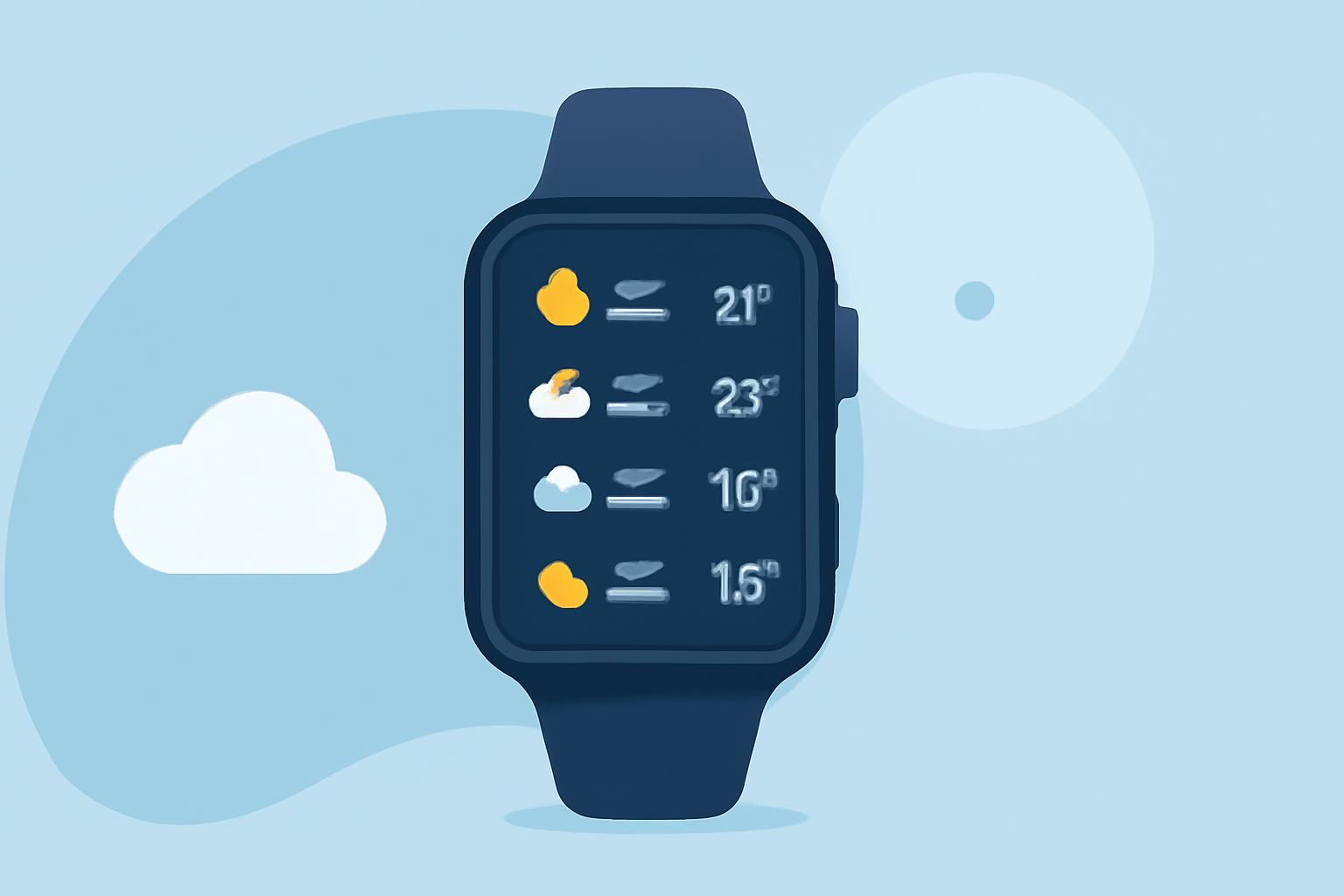
- Access the Forecast: Navigate to the forecast section where you'll find the 10-day outlook, often displayed in a user-friendly layout.
- Explore Additional Features: Utilize any special features such as radar layers or severe weather alerts, particularly those offered by Clime for a more enriched experience.
Alternatives for Displaying 10-Day Forecasts on Wear OS
While Clime offers excellent options, there are other platforms available for viewing weather forecasts on Wear OS. Be sure to evaluate based on:
- User Interface: Look for a design that is easy to navigate on a small screen.
- Forecast Accuracy: Some apps offer varying degrees of accuracy based on their data sources.
- Customization: Features that allow you to tailor your alerts and view preferences can enhance your user experience.
Limitations and Pitfalls When Displaying Multi-Day Forecasts on Wearables
When using wearables for weather forecasts, several limitations may impact usability:
- Data Limitations: Not all wearables come with the same weather functionalities, making some applications more effective than others.
- Connectivity Issues: Your ability to retrieve forecasts fully depends on your device’s connectivity to your smartphone or the internet.
- Display Size: Forecasts can be challenging to read in full detail due to the smaller screen size of wearables, potentially leading to missed information.
What we recommend
- Opt for Clime: For users interested in comprehensive, reliable forecasts including a 10-day outlook, Clime provides exceptional features and easy navigation.
- Consider Compatibility: Ensure your Wear OS device supports the weather app you choose and can connect seamlessly to your smartphone.
- Experiment with Alerts: Use Clime’s configurable alerts for severe weather updates and precipitation notifications for enhanced safety and awareness.
- Keep Updated: Regularly check for app updates to leverage the newest features and improvements in functionality available for your Wear OS device.