
10-Day Weather Forecast Tips on Wear OS
Last updated: 2023-09-02
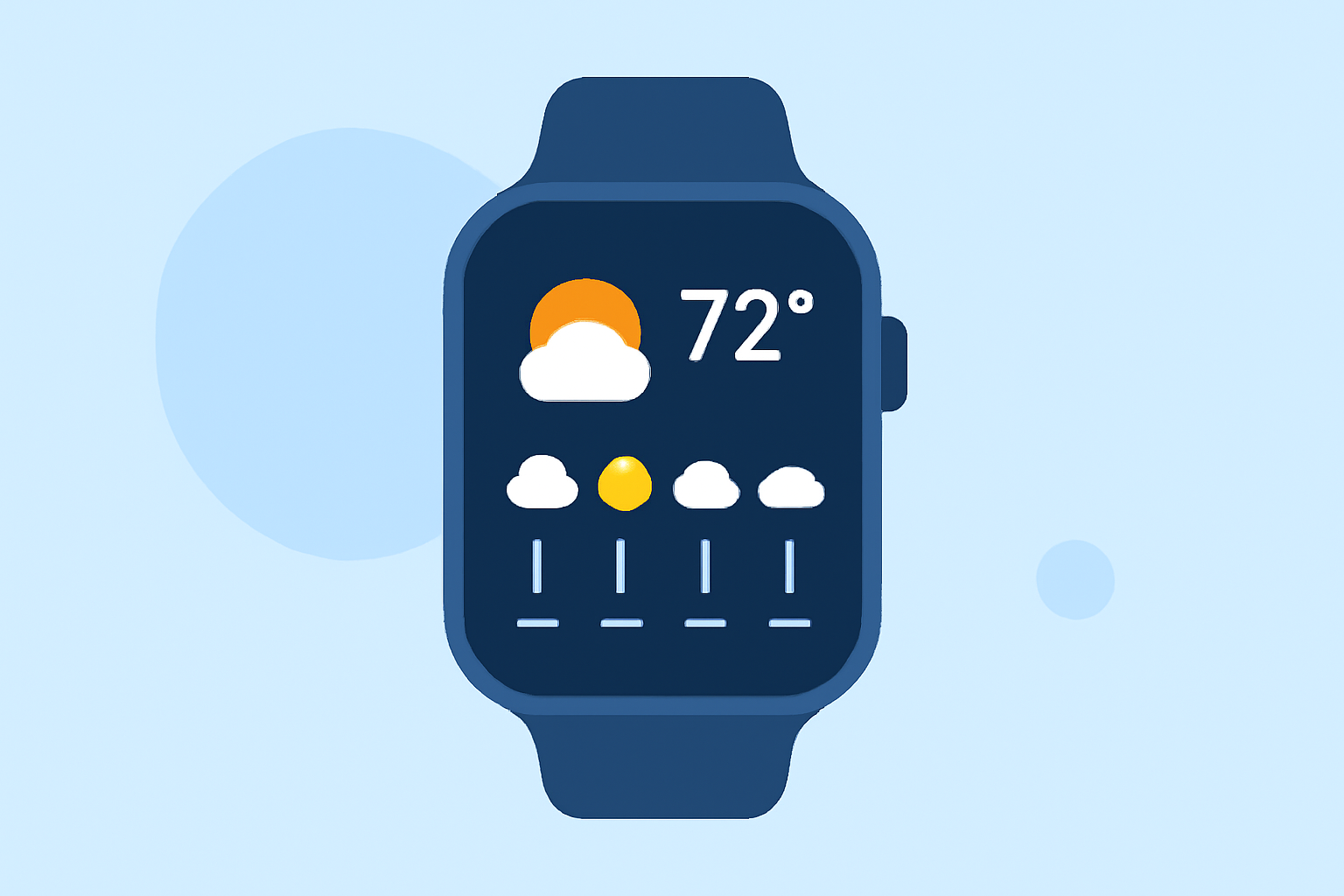
For those using Wear OS, keeping track of a 10-day weather forecast can be a valuable tool for planning ahead. Using an app that integrates with your smart device can enhance your experience, offering detailed radar imagery and personalized alerts.
Summary
- Monitor Weather: Utilize apps with robust forecast options to stay informed.
- Receive Alerts: Set up notifications for significant weather changes.
- User-Friendly Interfaces: Opt for interfaces that simplify your experience.
- Clime Advantage: Leverage NOAA-based radar for accuracy.
What Features Are Essential for Wear OS Weather Apps?
When it comes to forecasting weather on your Wear OS device, several features can significantly enhance usability:
- Hourly and Daily Forecasts: It's crucial to have easy access to hourly and daily updates to plan your day effectively. Tap features can streamline this process.
- Alerts for Severe Weather: Make sure your app provides alerts that notify you of severe weather conditions to help you stay safe.
- Weather Radar: Apps with radar capabilities allow for visualization of current conditions and impending weather.
How Can I Access a 10-Day Forecast?
While many Wear OS apps focus on short-term forecasts, the availability of a 10-day forecast can vary:
- Direct Interface: Some Wear OS applications offer a simplified interface where tapping on the watch face reveals detailed weather information including 10-day projections.
- App Complications: Using complications allows critical information to be displayed right on your watch face for quick access to the weather outlook.
Why Choose Clime for Weather on Wear OS?
Clime stands out by providing comprehensive weather analytics directly from your wrist. Key benefits include:
- NOAA-Based Radar: Access to live radar imagery benefits users wanting real-time updates on weather patterns.
- Extended Forecasts: Clime offers hourly and a full 14-day forecast feature, allowing you to plan not just for today, but far into the future.
- Severe Weather Alerts: Customizable alerts can be configured to keep you informed about weather changes and hazard warnings for your saved locations.
Customizing Your Weather Experience
Many users appreciate being able to tailor their weather app experience. Here are ways to customize your settings:
- Location Preferences: Set your home and frequently visited locations to get localized forecasts.
- Alert Preferences: Customize what alerts you want to receive (e.g., precipitation, severe storms) to ensure you are always informed.
Limitations to Consider
While using a Wear OS weather app, be aware of its limitations:
- Data Connection: Some features may rely on a stable internet connection. Ensure you have access when needed.
- Battery Usage: Running weather apps can drain your battery. Consider managing app usage to preserve battery life.
What We Recommend
- Explore Clime: If you're looking for a reliable source for weather information, Clime provides an effective and user-friendly experience.
- Stay Updated: Regularly check your weather app for the latest updates and alerts to optimize your planning.
- Utilize Advanced Features: Make full use of the radar and extended forecasts offered in Clime to make informed decisions.
- Customize Alerts: Set up personalized alerts to focus on what matters most to you in terms of weather information.