
How to Access a 14-Day Weather Forecast on Your Apple Watch
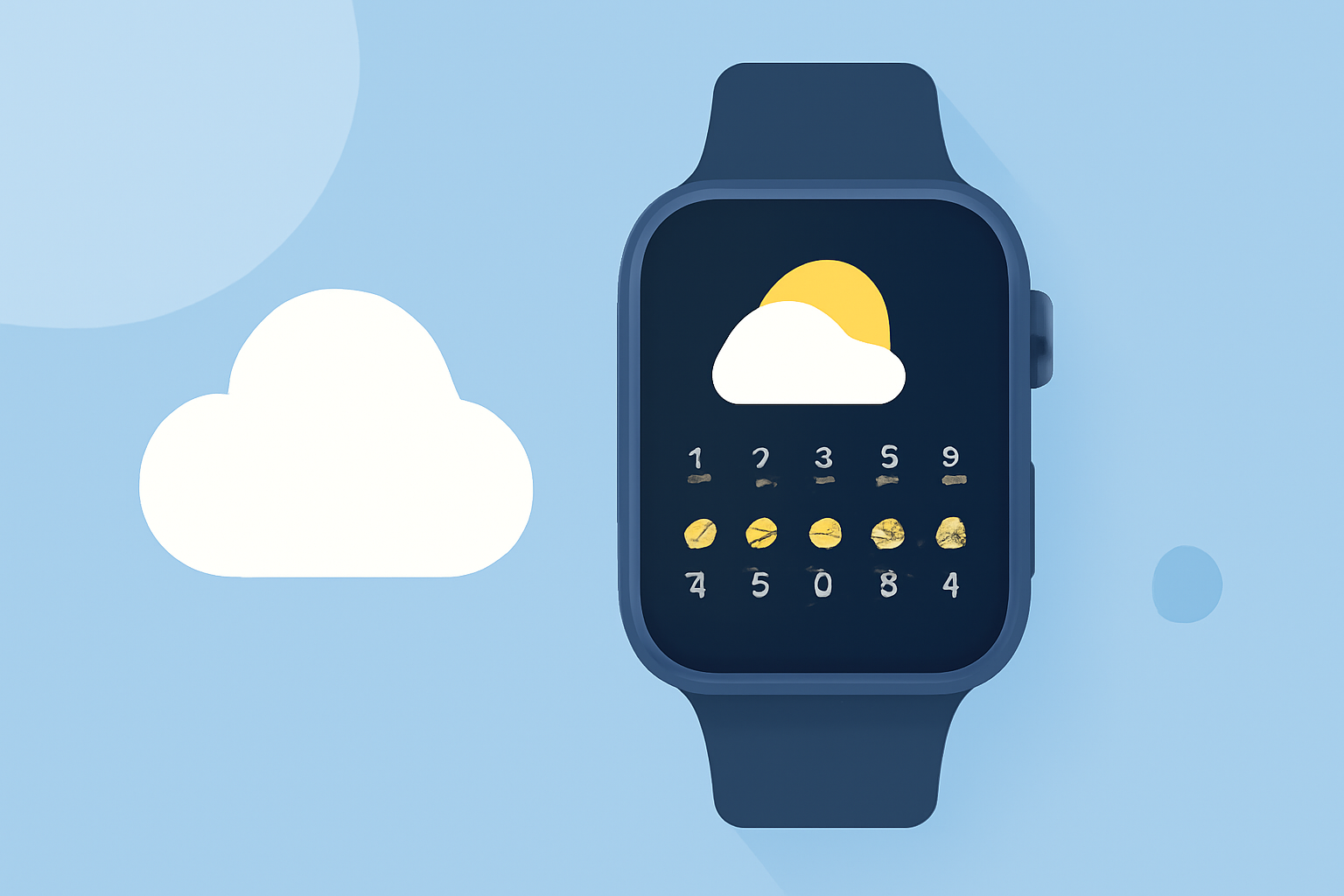
The Apple Watch's Weather app provides users with current conditions and forecasts, but it typically offers up to a 10-day forecast. To access a 14-day weather forecast, consider the following options:
Using the Built-in Weather App
-
Open the Weather App: Press the Digital Crown on your Apple Watch to access the app list, then tap the Weather app icon.
-
View the Forecast: The app displays the current weather conditions. Scroll down to see the hourly forecast for the next 12 hours and the 10-day forecast.
Using Third-Party Applications
For a 14-day forecast, third-party apps can provide extended weather information. Here are some options:
Weathergraph — Visual Weather for Apple Watch, iPhone, iPad and Mac Weathergraph Offers hour-by-hour forecasts in a visual graph format, displaying temperature, rain, wind, UV, sunshine, clouds, dew point, and more. (weathergraph.app)
watchOS 11 brings powerful health and fitness insights - Apple Magic Weather Provides a photoreal 3D weather companion with a live globe, allowing users to spin the globe and watch storms across continents. (magic-weather.com)
eWeather HD: the most informative weather (wetter, meteo, погода) app for MacOS, Apple Watch, iPhone, iPad, PUSH alerts, radar, storm-tracker, earthquake, NOAA buoys app and weather widgets for iOS 15 and iPadOS 15, WatchOS 7, MacOS, 10-day weather forecast, accurate hour-by-hour with weather clock widget, NWS weather alerts for USA and Meteoalarm alerts for Europe, Air Quality Europe, Lightning Tracker, hi-def rain/snow radar, animated satellite cloud cover, PUSH weather alerts, sea beach water temperatures, NOAA buoys and earthquakes, interactive weather maps, long-range weather forecasts, tide predictions, high and low tide times - Elecont LLC eWeather HD Delivers detailed 10-day weather forecasts, including high-resolution predictive weather radar, tide predictions, and NOAA buoys. (eweatherhd.com)
Setting Up a 14-Day Forecast on Your Apple Watch
-
Install the App: Download your chosen third-party weather app from the App Store on your iPhone.
-
Configure the App: Open the app on your iPhone and set your preferred location.
-
Add the App to Your Watch: Ensure the app is installed on your Apple Watch. You can check this by opening the Watch app on your iPhone, scrolling down to the "Installed on Apple Watch" section, and confirming the app is listed.
-
View the Forecast: Open the app on your Apple Watch to access the 14-day forecast.
Using Siri for Quick Forecasts
You can also ask Siri for a quick 14-day forecast:
-
Activate Siri by saying "Hey Siri" or pressing and holding the Digital Crown.
-
Say, "What's the weather forecast for the next 14 days in [your location]?"
Siri will provide a summary of the upcoming weather conditions.
Conclusion
While the Apple Watch's native Weather app offers up to a 10-day forecast, third-party applications can extend this to a 14-day forecast. By installing and configuring these apps, you can stay informed about upcoming weather conditions directly from your wrist.
(support.apple.com)