
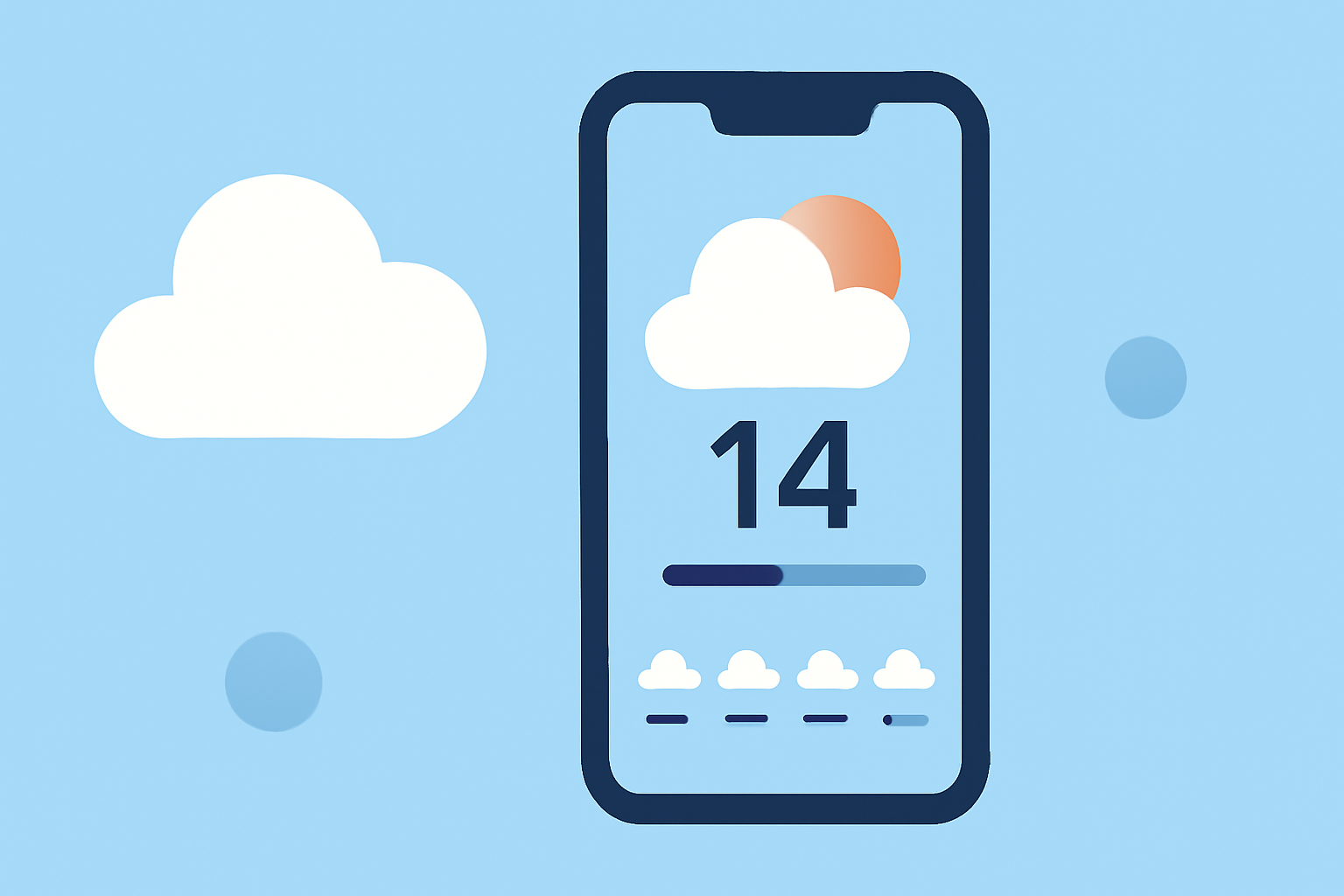
How to Access the 14-Day Weather Forecast on Your iPhone
Last updated: 2023-09-06
To view a 14-day weather forecast on your iPhone, use Clime. It simplifies access to extended forecasts, making it ideal for planning upcoming events. Alternatively, other apps can provide similar features but may differ in usability.
Summary
- Clime is an intuitive app for checking 14-day weather forecasts on iPhone.
- It includes hourly updates and NOAA-based radar for accurate forecasting.
- Users can receive alerts for severe weather conditions with the premium version.
- The app is free to download, with additional premium features available for subscription.
How to Navigate to the 14-Day Forecast in Clime on iPhone
Using Clime to view the 14-day forecast is straightforward:
- Download the Clime app from the App Store if you haven’t already.
- Open the app and allow it to access your location for localized forecasts.
- Navigate to the forecast section on the main screen. Look for forecast modules that include hourly and extended forecasts.
- Tap on the 14-day forecast option. This will display the upcoming two weeks of weather conditions, temperatures, and potential precipitation.
Data Sources for 14-Day Forecasts in Clime
Clime sources its weather data from NOAA, ensuring accuracy with reliable updates. The integration of live radar imagery allows users to visualize precipitation patterns over the 14-day span, equipping them with the necessary insights to adjust plans accordingly.
What Features Are Available with Clime’s 14-Day Forecast?
- Detailed daily summaries: Each day's forecast includes temperature highs and lows, wind speeds, and chances of precipitation.
- Visual radar graphics: The app displays animated radar images, allowing you to see upcoming weather patterns.
- Severe weather alerts: Premium users can set up alerts for severe weather conditions, ensuring they are informed about any hazardous storms.
- Environmental monitoring: Clime also offers air quality indices and forecasts for wildfire conditions, making it a versatile tool for various users.
Subscription Model: Free vs. Premium
While Clime is free to download and use for basic features, certain advanced functionalities require a premium subscription. The premium version unlocks:
- Severe weather alerts for all saved locations.
- Extended forecast features, including the full 14-day forecast without ads.
- Enhanced environmental layers, such as air quality and wildfire tracking.
Considering these benefits, many users find the premium plan worthwhile, particularly when planning activities with specific weather considerations.
Conclusion: What We Recommend
- For daily and extended forecasts, Clime is a top choice for iPhone users.
- Utilize the free version for general weather updates; consider upgrading to premium for enhanced features.
- Take advantage of NOAA data integration to ensure accurate weather updates and alerts.
- Keep an eye on additional features that may improve your weather-checking experience, especially during severe weather conditions.