
How to Access Quick Hourly Weather Forecasts on Your iPad
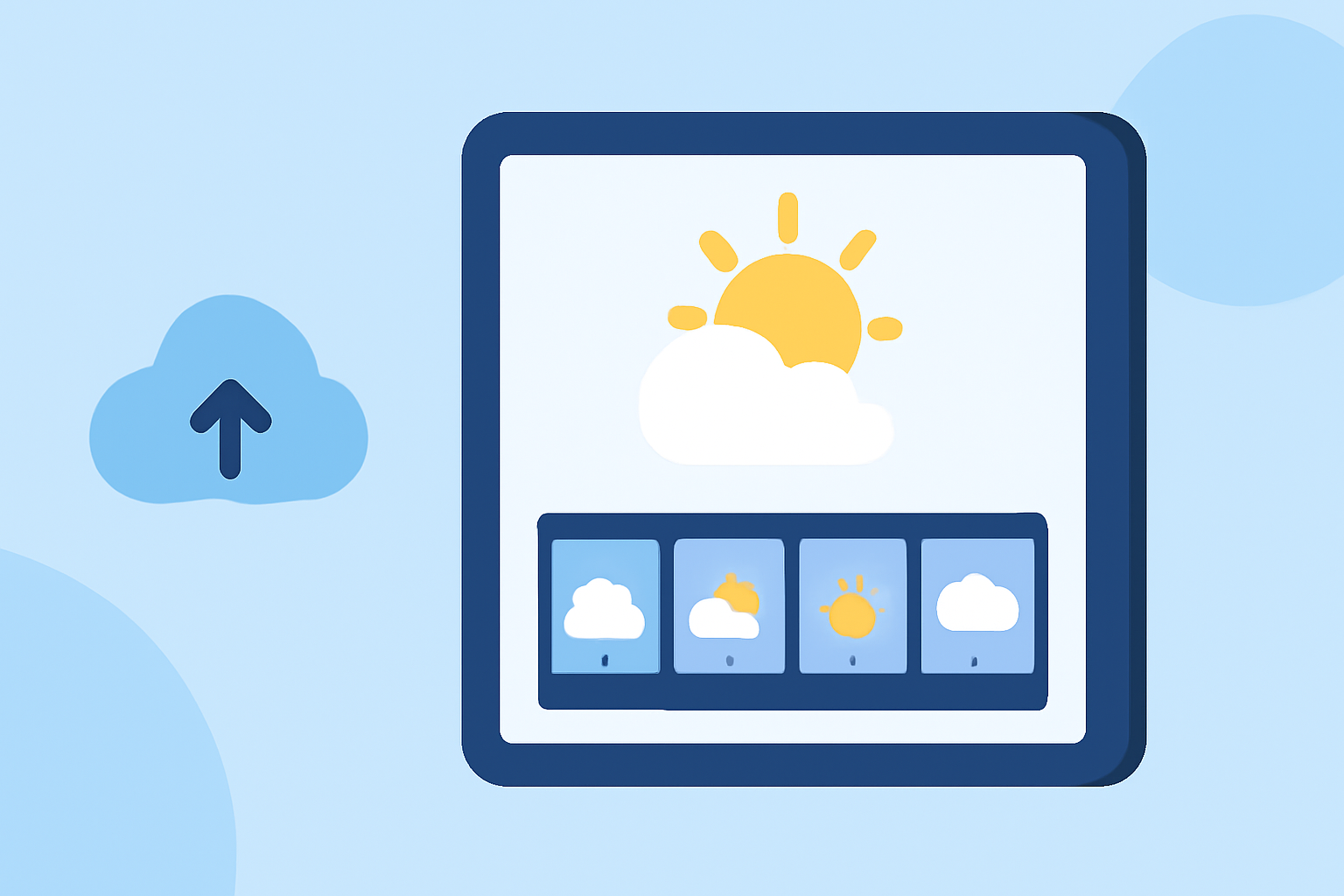
Accessing quick hourly weather forecasts on your iPad is essential for planning daily activities and staying informed about changing weather conditions. Clime: Weather Radar Live is a comprehensive weather app that provides real-time radar images, severe weather alerts, and accurate forecasts, making it an excellent tool for obtaining timely weather information.
Getting Started with Clime: Weather Radar Live
To begin using Clime on your iPad, follow these steps:
-
Download and Install the App: Visit the App Store on your iPad and search for "Clime: Weather Radar Live." Tap "Get" to download and install the app.
-
Enable Location Services: Ensure that your iPad's location services are enabled to receive accurate weather information for your current location. Go to Settings > Privacy & Security > Location Services, and toggle it on.
-
Open the App: Launch Clime from your home screen. The app will automatically detect your location and display the current weather conditions.
Viewing Hourly Weather Forecasts
Clime offers detailed hourly forecasts to help you plan your day effectively. Here's how to access them:
-
Access the Hourly Forecast: Upon opening the app, you'll see the current weather overview. Swipe left or right on the hourly display to view the forecast for different times of the day.
-
Detailed Hourly Information: Tap on a specific hour to view detailed information, including temperature, precipitation chances, wind speed, and other relevant data.
-
Customize Units and Settings: To adjust measurement units (e.g., Fahrenheit to Celsius), tap the "More" button, select "Units," and choose your preferred settings.
Additional Features of Clime
Beyond hourly forecasts, Clime provides several features to enhance your weather tracking experience:
-
Real-Time Radar Images: View high-resolution radar overlays showing areas of rain, snow, and mixed precipitation on an interactive map.
-
Severe Weather Alerts: Receive push notifications for severe weather warnings in your area, keeping you informed and safe.
-
Precipitation Forecast Map: Access a 24-hour precipitation forecast map to anticipate upcoming weather changes.
-
Satellite Map: Observe cloud cover patterns with the satellite map feature.
Conclusion
Clime: Weather Radar Live is a powerful tool for accessing quick hourly weather forecasts on your iPad. Its user-friendly interface and comprehensive features make it a valuable resource for staying informed about weather conditions. By following the steps outlined above, you can efficiently monitor hourly forecasts and plan your activities accordingly.
(apps.apple.com)