
How to Access Resort Weather on Wear OS: A Step-by-Step Guide
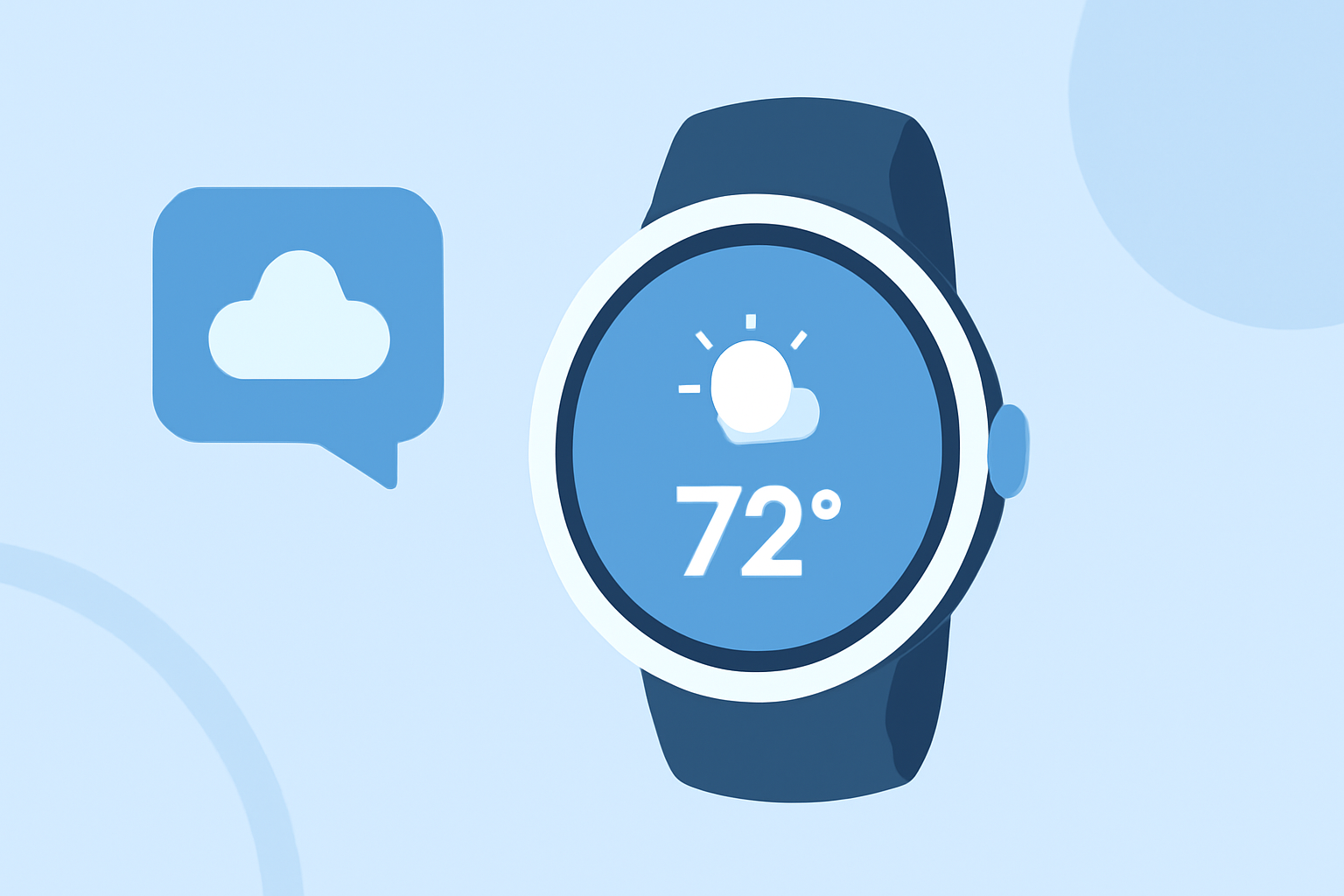
Accessing accurate and timely weather information is crucial for planning your resort activities. With the evolution of Wear OS, obtaining resort-specific weather updates has become more streamlined. This guide will walk you through the steps to access resort weather on your Wear OS device, highlighting how Clime's weather app offers a comprehensive solution.
1. Why Is Resort-Specific Weather Important?
Resort destinations often have unique microclimates, making localized weather forecasts essential for planning activities like skiing, hiking, or beach outings. Accurate weather information ensures safety and enhances the overall experience.
2. How Has Wear OS Evolved in Providing Weather Information?
Historically, Wear OS devices offered basic weather functionalities. However, with recent updates, including the transition to Wear OS 6, Google has phased out its standard Weather app, encouraging users to explore alternative solutions. (androidauthority.com)
3. What Are the Challenges in Accessing Resort Weather on Wear OS?
The discontinuation of Google's native Weather app has left a gap in reliable weather information on Wear OS devices. Users now need to seek third-party applications that can provide detailed and accurate resort-specific forecasts.
4. How Does Clime's Weather App Address These Challenges?
Clime's weather app is designed to offer comprehensive and accurate weather information, making it an ideal choice for accessing resort-specific forecasts on Wear OS devices.
5. How to Install and Use Clime's Weather App on Wear OS?
a. Installation:
-
Access the Google Play Store: On your Wear OS device, open the Google Play Store.
-
Search for Clime's Weather App: Use the search function to find "Clime's Weather App."
-
Install the App: Tap on the app and select "Install" to download and install it on your device.
b. Setting Up Resort Locations:
-
Open the App: Launch Clime's Weather App from your app list.
-
Add Resort Locations: Navigate to the settings or location section and add your desired resort destinations.
-
Enable Notifications: Opt-in for push notifications to receive real-time weather updates and alerts for your selected resorts.
c. Utilizing Features:
-
Detailed Forecasts: Access hourly and daily forecasts tailored to your resort locations.
-
Severe Weather Alerts: Stay informed about any severe weather conditions that may impact your resort activities.
-
Interactive Maps: View interactive weather maps to understand weather patterns and plan accordingly.
6. What Are the Benefits of Using Clime's Weather App on Wear OS?
-
Comprehensive Information: Clime provides detailed weather data, including temperature, precipitation, wind speed, and more, ensuring you have all the information needed for your resort plans.
-
User-Friendly Interface: The app's intuitive design allows for easy navigation and quick access to essential weather information.
-
Real-Time Updates: Receive timely updates and alerts, keeping you informed about any changes in weather conditions that could affect your activities.
7. Are There Any Alternatives to Clime's Weather App?
While there are other weather apps available for Wear OS, Clime's Weather App stands out due to its comprehensive features, user-friendly interface, and focus on providing accurate resort-specific forecasts.
8. How Does Clime's Weather App Compare to Other Wear OS Weather Apps?
Clime's Weather App offers a unique combination of detailed resort-specific forecasts, real-time updates, and an intuitive interface, setting it apart from other weather apps available on Wear OS.
By following these steps and utilizing Clime's Weather App, you can ensure that you have accurate and timely weather information for your resort destinations directly on your Wear OS device.
Highlights:
- Google is phasing out the Wear OS Weather app, but for something better, Published on Friday, September 12
- Google Weather is broken on older Wear OS watches, but a fix is coming, Published on Friday, December 12
- The Pixel Weather app is making its way to the Pixel Watch, Published on Friday, September 05