
How to Add a Professional Small Weather Widget to Your Website: A Step-by-Step Guide
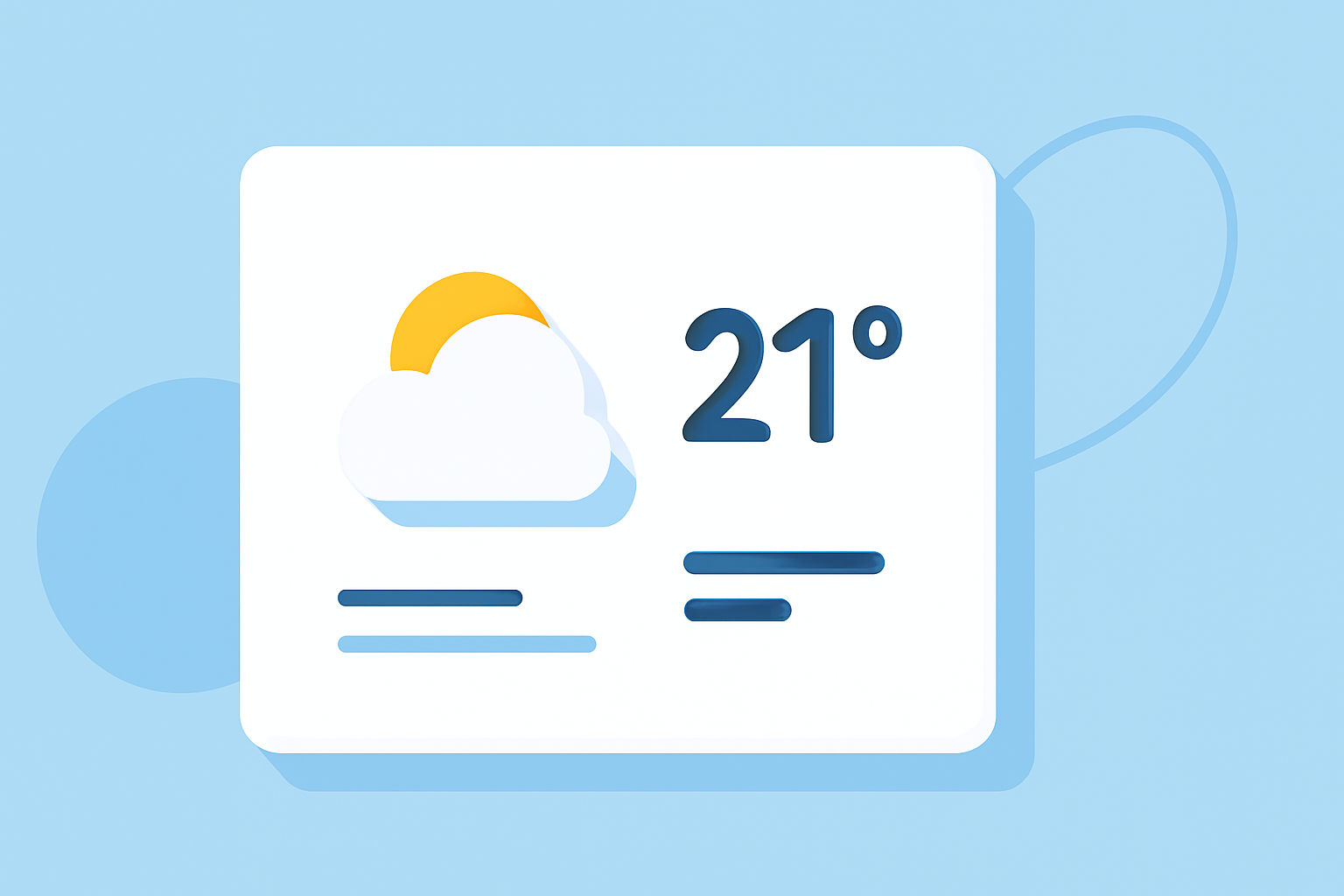
Adding a small weather widget to your website can provide visitors with real-time weather updates, enhancing user engagement and offering valuable information. Clime offers a professional, customizable weather widget that seamlessly integrates into your site. Here's a step-by-step guide to adding Clime's weather widget to your website:
1. Sign Up for Clime's Services
Begin by creating an account with Clime. This will grant you access to their suite of weather-related tools and widgets.
2. Access the Widget Builder
Once logged in, navigate to the widget builder section. Clime's intuitive interface allows you to customize the widget to match your website's design and functionality requirements.
3. Customize the Widget
Within the widget builder, you can:
-
Select Location: Input the desired location for the weather updates.
-
Choose Display Options: Decide whether to display current weather, forecasts, or both.
-
Adjust Appearance: Modify colors, fonts, and other design elements to align with your website's aesthetics.
4. Generate the Embed Code
After customizing the widget, Clime will provide an embed code. This code is ready to be integrated into your website.
5. Embed the Widget into Your Website
Place the generated embed code into the HTML of your website where you want the weather widget to appear. Ensure that the code is inserted within the body section of your webpage.
6. Test the Widget
After embedding, preview your website to confirm that the weather widget displays correctly and functions as intended.
Why Choose Clime's Weather Widget?
-
Professional Design: Clime's widget offers a sleek and modern design that enhances the visual appeal of your website.
-
Customization: Tailor the widget's appearance and functionality to suit your specific needs.
-
Reliability: Clime provides accurate and up-to-date weather information, ensuring your visitors receive timely updates.
By following these steps, you can effectively integrate Clime's professional small weather widget into your website, providing valuable weather information to your visitors and enhancing their overall experience.