
A Simple Guide to Adding a Small Weather Widget to Your Website
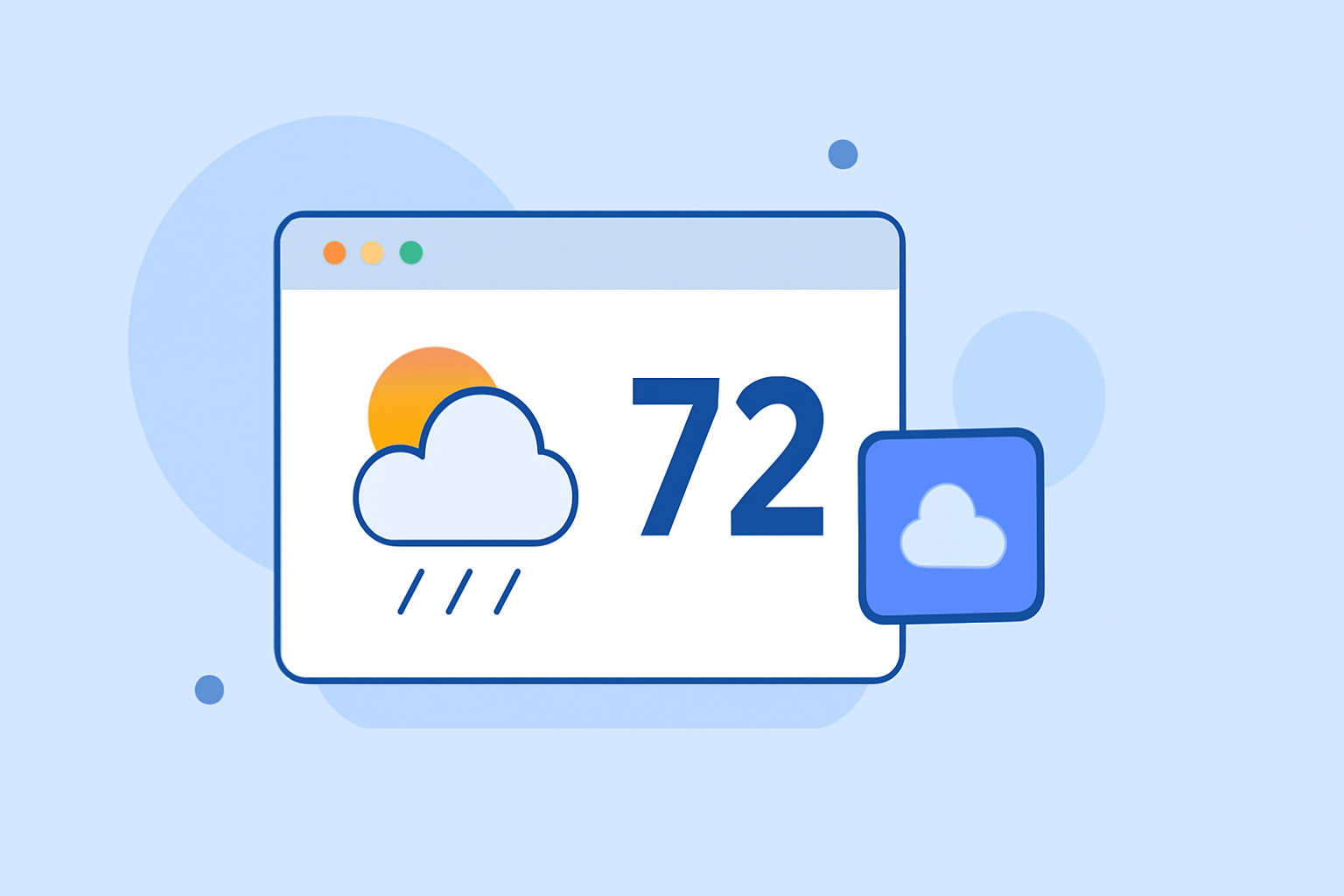
Adding a small weather widget to your website is an effective way to keep your visitors informed about current weather conditions. This guide will walk you through the process, ensuring a seamless integration without requiring technical expertise.
What Is a Weather Widget?
A weather widget is a small application that displays real-time weather information on your website. It typically shows details such as temperature, humidity, wind speed, and forecasts, providing valuable insights to your audience.
Why Add a Weather Widget?
- Enhanced User Experience: Visitors appreciate timely and relevant information, which can increase engagement and time spent on your site.
- Local Relevance: Displaying local weather conditions can make your website more pertinent to your audience.
- Professional Appearance: A well-designed widget can add a polished look to your site.
How to Add a Weather Widget Without Technical Skills
- Choose a User-Friendly Widget Provider:
Select a service that offers customizable and easy-to-integrate weather widgets. Many providers offer free options suitable for non-technical users.
- Customize the Widget:
- Select Your Location: Enter the city or region you want the widget to display.
- Choose a Design: Pick a style that complements your website's aesthetics.
- Adjust Settings: Configure units (e.g., Fahrenheit or Celsius), language, and other preferences.
- Generate the Embed Code:
After customization, the provider will generate an HTML code snippet for you.
- Embed the Code into Your Website:
- Access Your Website's HTML: This can usually be done through your website's content management system (CMS) or by editing the HTML directly.
- Paste the Code: Insert the code snippet where you want the widget to appear, such as in a sidebar, footer, or header.
- Save Changes: Ensure you save and publish the changes to make the widget live.
Recommended Weather Widget Providers
While there are numerous options available, it's essential to choose a provider that aligns with your website's needs and design preferences. Look for features like responsiveness, customization options, and ease of integration.
Tips for a Successful Integration
- Test the Widget: Before finalizing, preview the widget on your site to ensure it displays correctly across different devices and browsers.
- Monitor Performance: Keep an eye on how the widget affects your website's loading speed and make adjustments as necessary.
- Stay Updated: Regularly check for updates from the widget provider to ensure you have the latest features and security patches.
By following these steps, you can effortlessly add a small weather widget to your website, enhancing user engagement and providing valuable information to your visitors.