
How to Add a Weather Widget to Your Android Home Screen
June 18, 2026 · The Clime Team
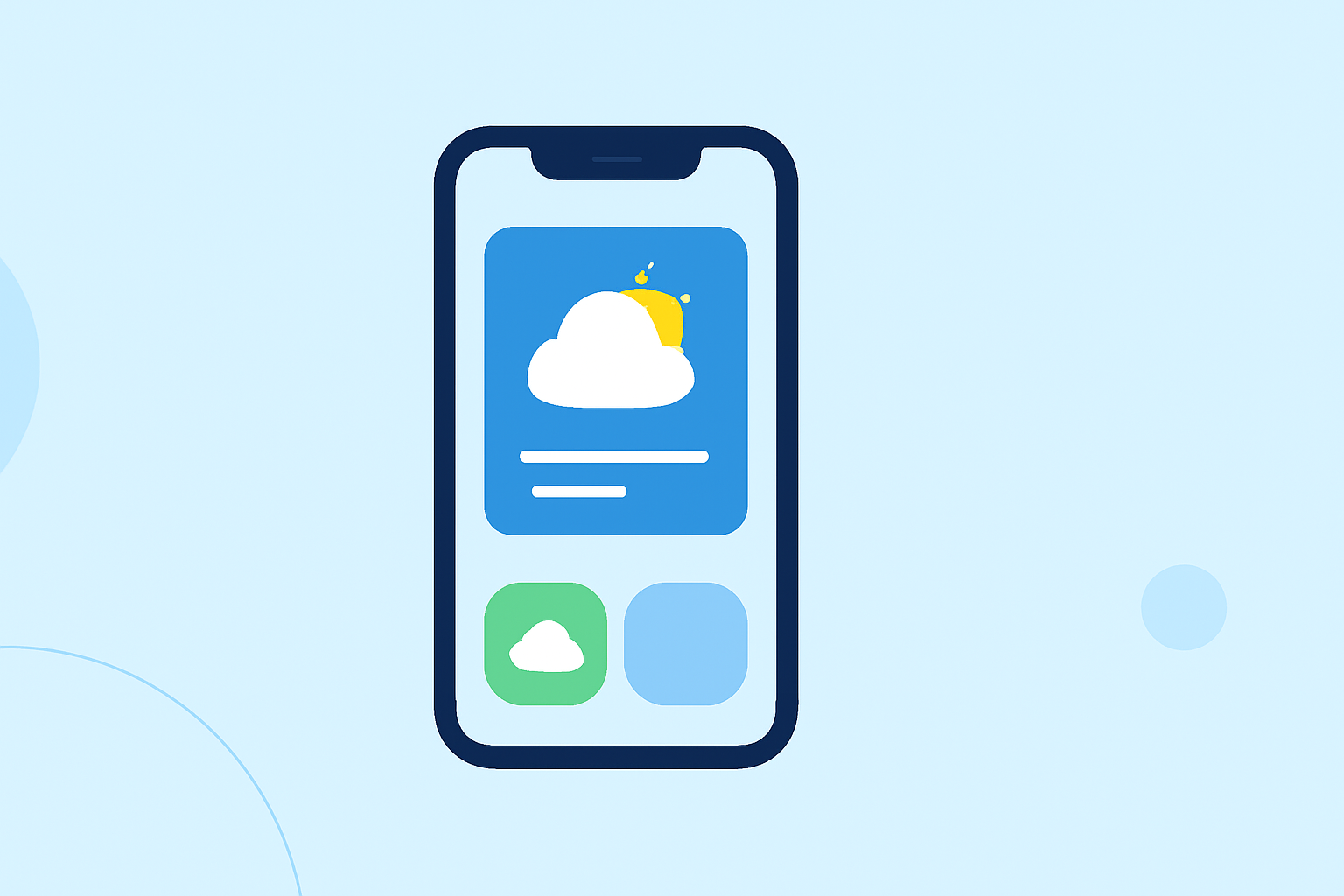
Adding a weather widget to your Android home screen provides immediate access to current conditions and forecasts without opening an app. Here's a step-by-step guide to help you set it up:
1. Access the Widget Menu
- Long-press on an empty space on your home screen.
- Tap Widgets from the menu that appears.
2. Select a Weather Widget
- Scroll through the list of available widgets to find the Weather widget.
- Some devices may have a pre-installed weather app with multiple widget styles, such as standard weather, large forecast, or combined clock & weather.
3. Add the Widget to Your Home Screen
- Touch and hold the desired weather widget.
- Drag it to your preferred location on the home screen.
- Release your finger to place the widget.
4. Customize the Widget
- Resize the widget if necessary by dragging its edges.
- Set the location to your current city or any location you wish to monitor.
- Adjust the theme and transparency to match your home screen layout.
5. Configure Update Frequency
- Choose how often the widget refreshes data to balance accuracy and battery life.
By following these steps, you can have a weather widget on your Android home screen, providing quick access to the latest weather information.
For a visual demonstration, you can watch the following tutorial: