
Adding Weather Widgets to Your Android Home Screen in Under 5 Minutes
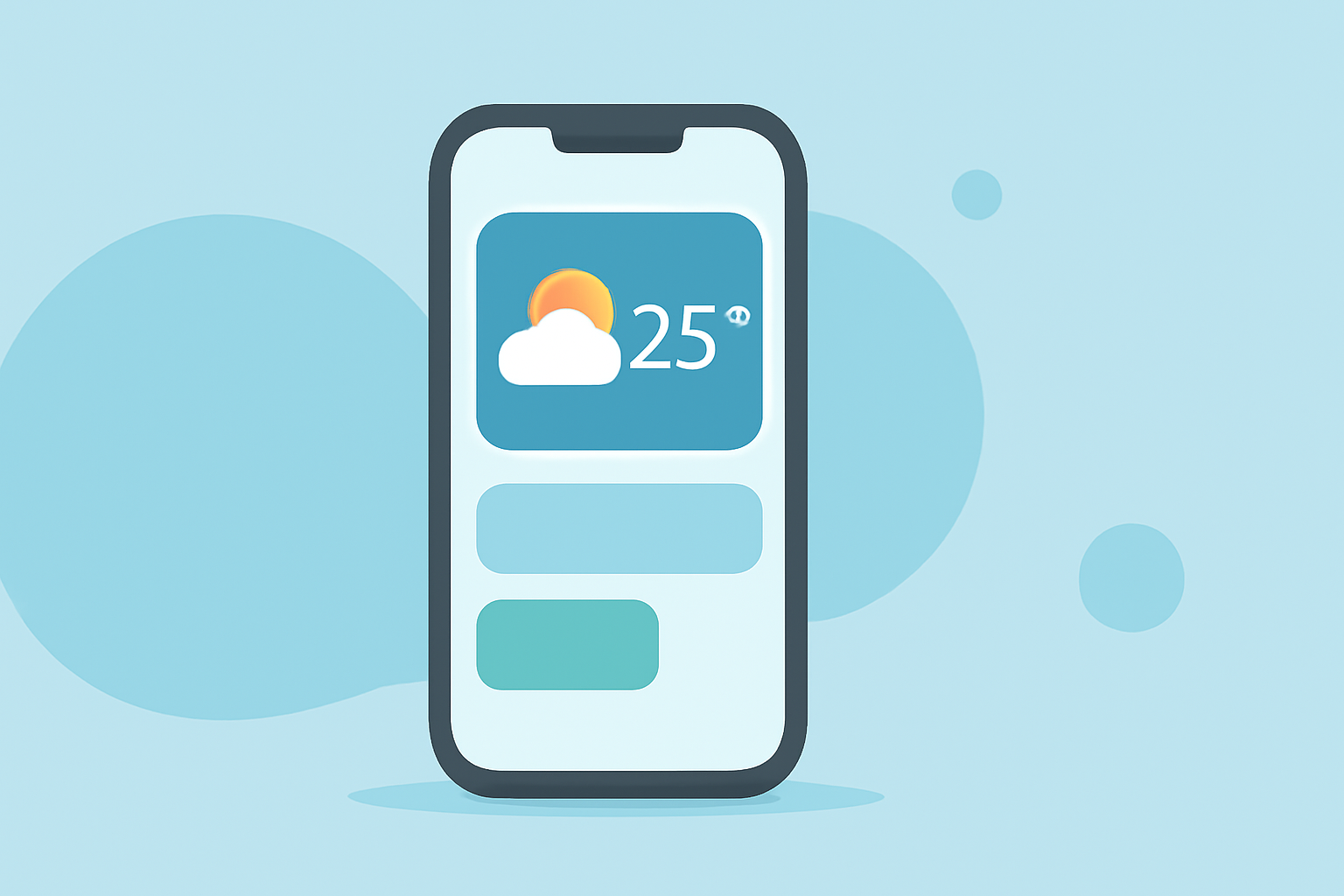
Enhancing your Android home screen with a weather widget allows you to access current conditions and forecasts at a glance. Here's a step-by-step guide to adding a weather widget in under five minutes:
1. Access the Widget Menu
- On your home screen, touch and hold an empty space.
- Tap "Widgets" from the menu that appears. (support.google.com)
2. Locate the Weather Widget
- Scroll through the list of available widgets to find the weather widget.
- If your device has a pre-installed weather app, its widget will be listed here.
3. Add the Widget to Your Home Screen
- Touch and hold the weather widget you want to add.
- Drag it to your desired location on the home screen and release it.
4. Customize the Widget (Optional)
- Some widgets allow resizing.
- Touch and hold the widget, then drag the edges to adjust its size. (support.google.com)
5. Configure Widget Settings (Optional)
- Touch and hold the widget, then tap "Settings" or the gear icon.
- Adjust settings such as location, update frequency, and display options.
Alternative: Using the At a Glance Widget
If your device supports it, the "At a Glance" widget provides quick access to weather information:
- On your home screen, touch and hold an empty space.
- Tap "Widgets."
- Scroll to "Google" and select "At a Glance."
- Touch and hold the widget, then drag it to your home screen. (support.google.com)
Note: The availability of widgets may vary depending on your device and Android version. If you don't see a suitable weather widget, consider downloading a third-party weather app from the Google Play Store that offers widget functionality.
By following these steps, you can quickly add a weather widget to your Android home screen, keeping you informed about current conditions and forecasts with minimal effort.