
Mastering Air Purifier Control on Your iPhone
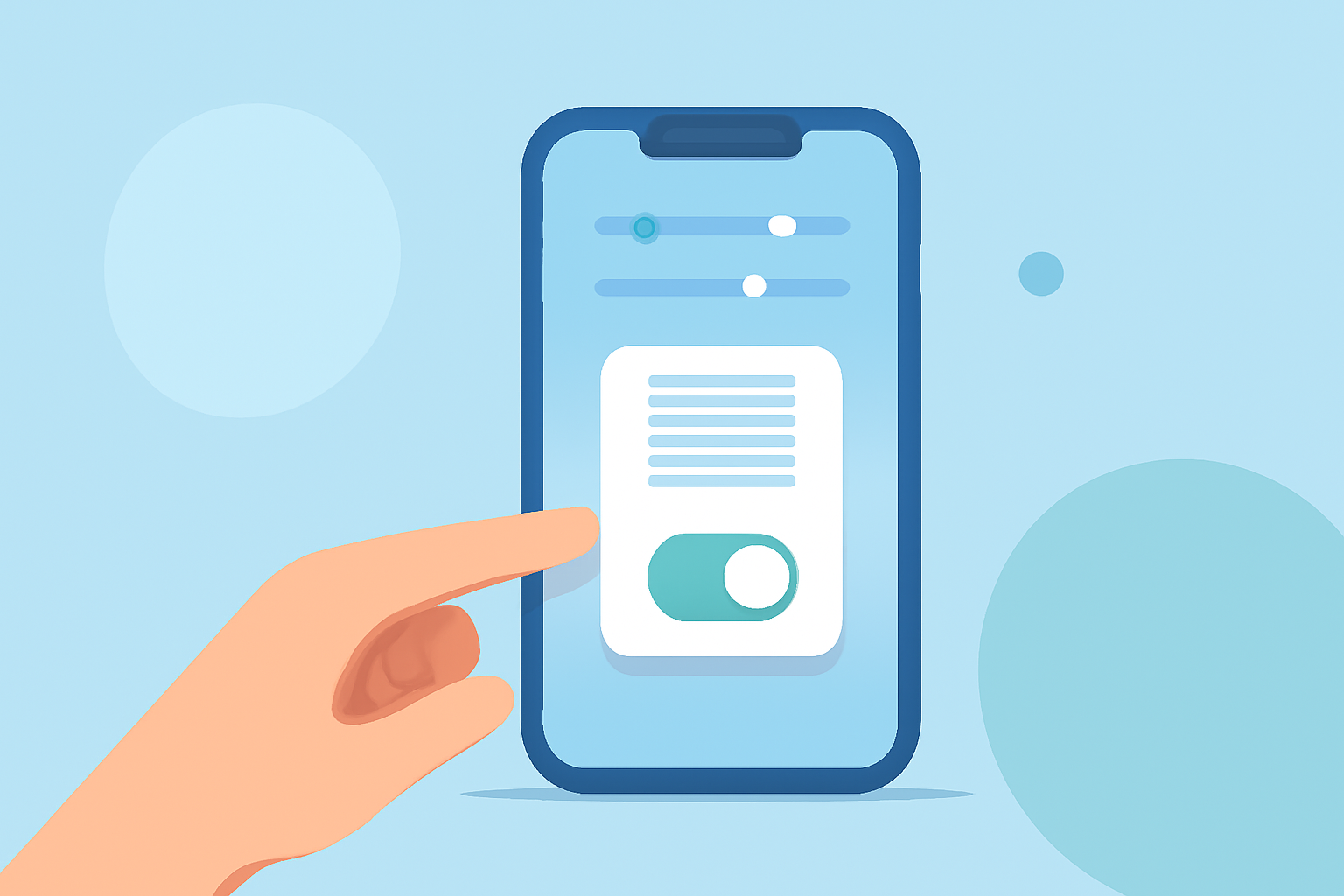
Managing your indoor air quality is essential for a healthy living environment. With the advancement of smart technology, controlling your air purifier via your iPhone has become both intuitive and efficient. This guide will walk you through the basics of setting up and using your air purifier with your iPhone.
What Are Smart Air Purifiers?
Smart air purifiers are devices equipped with Wi-Fi connectivity, allowing you to monitor and control them remotely through your smartphone. This integration enables real-time air quality monitoring, remote operation, and personalized settings tailored to your preferences.
How Do I Set Up My Air Purifier with My iPhone?
-
Unbox and Place Your Air Purifier: Position your air purifier in a central location within the room, ensuring unobstructed airflow.
-
Download the Manufacturer's App: Most smart air purifiers come with a dedicated app. For instance, the Mila Air app offers real-time indoor and outdoor air quality monitoring, customizable smart settings, and more. (apps.apple.com)
-
Connect to Wi-Fi: Follow the app's instructions to connect your air purifier to your home Wi-Fi network. This step is crucial for remote control and monitoring.
-
Create an Account: Register within the app to access personalized features and settings.
-
Pair Your Air Purifier: Add your device to the app by following the on-screen prompts. This process may involve scanning a QR code or entering a device ID.
What Features Can I Control via My iPhone?
-
Real-Time Air Quality Monitoring: View current indoor and outdoor air quality levels, including metrics like AQI, TVOC, and particulate matter.
-
Remote Operation: Turn your air purifier on or off, adjust fan speeds, and switch between modes (e.g., auto, sleep) from anywhere.
-
Customizable Schedules: Set daily, weekly, or monthly schedules to automate your air purifier's operation based on your routine.
-
Filter Replacement Alerts: Receive notifications when it's time to replace filters, ensuring optimal performance.
How Do I Monitor and Improve Air Quality Using My iPhone?
-
Access Air Quality Data: Open the app to view real-time data on indoor and outdoor air quality.
-
Analyze Trends: Review historical data to identify patterns and potential sources of pollution.
-
Adjust Settings: Based on the data, modify your air purifier's settings to address specific air quality issues.
-
Implement Additional Measures: Use the app's recommendations to further enhance air quality, such as increasing ventilation or reducing indoor pollutants.
What Are the Benefits of Using My iPhone to Control My Air Purifier?
-
Convenience: Manage your air purifier from anywhere, ensuring clean air upon arrival home.
-
Personalization: Tailor settings to your lifestyle, optimizing air quality based on your preferences.
-
Efficiency: Monitor and adjust settings in real-time, leading to energy savings and prolonged filter life.
Are There Any Considerations When Using My iPhone to Control My Air Purifier?
-
Compatibility: Ensure your air purifier is compatible with your iPhone's operating system.
-
Connectivity: A stable Wi-Fi connection is essential for seamless control and monitoring.
-
Security: Use strong, unique passwords for your app accounts to maintain device security.
By integrating your air purifier with your iPhone, you gain comprehensive control over your indoor air quality, leading to a healthier and more comfortable living space.
Highlights:
- Mila Air App - App Store
- Filtrete Smart App - App Store0search2