
Mastering Air Purifier Management on Your iPad
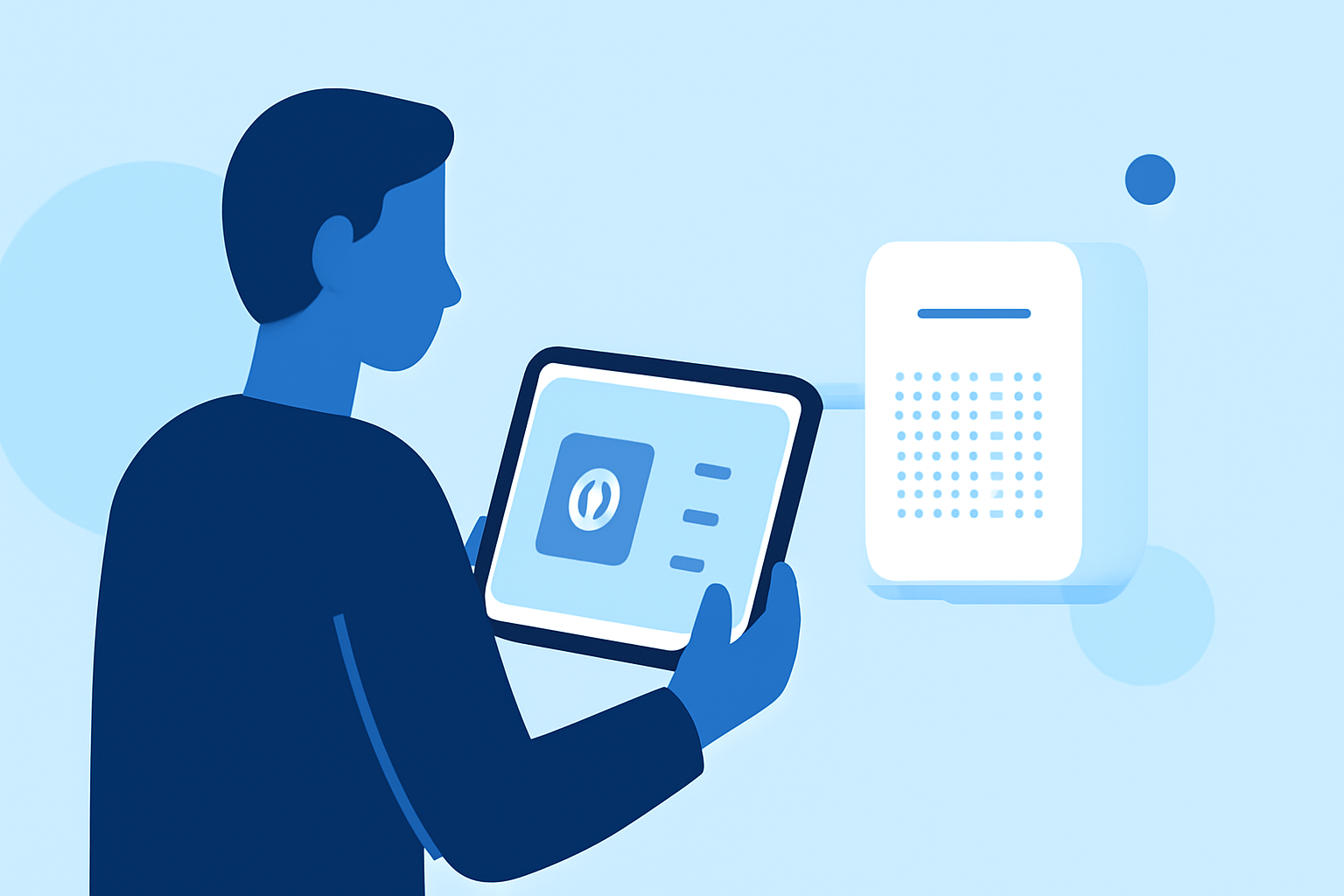
Managing your indoor air quality is essential for a healthy living environment. With the advancement of smart technology, many air purifiers now offer iPad compatibility, allowing you to monitor and control your air purifier remotely. Here's how to make the most of this feature:
1. How Do I Connect My Air Purifier to My iPad?
To connect your air purifier to your iPad, ensure that both devices are powered on and within close proximity. Download the manufacturer's app from the App Store and follow the on-screen instructions to pair your devices. For instance, the Blueair app provides a step-by-step guide for connecting your air purifier. (blueair.com)
2. What Features Are Available Through the iPad App?
Once connected, the app typically offers features such as:
-
Real-Time Air Quality Monitoring: View current indoor and outdoor air quality levels.
-
Remote Control: Adjust settings like fan speed, mode (e.g., auto, night), and schedule operations.
-
Filter Status Alerts: Receive notifications when it's time to replace filters based on usage and air quality.
-
Maintenance Reminders: Get alerts for regular maintenance tasks to keep your air purifier functioning optimally.
3. How Can I Optimize Air Quality Using My iPad?
Utilize the app to monitor air quality trends and adjust settings accordingly. For example, if the app indicates a rise in particulate matter, you can increase the fan speed or switch to a higher purification mode. Some apps also provide tips to improve air quality, such as keeping windows closed during high pollution periods. (coolblue.be)
4. Are There Any Maintenance Tips for My Air Purifier?
Regular maintenance is crucial for optimal performance. Use the app to monitor filter status and set reminders for replacements. Additionally, ensure that the air purifier is placed in an open area with sufficient space around it to allow for proper air intake. (coolblue.be)
5. How Do I Troubleshoot Connectivity Issues?
If you experience connectivity issues, check that your iPad and air purifier are connected to the same Wi-Fi network, preferably a 2.4 GHz network. Ensure that Bluetooth is enabled on your iPad if required for initial pairing. Refer to the app's troubleshooting section for specific guidance. (blueair.com)
By effectively utilizing your iPad to manage your air purifier, you can ensure a cleaner and healthier indoor environment.