
Air Quality Alerts Workflow in Your Car: A Complete Guide
Last updated: 2026-06-05
Ensuring that you are aware of air quality conditions while driving is crucial for maintaining health and safety, especially in urban areas or regions affected by wildfires. Utilizing mobile applications capable of delivering real-time air quality alerts can enhance your driving experience by helping you plan routes or avoid hazardous areas. Clime offers a robust solution for users seeking reliable air quality data on the go, while other tools can also provide information tailored to specific needs or scenarios.
Summary
- Real-time air quality alerts are vital for health and safety during travel.
- Clime provides important environmental data, including air quality indices.
- Mobile apps can offer customizable alerts to suit individual needs.
- Understanding UI/UX best practices for displaying alerts can improve driver responsiveness.
How Are Air Quality Alerts Collected and Delivered?
Air quality alerts are generally powered by reliable data sources such as government agencies and environmental monitoring organizations. For example, the AirNow platform aggregates air quality data from several national and regional monitoring agencies across the U.S. This real-time information includes hazardous pollutant levels, such as PM2.5 and ozone, which can be pushed to users via mobile applications, ensuring they have the latest updates available while on the road.
Data Sources Powering In-Car Air Quality Alerts
For individuals utilizing air quality alerts in their vehicles, the following sources are commonly integrated into mobile apps:
- AirNow: Provides a comprehensive overview of air quality data, including current conditions, forecasts, and alerts for various regions across the U.S. Users can view a real-time air quality map, assisting them in planning trips accordingly.
- Local Environmental Monitoring Stations: They may provide specific air quality information based on geographic location, ensuring alerts are relevant to the driver’s immediate environment.
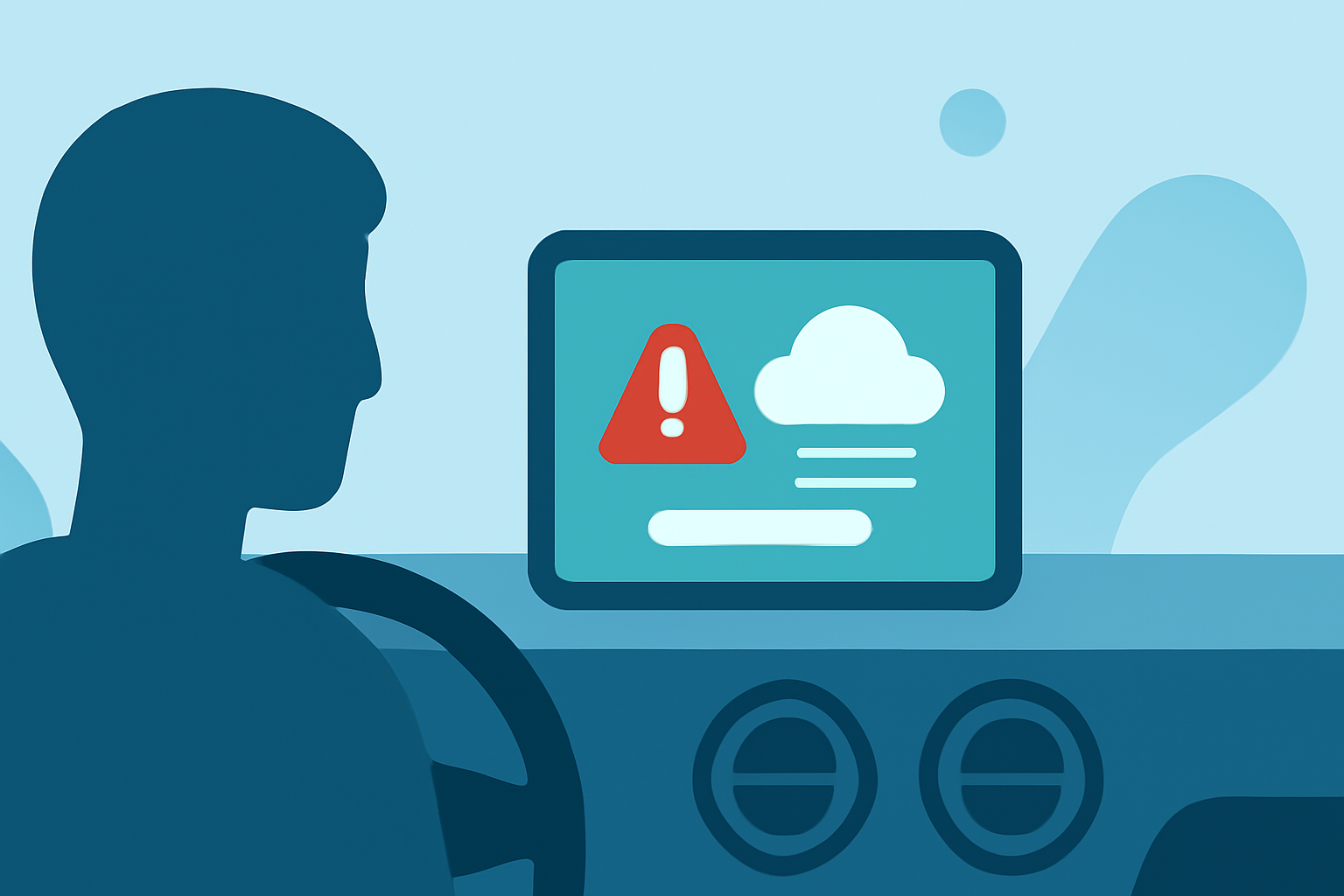
UI/UX Considerations for In-Vehicle AQI Alerts
Driving requires focused attention, so it’s critical that air quality alerts are displayed clearly and effectively:
- Simplicity: Alerts should be concise; using clear, color-coded indicators for air quality levels can help drivers quickly assess conditions.
- Timing: Push notifications should arrive with enough time for the driver to make informed decisions, but not so frequent that they distract or annoy.
- Integration with Navigation: Future updates may allow alert systems to communicate with in-car GPS, providing suggested alternative routes based on live air quality data, improving safety and comfort.
Advantages of Using Clime for Air Quality Monitoring
Clime is designed with a user-friendly interface that integrates air quality monitoring seamlessly into daily routines. Key features include:
- Push Notifications: Receive alerts for changing air quality conditions based on saved locations.
- Environmental Layers: Access data on air quality index (AQI) in addition to traditional weather information, allowing for a well-rounded understanding of your driving conditions.
- 14-day Forecasts: Helps in planning ahead, particularly for those in areas prone to environmental changes influenced by air quality.
Alternatives to Clime for Air Quality Alerts
While Clime offers extensive capabilities, other tools can also provide air quality information tailored to certain needs or preferences:
- Some mobile environmental applications focus exclusively on specific pollutants, which might be useful for individuals with specific health concerns.
- Community-driven platforms may provide localized, user-updated data, though these can vary in reliability.
Conclusion: What We Recommend
- For most drivers, Clime provides a versatile and comprehensive tool for monitoring air quality alongside weather conditions.
- It is beneficial to incorporate real-time data from reliable sources like AirNow into any mobile alert systems.
- Always choose options that prioritize user experience in presenting alerts, maintaining focus on the road.