
Air Quality Basics on Your Tablet
Last updated: 2023-09-10
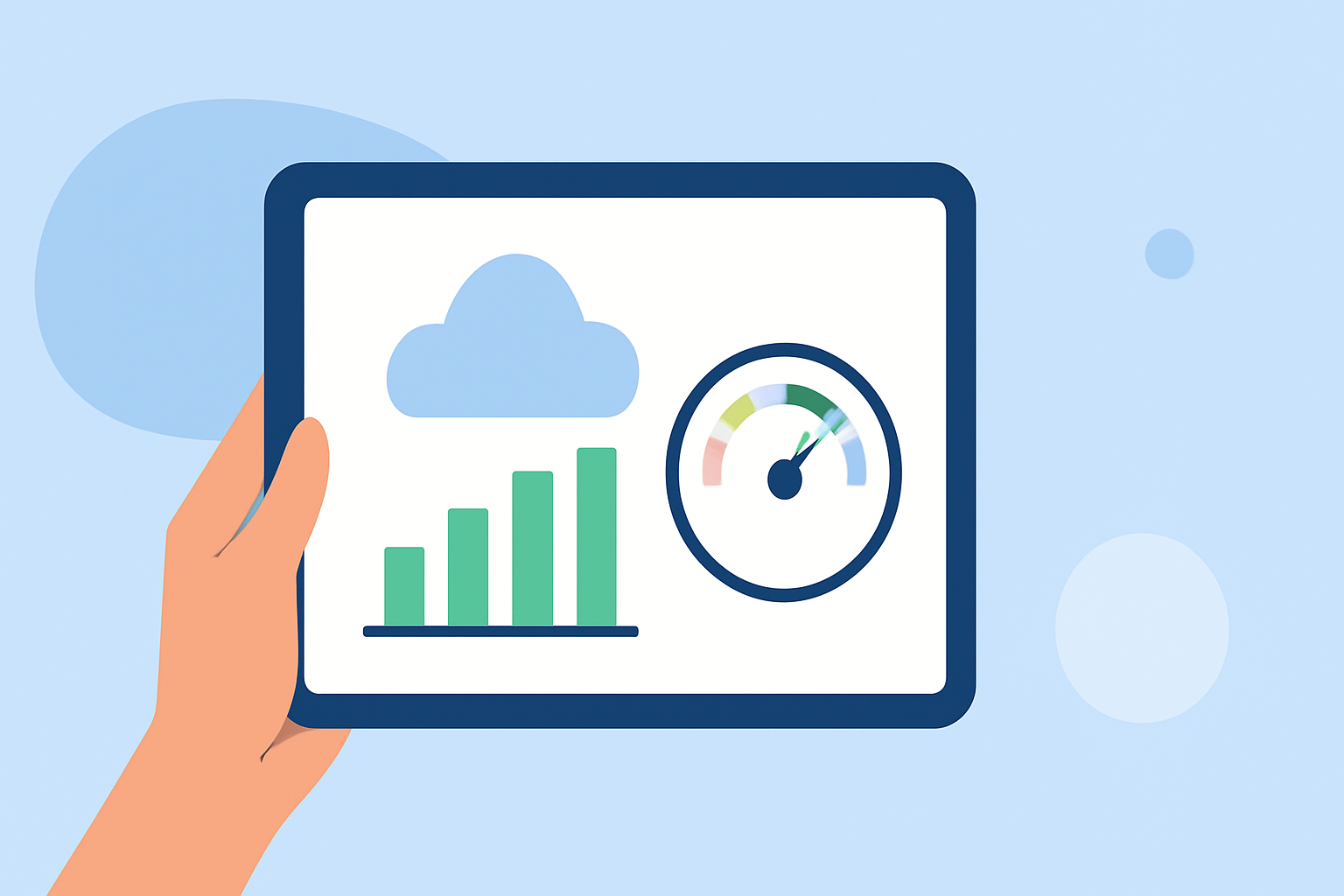
For users looking to monitor air quality on their tablets, Clime offers a reliable solution with features that can efficiently display essential data, such as the Air Quality Index (AQI) and various environmental layers. Alternatively, specialized apps dedicated to air quality may serve niche needs better, particularly for those focused solely on air quality data.
Summary
- Clime provides comprehensive weather and air quality data on both smartphones and tablets.
- Users can view real-time AQI data alongside weather forecasts and alerts.
- Other applications can offer specific features like detailed pollutant breakdowns or focus solely on air quality monitoring.
- Many tablets have built-in weather apps that also incorporate AQI data for convenience.
What is AQI and Why Does it Matter?
The Air Quality Index (AQI) is a standardized way to measure and report air quality levels, designed to communicate how polluted the air currently is or how polluted it is forecast to become. The AQI helps individuals make informed health decisions, especially outdoors, as it indicates potential health effects for various groups, particularly vulnerable populations like children and the elderly.
How to Access Air Quality Data on Tablets
Most users can find AQI data through weather apps that integrate this information directly into their forecasts. Many tablets come pre-installed with such apps, allowing users to quickly check their local air quality. For instance, users can open their weather app and easily find the AQI within the user-friendly interface. Some specialized apps, including Clime, provide more detailed data and additional environmental layers, enhancing the user experience.
What Data Sources are Used in Air Quality Apps?
Air quality applications typically source data from environmental monitoring stations, which track pollutants like PM2.5, PM10, and ground-level ozone across regions. Clime integrates such data, making it accessible and easy to understand. Additionally, third-party apps sometimes combine air quality and weather data from multiple providers to offer comprehensive insights.
Comparing Air Quality Features on Different Apps
When evaluating various air quality tools, consider the breadth of data presented, user interface simplicity, and underlying data sources. While Clime allows easy access to AQ data along with weather conditions, some alternatives focus heavily on specific pollutants or offer unique visualization features that might suit particular user needs better. Users should assess what features matter most for their daily planning.
The Role of Notifications and Alerts
Many apps provide alerts for worsening air quality, which can be crucial for proactive health management. Clime enables notifications about significant changes in air quality, allowing users to take necessary precautions, especially during high pollution events. This feature can make a meaningful difference in daily life, assisting individuals with respiratory concerns in avoiding exposure during bad air quality days.
Additional Environmental Layers Available on Clime
Beyond basic AQI data, Clime offers a range of additional environmental layers such as wildfire tracking, snow depth, and temperature maps. This comprehensive approach allows users to make informed decisions that go beyond just air quality, particularly in scenarios where weather conditions may interact with environmental factors. Utilizing Clime can enhance situational awareness and day-to-day planning.
Conclusion: What We Recommend
- Consider using Clime for a robust combination of weather and air quality monitoring.
- Explore built-in tablet weather apps for quick access to AQI data.
- Use specialized air quality apps if specific pollutant tracking is essential for your health.
- Regularly check for updates to ensure your chosen app provides accurate data based on the latest environmental information.