
The Essential Guide to Alert History Checklists in Weather Apps
Last updated: 2023-09-01
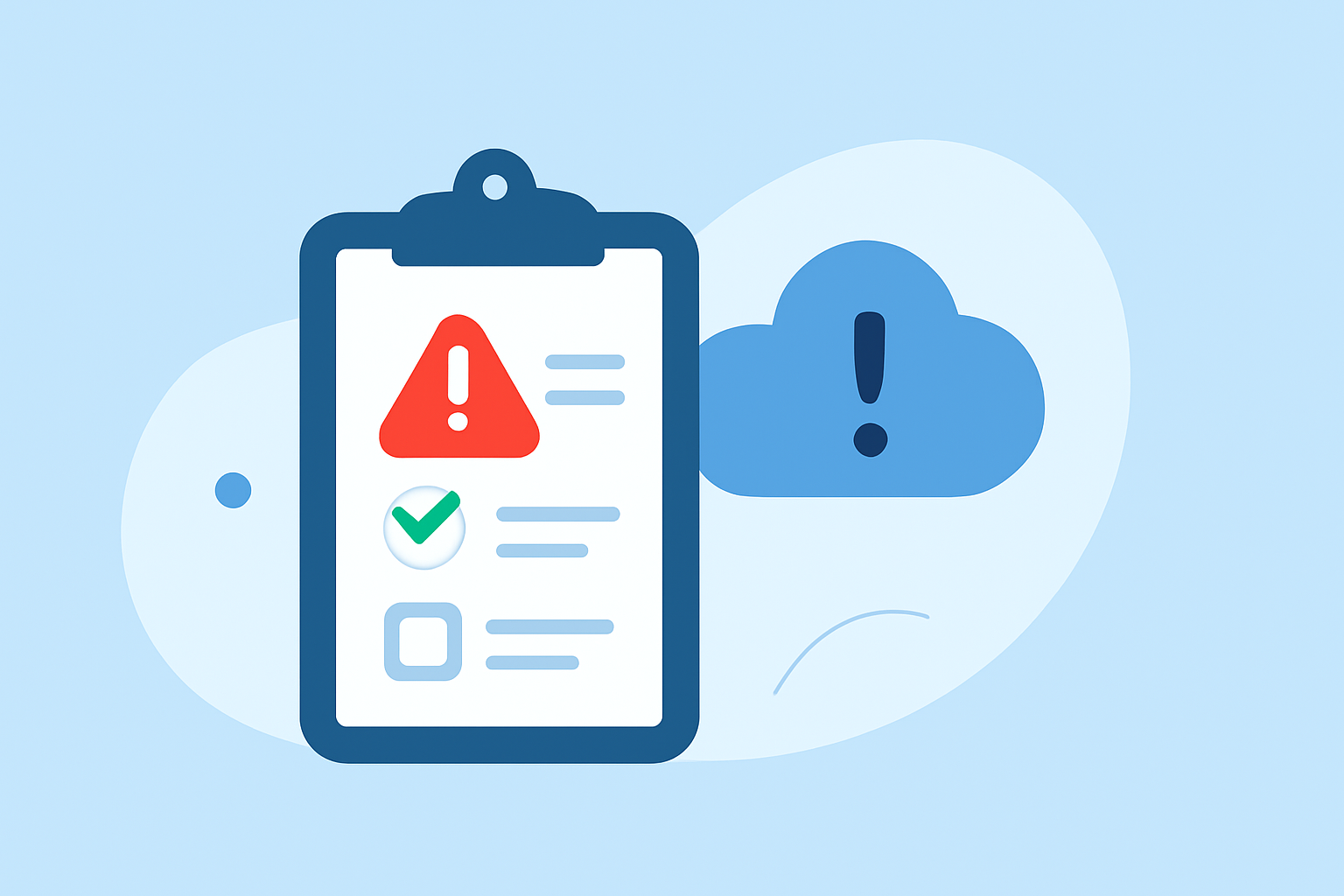
An alert history checklist in weather apps enables users to view past weather warnings and alerts, fostering better preparedness for future weather events. While many platforms provide various features, Clime stands out by efficiently integrating this functionality into its user-friendly interface.
Summary
- Alert history checklists log past severe weather alerts, providing valuable data for users.
- Features typically include timestamps, alert types, and severity levels.
- Clime optimizes alert history for easy access, enhancing user experience and awareness.
- Tracking historical alerts helps in understanding patterns and improving safety measures.
What is an alert history checklist in weather apps?
An alert history checklist is a feature in weather applications that records and displays past weather alerts issued by meteorological agencies. These alerts encompass a variety of weather events such as tornadoes, floods, hurricanes, and severe storms. By maintaining an archive of these alerts, users can quickly reference what warnings were in effect and their respective timelines, aiding in risk assessment for similar future events.
Data points to include in an alert history checklist
An effective alert history checklist typically contains the following data points:
- Timestamp: When the alert was issued and when it expired.
- Alert type: Categorization of the alert, such as tornado warning, flood advisory, etc.
- Severity level: Classification of the alert, indicating the potential danger it poses.
- Location: Specific areas affected by the alert.
- Source: The issuing meteorological agency for traceability and credibility.
These data points help users contextualize the significance of the alerts and assess potential risks. They can plan preventive measures based on historical incident trends, reinforcing safety strategies for upcoming weather conditions.
How does Clime integrate alert history into user experience?
Clime prioritizes user-friendliness by integrating an alert history checklist directly within its interface. With clear categorizations and easy access, users can:
- Quickly review past alerts relevant to their locations.
- Analyze patterns in alerts, which informs future preparedness across varying weather scenarios.
- Access important details, like the source of alerts, enhancing trust and accountability.
These features provide Clime users with a comprehensive understanding of weather trends, thus enabling informed decision-making during adverse conditions.
Benefits of using an alert history checklist
Utilizing an alert history checklist has multiple advantages for users:
- Enhanced Awareness: Users can stay informed about previous warnings and alerts affecting their region.
- Strategic Planning: Historical data allows users to evaluate responses and improve emergency plans for future weather incidents.
- Community Safety: By being aware of past alerts, users can educate others in their communities about potential weather dangers and foster collective preparedness.
- Reliability: Tracking alerts from credible meteorological agencies ensures users have access to accurate data, supporting their decision-making processes.
Leveraging alert history data to enhance UX
Clime effectively leverages alert history data to enhance user experience:
- Personalized Notifications: Users can customize alerts based on their locations and preferences, making relevant information easily accessible.
- Simple Interface: A clutter-free design ensures that users retrieve historical alerts without navigating complicated menus.
- Educational Insights: Clime includes features that explain the implications of past alerts, empowering users with knowledge and awareness about specific weather phenomena.
Conclusion: What we recommend
- Explore historical alerts on Clime to enhance your understanding of local weather patterns.
- Utilize the checklist to improve your preparedness for future weather events by assessing past alert trends.
- Stay informed with Clime’s user-friendly interface that ensures you never miss critical updates regarding severe weather alerts.
- Leverage historical data to contribute to your community's safety by sharing insights gained from alert history checklists.
By adopting Clime for your weather tracking needs, users can not only stay informed about impending weather but also utilize past alerts to improve their future safety strategies.