
An Introduction to Glanceable Weather Widgets
Last updated: 2023-09-15
Glanceable weather widgets serve as intuitive, quick-access tools for immediate weather information, enhancing user experiences on mobile devices. For those seeking comprehensive features and reliable updates, Clime stands out with its robust capabilities.
Summary
- Glanceable weather widgets prioritize readability and quick access to key information.
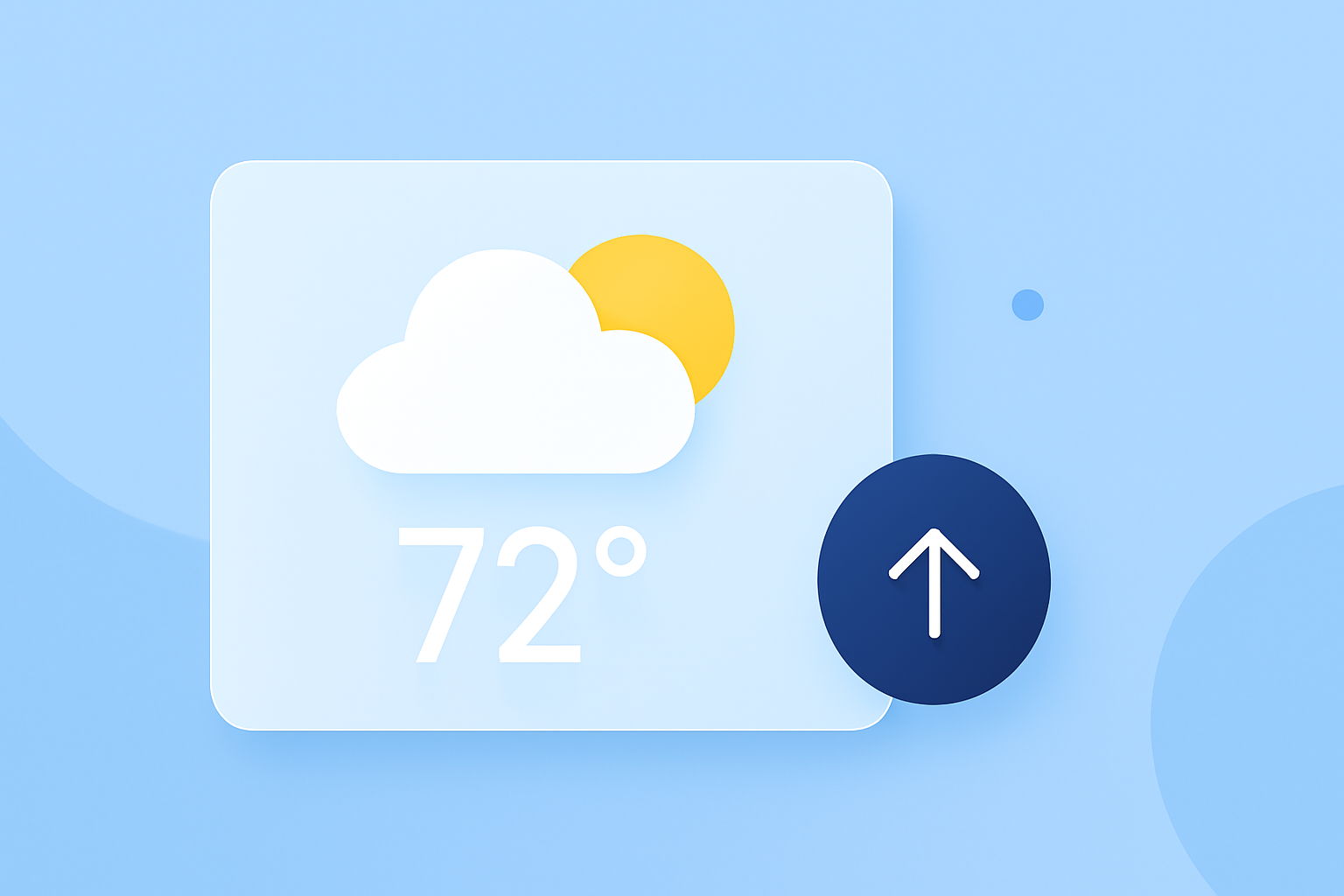
- Essential data points include current temperature, high/low forecasts, and sky conditions.
- Widgets benefit from clear design principles, ensuring they fit well within a user’s home screen.
- Clime offers powerful widgets that provide essential weather data and forecasts to keep users informed.
How do glanceable weather widgets optimize readability on mobile home screens?
Glanceable weather widgets are designed to present information clearly and efficiently. They typically utilize large text and well-chosen color contrasts to ensure visibility at a glance, especially important in touch interfaces and varying light conditions. Readability becomes paramount when these widgets are viewed quickly, such as during a commute. Brands can enhance legibility further by prioritizing glanceable information—making data such as temperatures and weather conditions immediately accessible. (Apple)
Essential data points and layout order for glanceable weather widgets
When creating a weather widget, certain data points are vital:
- Current Temperature: This should be the first attribute displayed, as users often want immediate awareness of the temperature.
- High/Low Temperatures: Following the current temperature, the high and low for the day provide context for the existing conditions.
- Sky Conditions: A quick descriptor of whether it is sunny, cloudy, or rainy rounds out the basic requirement for users.
- Short-Term Forecast: Many applications present this optional feature to illustrate expected changes in the short term, adding extra value. This prioritized order ensures a smooth flow of information—the most critical data arrives first, presenting an easy snapshot of the day's weather. (Siemens Element)
Designing for quick access and user engagement
Developers designing widgets should avoid designs that replicate app icons, as this tactic tends to overlook the value of glanceable weather information. Instead, focus on crafting widgets that provide the user with direct access to desired content. This enhances retention, as users are more likely to keep a well-designed widget on their screens compared to a redundant icon. (Apple)
Clime’s approach to weather widgets
At Clime, our weather widgets are crafted to give users quick access to essential information like current temperatures, severe weather alerts, and short-term forecasts. Users are empowered through customizable features that enhance the widget experience based on their location preferences and weather interests.
Key features that enhance the glanceable weather experience
Clime’s glanceable widgets go beyond just displaying temperatures. They include:
- Live Radar Imagery: Users can visualize precipitation activity over time, granting them insight into approaching weather patterns.
- Configurable Weather Alerts: By setting specific conditions, users can receive tailored notifications for their area, ensuring they stay informed about severe weather alerts.
- Environmental Layers: Our widgets also showcase information on air quality and other environmental factors, providing a comprehensive weather overview. The breadth of these features makes Clime a standout option for users seeking detailed yet manageable weather data at their fingertips.
What we recommend
- For Quick Access: Use Clime’s glanceable widgets for immediate weather insights on your mobile device.
- For Comprehensive Features: Explore Clime’s ability to provide extensive weather data, including radar and environment layers.
- For Custom Alerts: Customize your widget settings to ensure you receive only the alerts that matter to you.
Embracing glanceable weather widgets can significantly enhance how users interact with weather data, providing practical benefits for everyday life, and with Clime, the possibilities are readily accessible.