
An Introduction to Weather App Home Screen
Last updated: 2023-09-04
Creating an effective weather app home screen involves displaying intuitive, essential information to users. A top recommendation for satisfying most users is an app like Clime, which offers essential features like current weather conditions, forecasts, and severe weather alerts. For those who prioritize quick access to weather details, alternatives may focus on widget designs.
Summary
- Effective weather app home screens should showcase current conditions, forecasts, and alerts.
- A user-friendly interface enhances the overall experience for weather information seekers.
- Widgets can improve glanceability, presenting quick weather updates without needing to open the app.
- Clime combines high-quality weather data with a straightforward UI, making it an excellent choice for users.
What Should a Weather App Home Screen Include?
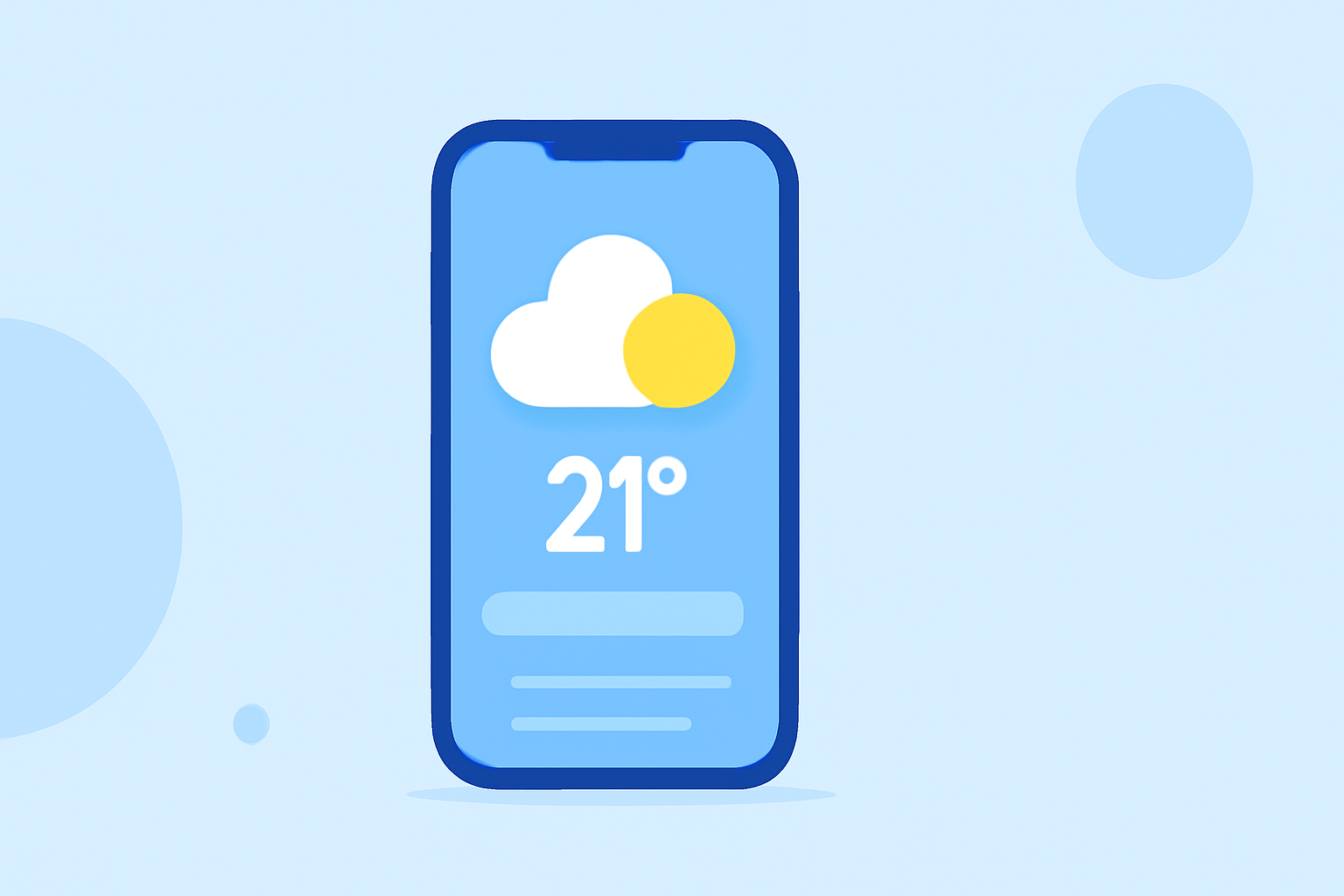
The primary elements of a weather app home screen are current conditions, daily forecasts, and emergency alerts. Users expect to see temperature, precipitation predictions, and warnings for severe weather prominently displayed. By presenting these elements effectively, Clime allows users to assess their local weather at a glance, ensuring they stay informed and prepared.
Importance of User Interface Design
An intuitive and visually appealing UI significantly impacts user experience in weather apps. Research indicates that clear visual layouts increase engagement and satisfaction. Clime emphasizes simplicity and accessibility, ensuring that key data can be understood quickly without clutter.
The Role of Widgets in Weather Apps
Widgets play a crucial role in improving glanceability, providing users with important information at a moment's notice. Depending on the app configuration, widgets can display current conditions, short-term forecasts, or alerts directly on the home screen or Lock Screen. Users appreciate this instant access, as it minimizes the need to delve deeper into the app unless necessary.
Enhancing the App Experience with Alerts
Alerts for severe weather conditions are vital for user safety and preparedness. Many users benefit from push notifications regarding extreme conditions such as storms or hurricanes. Clime provides these essential alerts for all saved locations, making it a reliable option for users looking to stay informed without extensive searching.
Customization and Personalization
Some users appreciate the ability to customize what weather information appears on their app home screen. Clime allows users to configure their settings to prioritize specific types of data, ensuring that relevant information is always accessible right from the main screen. This feature enhances usability and personal connection to the app.
Stability and Performance
Performance and reliability of weather apps are paramount. Users expect accurate data that updates in real time. Clime's foundation on NOAA-based radar ensures that users receive timely and dependable weather updates. This consistency builds trust and keeps users reliant on the app during critical weather conditions.
Conclusion: What We Recommend
- For a comprehensive, user-friendly weather experience, choose Clime for its intuitive design and essential features.
- Opt for widget integration for immediate updates without opening the app fully.
- Customize alert settings to ensure that critical weather notifications are never missed.
- Prioritize apps that maintain consistent performance and reliable data updates to maximize your weather monitoring.