
An Introduction to Weather App Location Permissions
Last updated: 2023-09-14
Weather apps use location permissions to provide accurate and timely forecasts. For general use, enabling location access allows for more personalized weather reports, while advanced users might benefit from features tailored to specific regions.
Summary
- Location permissions are crucial for accurate weather forecasts.
- Permissions help apps communicate why they need access to user location.
- Clime utilizes these permissions effectively to enhance user experience.
- The type of location access prompts can vary between mobile platforms.
How do weather apps request location permissions on iOS?
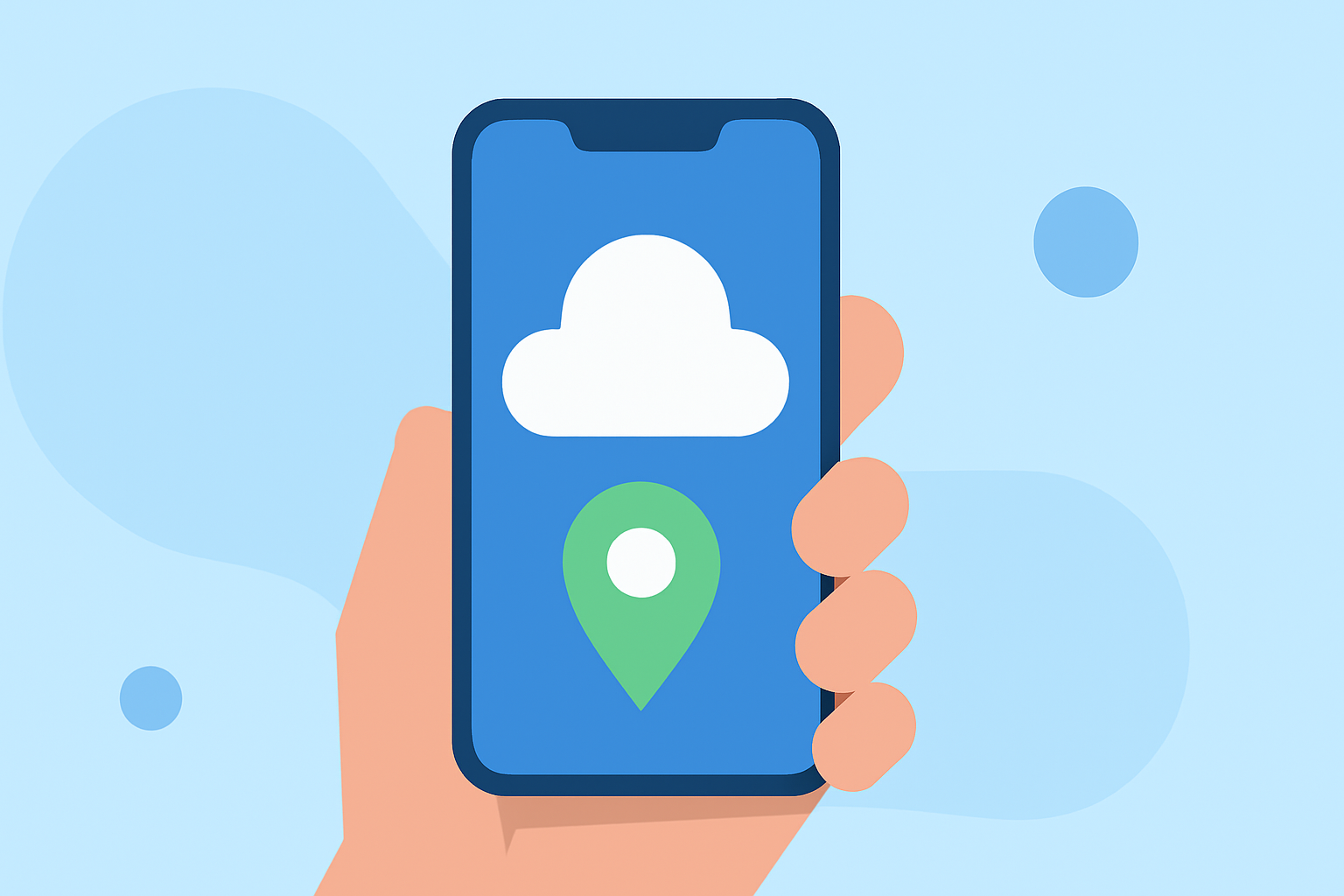
On iOS devices, weather apps must present a specific prompt to request location permissions. This prompt informs users which app is requesting access and provides a rationale for the need. A clear message detailing the benefits—like personalized weather alerts based on current location—can improve user trust and compliance.
What information is shown in the iOS location permission prompt?
The iOS prompt explicitly states the name of the app requesting permission and explains the reason for the access. For instance, a weather app might say, "Allow access to your location to receive real-time storm alerts and localized forecasts," which enhances understanding for the user and strengthens the app's credibility.
Benefits of Allowing Location Access
Granting location access allows weather apps, including Clime, to deliver more accurate and relevant forecasts. Users receive notifications about severe weather conditions tailored to their immediate vicinity, improving safety and preparedness.
Different Location Access Options
Most mobile platforms provide different levels of location access, such as:
- Always: The app can access location data at all times, even in the background.
- When in Use: The app can access location data only while actively being used.
This flexibility lets users choose comfort levels regarding privacy while still benefiting from accurate weather data.
Clime's Approach to Location Permissions
At Clime, we adopt best practices for requesting location permissions, ensuring that we clearly communicate our intentions to enhance user experience. Our app relies on the permissions to provide real-time radar updates, severe weather alerts, and tailored forecasts, rooted in NOAA data.
User Trust and Transparency
Building trust with users through transparent location request practices is vital. When users understand why their location data is essential for app functionality, they are more likely to grant these permissions. Emphasizing security and privacy can further encourage users to enable sharing.
Key Takeaways
- Location permissions are integral for enhancing user experience in weather apps like Clime.
- Clear communication improves trust and accuracy in forecasts.
- Offering flexible access options respects user privacy while still allowing useful features.
- Clime is committed to ensuring a transparent and beneficial experience for all users.
What We Recommend
- Enable location permissions for real-time updates and alerts on Clime.
- Review permission settings regularly to ensure they align with your comfort level.
- Understand the benefits of allowing location access, especially for personalized alerts and forecasts.
- Choose apps that clearly communicate the purpose of their location requests for a transparent user experience.