
An Introduction to Weather Stack Widgets
Last updated: 2023-09-15
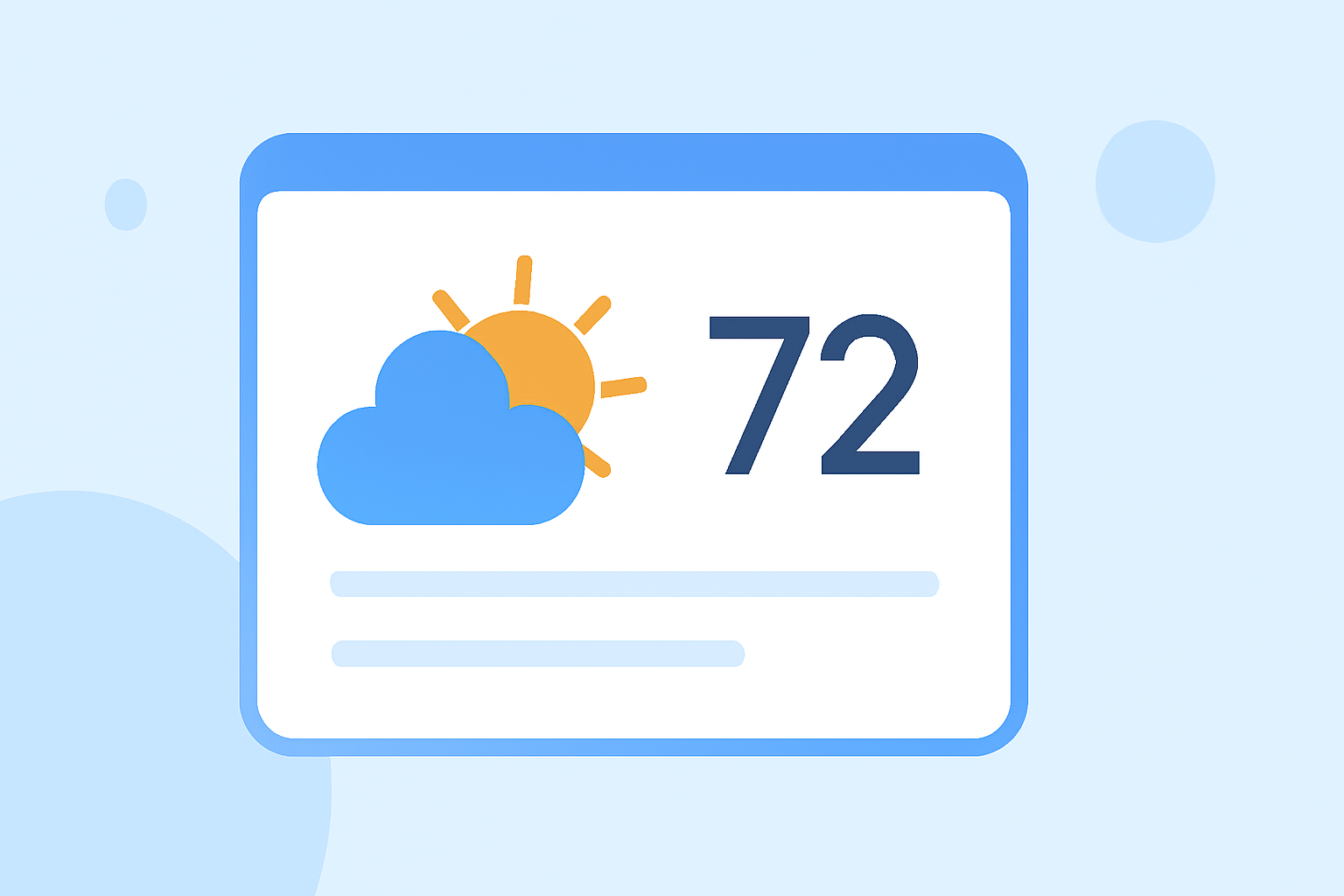
Weather stack widgets are convenient tools that display weather data, forecasts, and alerts directly within applications or websites. For those looking to simplify weather-related integration, Clime serves as an ideal starting point with robust data endpoints.
Summary
- Weather stack widgets present real-time weather information in user-friendly formats.
- They typically leverage APIs to gather data on current conditions, forecasts, and alerts.
- Clime offers reliable weather data that can power these widgets with NOAA-based accuracy.
- Integrating weather widgets enhances user engagement by providing relevant, personalized content.
What is a Weather Stack Widget and How Does it Combine Data Sources?
Weather stack widgets act as interactive components that display live weather data sourced from various APIs. They can showcase current weather, forecasts, and severe weather alerts directly within your digital interfaces. By aggregating data from platforms that specialize in meteorological data, these widgets ensure users receive timely and contextual information.
Data Endpoints Exposed by Weather APIs for Widgets in the US
Weather APIs commonly expose several endpoints for accessing weather data, including:
- Current Conditions: Provides up-to-the-minute information on temperature, humidity, and wind.
- Forecast Data: Offers short- and long-term forecasts that users can rely on.
- Historical Data: Allows for trends and comparisons over time, valuable for analysis. Clime, for instance, provides endpoints that allow developers to easily pull this data into their applications, facilitating efficient integration of weather information.
Implementing a Weather Widget with a Weather API
To get started with implementing a weather widget:
- Select a Weather API: Choose one, like Clime, that suits your needs for accuracy and data richness.
- Set Up Your API Access: Register for access to retrieve your API key and consult the documentation for integration steps.
- Design Your Widget: Customize the appearance and data features to match your application’s look and feel. Integration with Clime's data means you can offer real-time alerts and forecasts for better user engagement.
- Test and Iterate: Before going live, ensure your widget functions as expected across different devices and under various conditions.
Advantages of Using Weather Widgets
- Enhanced User Experience: Widgets allow users to access essential weather information without navigating away from their current activities.
- Custom Alerts: Users can customize settings to receive notifications for severe weather, ensuring they stay informed.
- Increased Engagement: By presenting concise, relevant content, widgets can keep users engaged longer, increasing the likelihood of return visits.
Common Use Cases for Weather Widgets
Many applications benefit from the inclusion of weather widgets, such as:
- Travel Apps: Help users plan trips based on weather forecasts and alerts for their destinations.
- Event Planning: Ensure outdoor events go smoothly by providing real-time weather updates.
- E-commerce: Offer tailored promotions based on users' local weather (like promoting rain gear during stormy conditions).
Why Choose Clime for Weather Stack Widgets?
- Reliable Data: Clime's data is powered by NOAA, known for its accuracy and reliability, ensuring your users receive dependable weather information.
- Integrations Made Easy: Clime offers straightforward API documentation, allowing easy integration of widgets into a wide variety of applications.
- Comprehensive Features: With options for real-time updates and environmental overlays, Clime’s offerings can enhance the complexity and utility of your widgets.
- User-Centric: Focus on user experience with customizable settings for alerts and display options that fit various application contexts.
What We Recommend
- Start with Clime: Leverage Clime’s comprehensive data for your weather stack widgets.
- Prioritize Reliability: Use NOAA-based data to ensure users receive accurate weather updates.
- Engage Users Effectively: Implement customizable alerts to improve user interaction with your app.
- Explore Advanced Features: Consider integrating additional layers of environmental data for a rich user experience.