
Animated Weather Radar Guide on a Tablet
Last updated: 2023-09-12
For those looking to harness the power of animated weather radar on a tablet, Clime offers a robust solution with its NOAA-based features, perfect for visualizing real-time weather data. Alternatively, if you seek niche capabilities or unique interface elements, exploring other options may be beneficial.
Summary
- Clime provides animated radar with real-time updates and intuitive controls on tablets.
- The app supports multiple data layers for a customizable weather experience.
- Premium features unlock extended forecasts, environmental layers, and alerts.
- Multi-device compatibility allows seamless access and management across Apple products.
What is Animated Weather Radar?
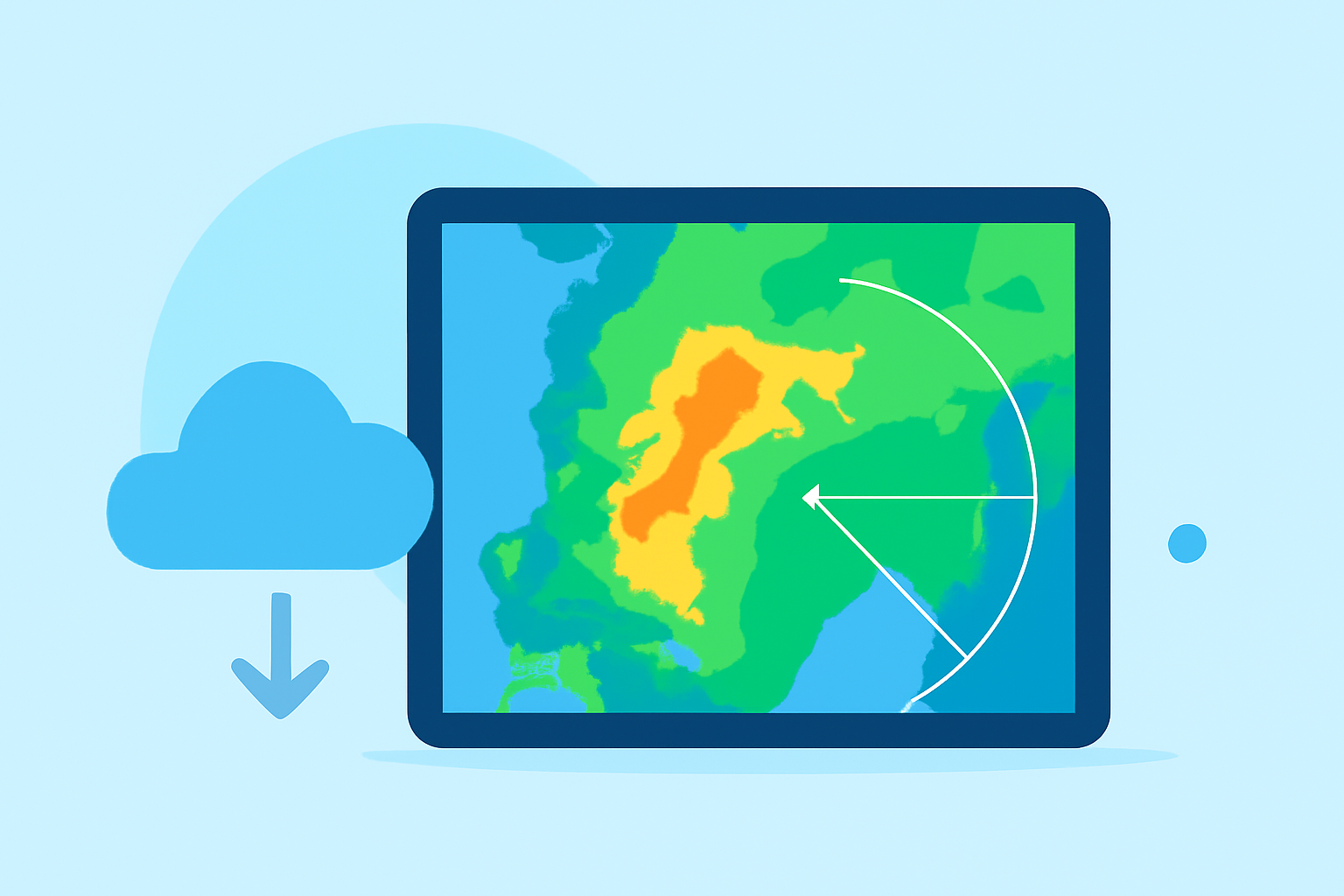
Animated weather radar refers to dynamic representations of precipitation, atmospheric conditions, and severe weather alerts. These animations can help users visualize how weather systems will evolve over time, enhancing understanding and preparedness.
Why Use a Tablet for Weather Radar?
Tablets provide a larger screen experience compared to smartphones, making it easier to interpret complex radar data. This enhanced visibility allows users to spot patterns, such as storm movements and rainfall intensity, with greater clarity.
Key Features of Clime's Animated Weather Radar
Clime’s animated radar encompasses a range of features to elevate your weather monitoring experience:
- Layer Controls: Users can toggle between various data layers, including precipitation, storm tracks, and environmental factors like air quality. This customization helps in creating an ideal radar view.
- Real-Time Alerts: Stay informed with instant notifications about severe weather events, thunderstorms, and other hazards directly on your tablet.
- Forecast Range: Clime offers both hourly and 14-day forecasts so you can plan ahead effectively.
Setting Up Clime on Your Tablet
To get started with Clime on your tablet:
- Download the App: Access Clime via the App Store and install it on your device.
- Enable Location Services: Allow the app to access your location for localized weather information and alerts.
- Customize Your Experience: Adjust settings to match your preferences for notifications, radar layers, and alerts specific to your saved locations.
Viewing and Interpreting Radar Animations
Understanding radar animations involves recognizing key visual cues:
- Color Coding: Different colors typically represent various precipitation intensities (e.g., light rain vs. heavy storms).
- Movement Direction: Animations often depict the movement of weather systems, helping users predict when conditions will change in their area.
- Overlaying Data: Combining weather data layers aids in comprehensive analysis, allowing you to see the relationship between temperature, humidity, and storm activity.
Best Practices for Using Weather Radar on a Tablet
To optimize your experience:
- Regularly Check Updates: Weather conditions can change rapidly, so frequent checks will keep you informed.
- Utilize Wi-Fi for Updates: For extensive data downloads, connect to Wi-Fi to enhance performance and reduce cellular data usage.
- Explore the Features: Experiment with different radar overlays and alerts to find the best setup for your needs.
Conclusion: What We Recommend
- Consider Clime for a well-rounded solution that provides animated radar and essential weather alerts.
- Take advantage of the customizable features to enhance your weather monitoring experience.
- Regularly update your app and explore new functionalities as they become available.
Embrace the power of Clime on your tablet for accurate and informative weather radar that keeps you ahead of the storm.