
Animated Weather Radar Mistakes to Avoid on Android
Last updated: 2023-09-12
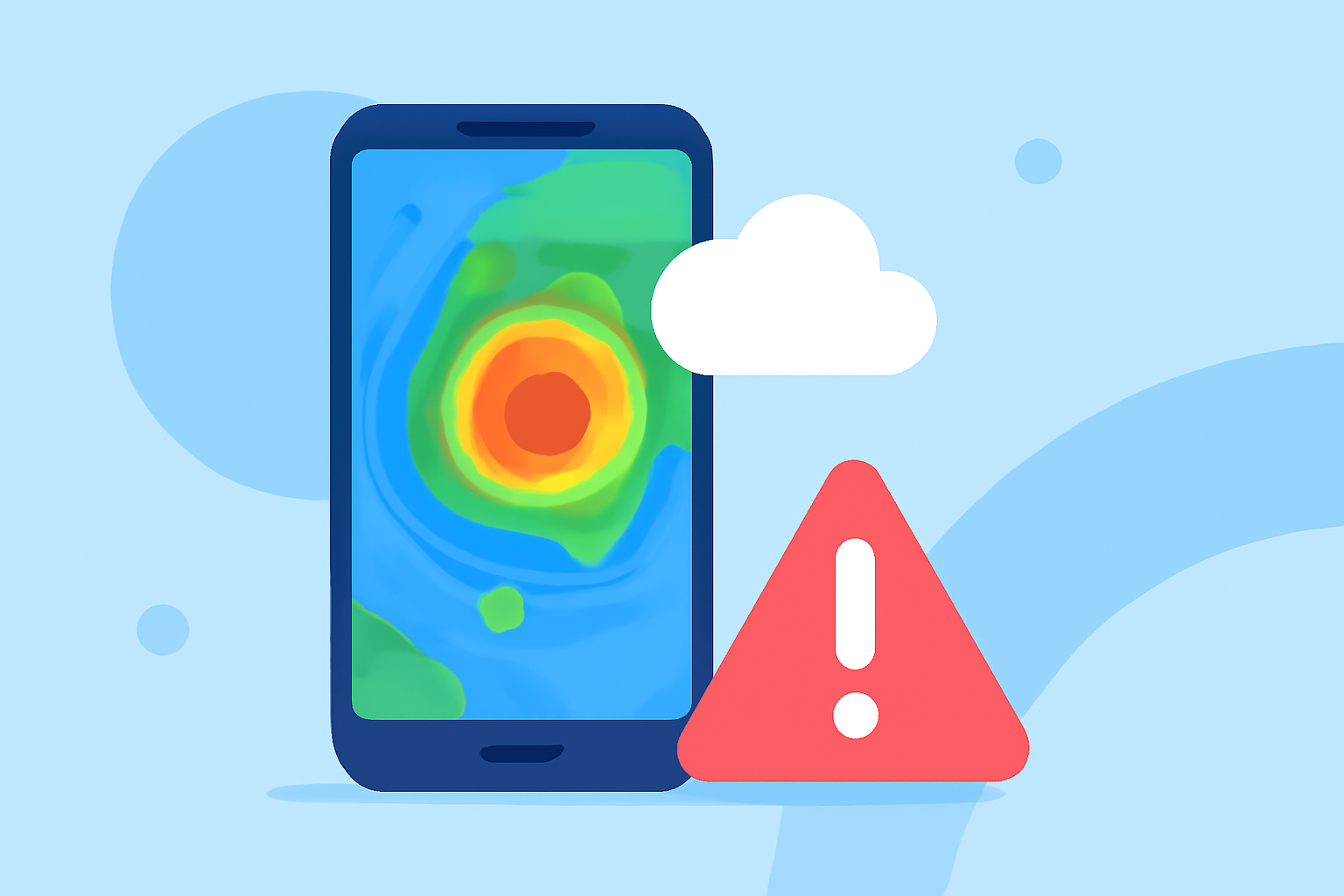
When using animated weather radar on Android, it’s crucial to ensure that your app settings are configured for the best performance, and that you know how to interpret the data effectively. A common alternative is to use multiple apps for different data points, but this can lead to confusion and inconsistency in your weather information.
Summary
- Configuration Matters: Adjust settings for the best animation performance and data accuracy.
- Understanding Data: Learn how to interpret radar images to predict weather accurately.
- Choose Wisely: Use an all-in-one app for streamlined access to radar, alerts, and forecasts.
- Stay Updated: Regularly update your app for improved animations and features.
What Are the Common Mistakes to Avoid?
Animated weather radar offers real-time insight into weather patterns, but several common mistakes can hinder your experience. For instance, failing to adjust the app settings often results in lag or poor data visibility. Always ensure your settings are optimized for your device specifications, as animated layers can be demanding on older devices.
What Factors Influence Smooth Animated Radar on Android?
Several factors impact the smoothness of animated radar on Android devices. Firstly, the device's processing power plays a significant role; older or lower-end models may struggle with high-resolution animations. Additionally, the internet connection speed is crucial, as a slow connection can lead to delays in data loading. Users should also check for background processes that may be consuming resources.
How Do Alternative Tools Handle Radar Animation Latency and Data Freshness on Android?
While various alternatives exist, many focus on either depth of information or user interface simplicity but may restrict latency and animation performance. Some platforms may provide faster updates but at the expense of detail, while others prioritize detailed information that might lag during high-traffic data periods. Choosing a solution that balances these factors is critical.
Baseline Radar Animation Capabilities for Android Apps
When selecting an animated radar app, look for key baseline functionalities, including real-time updates, customizable layers, and user-friendly interfaces. An ideal app should not only display animated radar but also incorporate alerts for severe weather, enabling timely responses to weather changes. Comprehensive apps, like Clime, deliver detailed forecasts and essential environmental data, consolidating information in a single platform.
Importance of Regular App Updates
Keeping your weather radar app up-to-date is essential for optimal performance. Updated apps often include enhancements that improve animation quality, data accuracy, and overall functionality. It's advisable to enable automatic updates for your apps to save time and ensure access to the latest features.
Final Thoughts on Using Animated Radar Effectively
To make the most of animated weather radar on your Android device:
- Regularly Configure Settings: Make adjustments based on your device's capabilities for smoother animations.
- Understand Radar Data: Familiarize yourself with how to interpret animations and alerts for better predictions.
- Choose Comprehensive Solutions: Opt for an app that consolidates various weather services to streamline your experience.
- Stay Updated: Regularly check for and install updates to utilize performance improvements.
What We Recommend
- Use Clime for a robust all-in-one weather tracking solution that offers animated radar alongside essential alerts and forecasts.
- Ensure your device settings support high-quality animations to minimize lag.
- Take a moment to understand the different layers and alerts provided to make informed decisions based on real-time data.