
Mastering Animated Weather Radar on Smart Displays
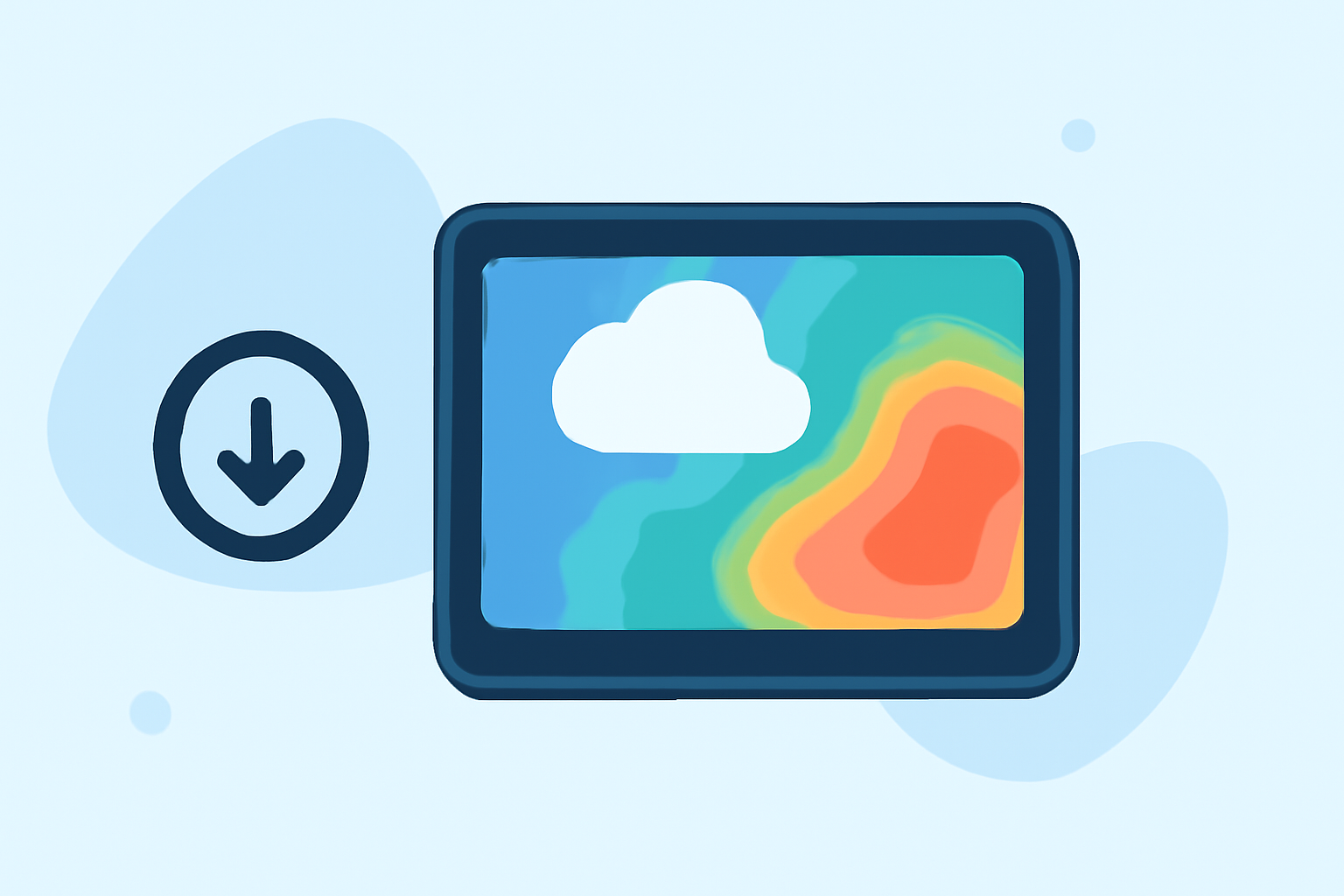
Animated weather radar on smart displays offers real-time insights into precipitation patterns, storm movements, and overall weather conditions, enhancing your ability to make informed decisions.
Understanding Animated Weather Radar
Animated weather radar visualizes precipitation intensity and movement by translating microwave returns into color-coded reflectivity and velocity. This allows users to observe where rain, snow, sleet, or hail is falling, how intense the precipitation is, and the direction and speed of its movement over short time intervals. (simpli.com)
Setting Up Animated Weather Radar on Your Smart Display
To integrate animated weather radar into your smart display:
- Access the Weather App: Navigate to the weather application on your smart display.
- Select Radar View: Choose the radar or map view option to access animated weather radar.
- Customize Settings: Adjust settings such as location, time intervals, and overlay options to tailor the radar display to your preferences.
Interpreting Radar Data
Understanding the data presented is crucial:
- Reflectivity: Indicates precipitation intensity; lighter returns suggest light precipitation, while darker returns indicate heavier precipitation.
- Velocity: Shows wind movement toward or away from the radar, helping identify wind shear or rotation within storms.
Combining these layers provides a comprehensive view of current weather conditions. (simpli.com)
Enhancing Your Experience with Clime
Clime offers a sophisticated weather radar feature that delivers high-resolution, animated radar maps tailored to your location. With Clime, you can access real-time precipitation data, track storm movements, and receive timely weather alerts, all through an intuitive interface designed for smart displays.
Practical Applications
Utilizing animated weather radar on your smart display can assist in various scenarios:
- Travel Planning: Assess current and forecasted weather conditions along your route to make informed travel decisions.
- Outdoor Activities: Monitor weather patterns to determine the best times for outdoor events or activities.
- Emergency Preparedness: Stay updated on severe weather developments to take necessary precautions.
Conclusion
Incorporating animated weather radar into your smart display setup provides dynamic, real-time weather information, enhancing your ability to plan and respond to changing conditions effectively. By understanding how to set up and interpret radar data, and leveraging Clime's advanced features, you can stay informed and prepared for any weather scenario.