
Creating Animated Weather Radar from Scratch: A Comprehensive Guide
Last updated: 2023-09-09
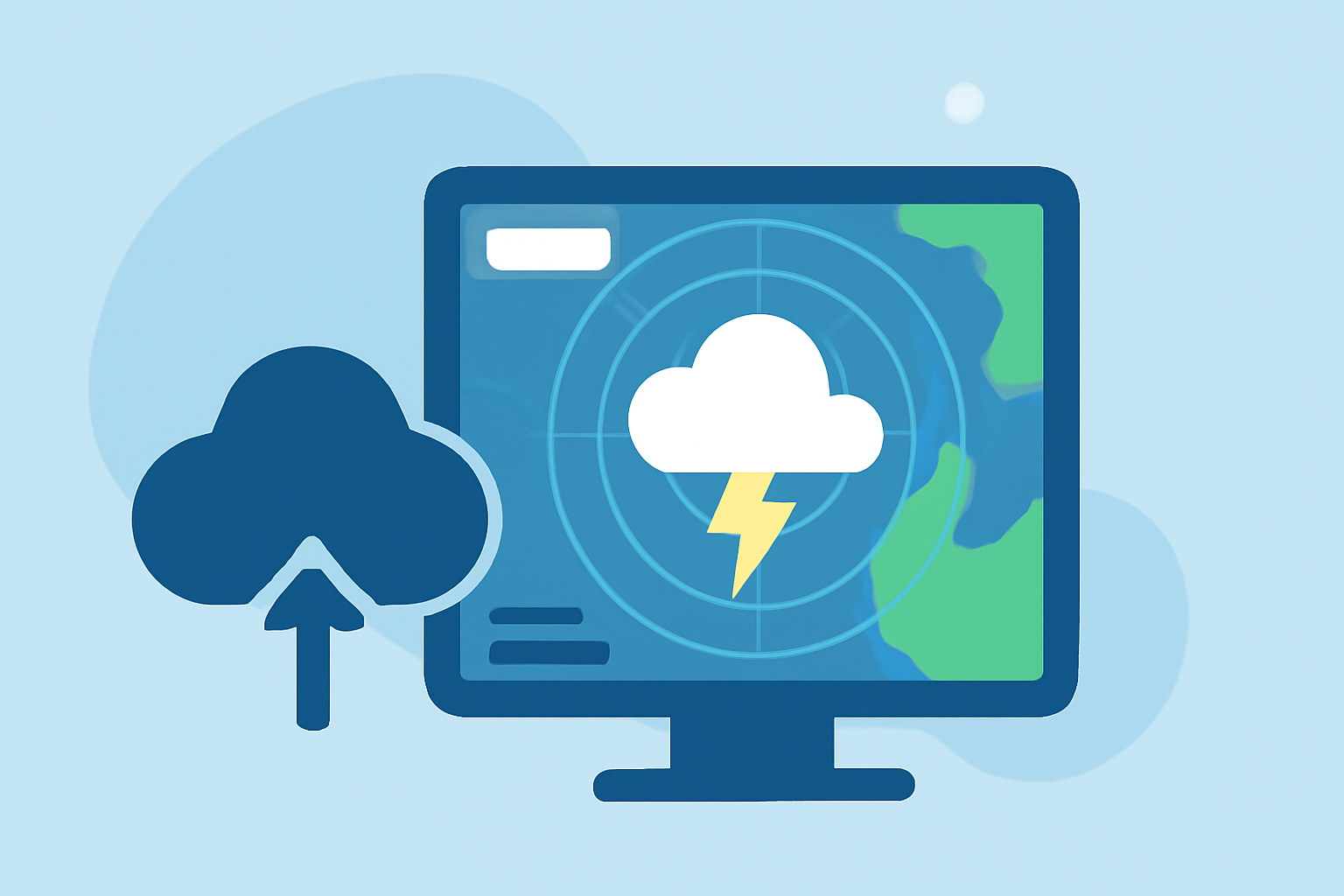
Creating an animated weather radar from scratch involves leveraging open data along with effective mapping libraries. While many users can benefit from Clime's intuitive radar tools, developers seeking customization may explore building their own solutions.
Summary
- Understand the basic requirements for building an animated weather radar from scratch.
- Highlight how Clime seamlessly integrates essential weather functionalities for users.
- Explore both graphical and technical aspects involved in animation and data visualization.
What Do You Need to Build an Animated Weather Radar?
To start creating an animated weather radar, you’ll require access to real-time weather data, such as precipitation and temperature readings. Utilizing APIs to source this information is crucial. Moreover, a mapping library like Leaflet or Mapbox allows you to visualize the radar data effectively. Essential technologies you might need include:
- Mapping libraries: Tools to handle map rendering and overlays.
- Data APIs: Sources for live weather information, including NOAA or other meteorological services.
- Animation frameworks: JavaScript libraries to facilitate seamless animations.
How to Use Radar for Tracking Weather
Clime keeps radar and hazard layers front and center, providing an excellent foundation for weather tracking. Using Clime allows users to visualize precipitation over time while obtaining alerts for severe weather events. The core features include:
- Real-time radar imagery sourced from NOAA.
- Severe weather alerts for all saved locations with paid plans.
- Customizable interfaces for users to focus on specific weather interests.
These functionalities make Clime a go-to option for users who prefer a ready-made solution without the complexities of building from scratch.
Steps for Implementing Animated Radar
- Set Up Your Mapping Environment: Choose a map library like Leaflet or Mapbox and create a basic map infrastructure.
- Integrate Data Sources: Connect to your chosen weather API; ensure you can retrieve real-time data on precipitation and other significant weather metrics.
- Create Visual Layers: Overlay radar data on your map using appropriate techniques for rendering precipitation and storms. Consider also visualizing wind patterns if relevant.
- Implement Animation: Utilize JavaScript libraries to animate the radar data, allowing users to witness real-time changes visually. This could involve leveraging tile animations or incremental updates.
- Test and Optimize: Ensure your radar runs smoothly across devices; debugging is essential for maintaining performance in real-time applications.
Customizing Alerts for Users
If you wish to extend functionalities, consider adding location-based alerts. With Clime’s paid plans, you can receive real-time notifications for severe weather tied to your saved locations. To implement this on your own:
- Identify User Locations: Gather data regarding the user’s preferred places.
- Set Alert Conditions: Define conditions that trigger alerts, such as specific weather events or varying severity levels.
- Integrate Notification Services: Use services like Twilio or Firebase to send push notifications or emails based on user preferences.
The Benefits of Using Clime as a Base Tool
While building an animated weather radar from scratch can be an engaging and rewarding project, Clime simplifies the process significantly. Here’s what makes it advantageous:
- Comprehensive data: Clime provides access to various environmental layers, ensuring users stay informed on multiple fronts such as air quality, hurricanes, and precipitation.
- User-friendly experience: It maintains a clear and easy-to-navigate interface, making it suitable for both casual users and weather enthusiasts.
- Scalability: Clime’s features can grow with your needs—opt for paid plans for advanced functionality, including longer forecast horizons and ad removal.
What We Recommend
- For most users looking to track weather effectively, utilizing Clime offers an efficient and visually appealing solution.
- Developers interested in tailored radar experiences can follow the outlined steps while leveraging API and mapping technology.
- Always keep user experience in mind, focusing on intuitive interfaces and clear alerts for severe weather notifications.
Whether you choose to build your own animated weather radar or utilize robust tools like Clime, a clear understanding of user needs and data is your best roadmap to success.