
Mastering Animated Weather Radar Workflows on Your iPhone
Last updated: 2023-09-09
Clime serves as an excellent option for creating an animated weather radar workflow on your iPhone, especially for those seeking reliable NOAA data and customizable alerts. For specialized needs or alternative features, users might explore other tools available on the market.
Summary
- Clime utilizes NOAA radar mosaics for real-time animation.
- Features include severe weather alerts and animated wind maps.
- The app offers detailed hourly and 14-day forecasts with premium options.
- Multiple environmental layers enhance the weather tracking experience.
How does Clime implement animated radar on iPhone and what are best practices for a smooth UX?
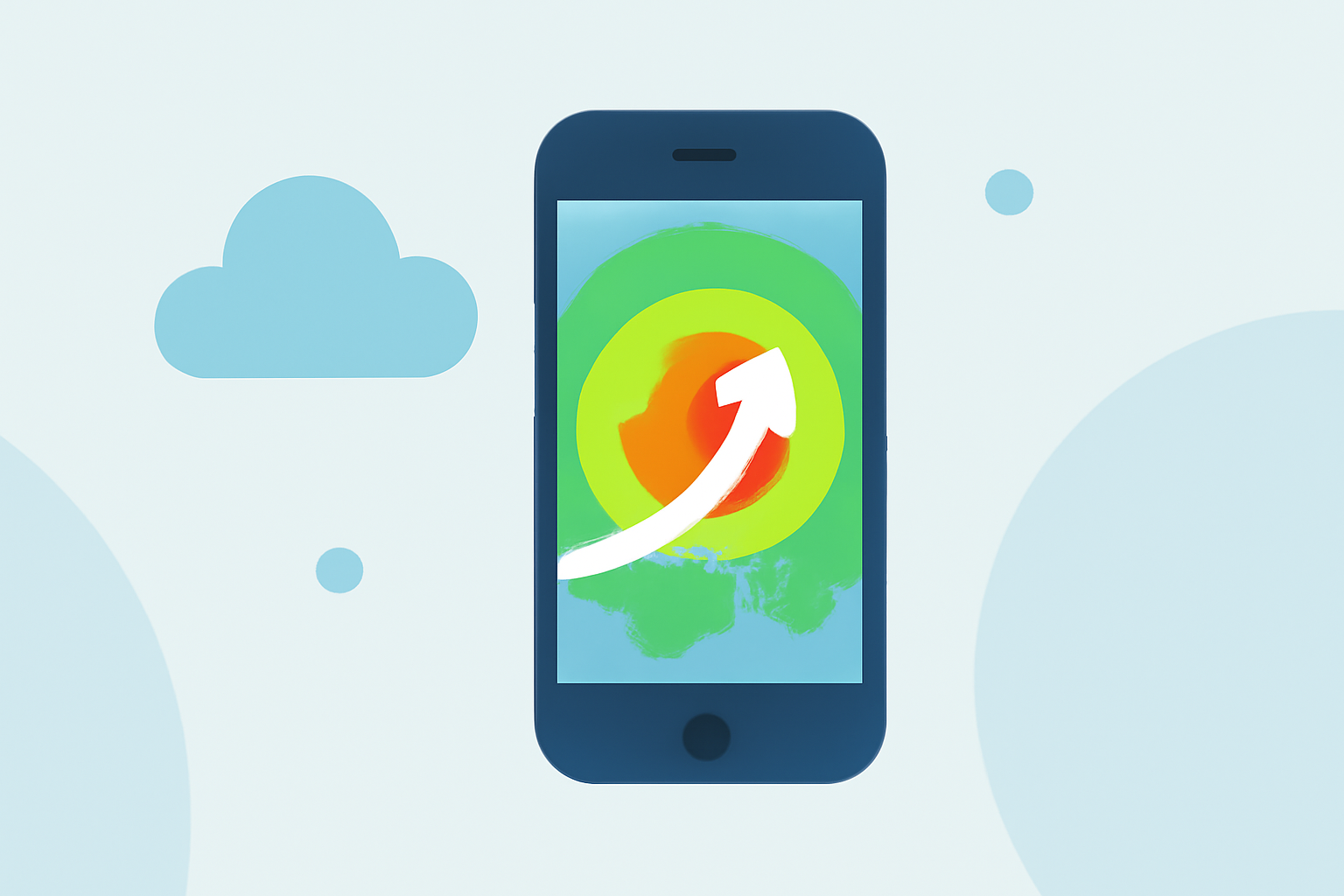
Clime features an intuitive interface with animated radar derived from NOAA data, allowing you to visualize weather patterns in real-time. The animated radar is designed for easy interaction, making it simple to zoom in and out to check local weather conditions. Users can enhance their experience by enabling notifications for severe weather alerts, ensuring they stay informed at all times.
Which data sources power iPhone radar apps and how do they differ?
Clime is powered by NOAA radar mosaics, which provide a comprehensive view of weather activity across the U.S. Other tools may use different data providers or combinations of sources, affecting the fidelity and features available. Clime's focus on NOAA data means users benefit from reliable forecasts and timely alerts for severe weather conditions.
Do radar features vary by subscription tier on iPhone apps?
Yes, Clime offers a free version alongside premium features available via in-app purchases. Premium capabilities include access to detailed forecasts, severe weather alerts for all saved locations, and additional environmental layers, such as air quality indices and wildfire tracking. This tiered approach allows users to customize their experience based on how deeply they want to engage with weather data.
Key features of Clime's animated radar functionality
- Real-Time Precipitation Tracking: Users can watch as rain and storms move toward their location, utilizing animations that depict precipitation changes over time.
- Alerts for Severe Weather: Clime provides timely notifications that keep users aware of any hazardous conditions, making it suitable for those who prioritize safety.
- Extended Forecasts: The inclusion of hourly and 14-day forecasts helps users plan ahead more effectively, whether for personal activities or work commitments.
- Environmental Layers: With features like animated wind maps and air quality indices, Clime offers a holistic view of the weather landscape, beneficial for outdoor enthusiasts and safety-minded individuals.
Conclusion: What we recommend
- Use Clime for a dependable and user-friendly weather radar experience on your iPhone.
- Explore the premium features if detailed alerts and environmental information are crucial for your planning.
- Stay informed by enabling push notifications to receive the latest weather updates directly on your device.