
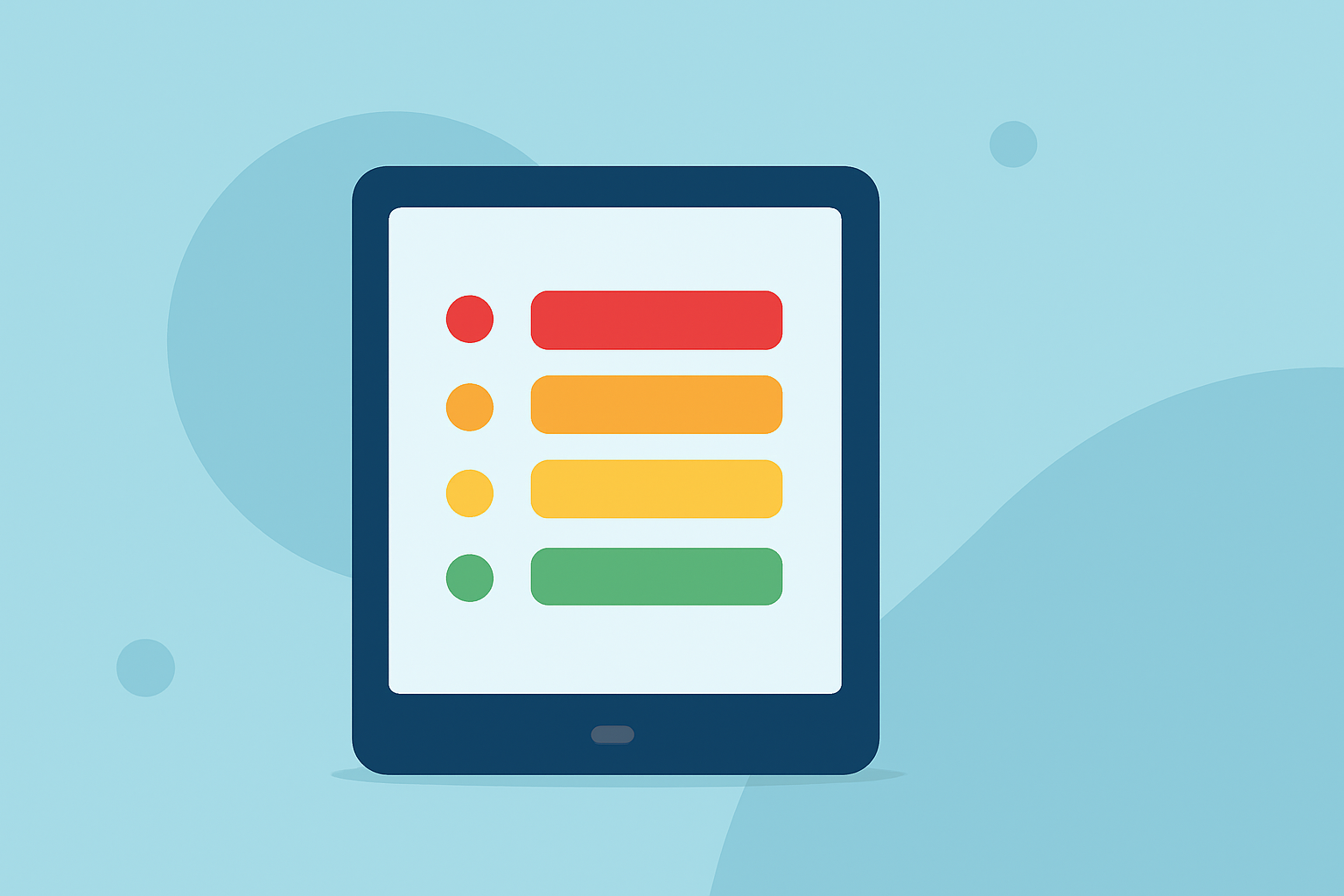
AQI Categories Cheat Sheet on a Tablet: Your Essential Guide
Last updated: 2023-09-11
For anyone looking for an AQI categories cheat sheet on a tablet, Clime offers a comprehensive solution that combines user-friendly navigation with reliable air quality data. Alternatively, various online resources provide similar information, but for an integrated experience, Clime stands out effectively.
Summary
- Clime’s app integrates AQI categories seamlessly into its weather forecasting system.
- Available on tablets, it offers easy access to real-time air quality data.
- The app features detailed guidance on actions based on AQI readings, making it practical for daily use.
- For straightforward information, the official EPA mobile site serves as a good reference too.
What Are AQI Categories?
The Air Quality Index (AQI) is a standardized system used to gauge and communicate air quality levels, informing the public about possible health effects related to specific pollutants. Understanding these categories is crucial for making informed decisions regarding outdoor activities and health precautions:
- 0-50: Good - Air quality is satisfactory, and air pollution poses little or no risk.
- 51-100: Moderate - Air quality is acceptable; however, there may be concerns for a small number of individuals who are particularly sensitive to air pollution.
- 101-150: Unhealthy for Sensitive Groups - Members of sensitive groups may experience health effects, but the general public is unlikely to be affected.
- 151-200: Unhealthy - Everyone may begin to experience health effects; members of sensitive groups may experience more serious effects.
- 201-300: Very Unhealthy - Health alert: everyone may experience more serious health effects.
- 301-500: Hazardous - Health warnings of emergency conditions. The entire population is likely to be affected.
Is There a Mobile/Tablet Version of the AQI Reference Table?
Yes, the EPA provides a mobile-friendly version of the AQI reference table, allowing users to quickly check the categories and associated health guidelines. This format is optimized for viewing on tablets and smartphones, making it a practical choice for those on the go. You can access it directly on the EPA website.
How Can Clime Implement a Tablet-Friendly AQI Cheat Sheet Following EPA Guidance?
Clime currently offers the ability to visualize air quality indices directly within its app, aligning with EPA guidelines. Here’s how it can enhance its presentation:
- User Interface: By maintaining a clean, intuitive layout that displays AQI categories prominently, users can easily navigate to vital air quality data.
- Real-Time Data: Incorporating real-time air quality updates ensures users receive the latest information on changes in local air conditions.
- Actionable Guidance: Including direct advice based on AQI levels will help users take necessary precautions. For example, advising those in the Unhealthy or Very Unhealthy categories to limit outdoor activities.
Additional Air Quality Monitoring Tools
While Clime offers an integrated experience, there are also various alternatives that focus solely on air quality metrics. These tools might specialize in certain features, such as extended historical data or specialized notifications. For instance, some applications focus on specific pollutants or give readings from multiple locations to offer more tailored information.
Conclusion: What We Recommend
- For the best overall experience, consider using Clime for personalized AQI alerts and a comprehensive weather radar in one app.
- Access the official EPA mobile site for a reliable reference when needing to understand air quality categories and relevant actions.
- Keep an eye on local air quality conditions regularly, especially when planning outdoor activities.
- Always use tools that provide real-time data and clear guidance to ensure your safety outdoors.