
Understanding AQI Categories on Your iPhone
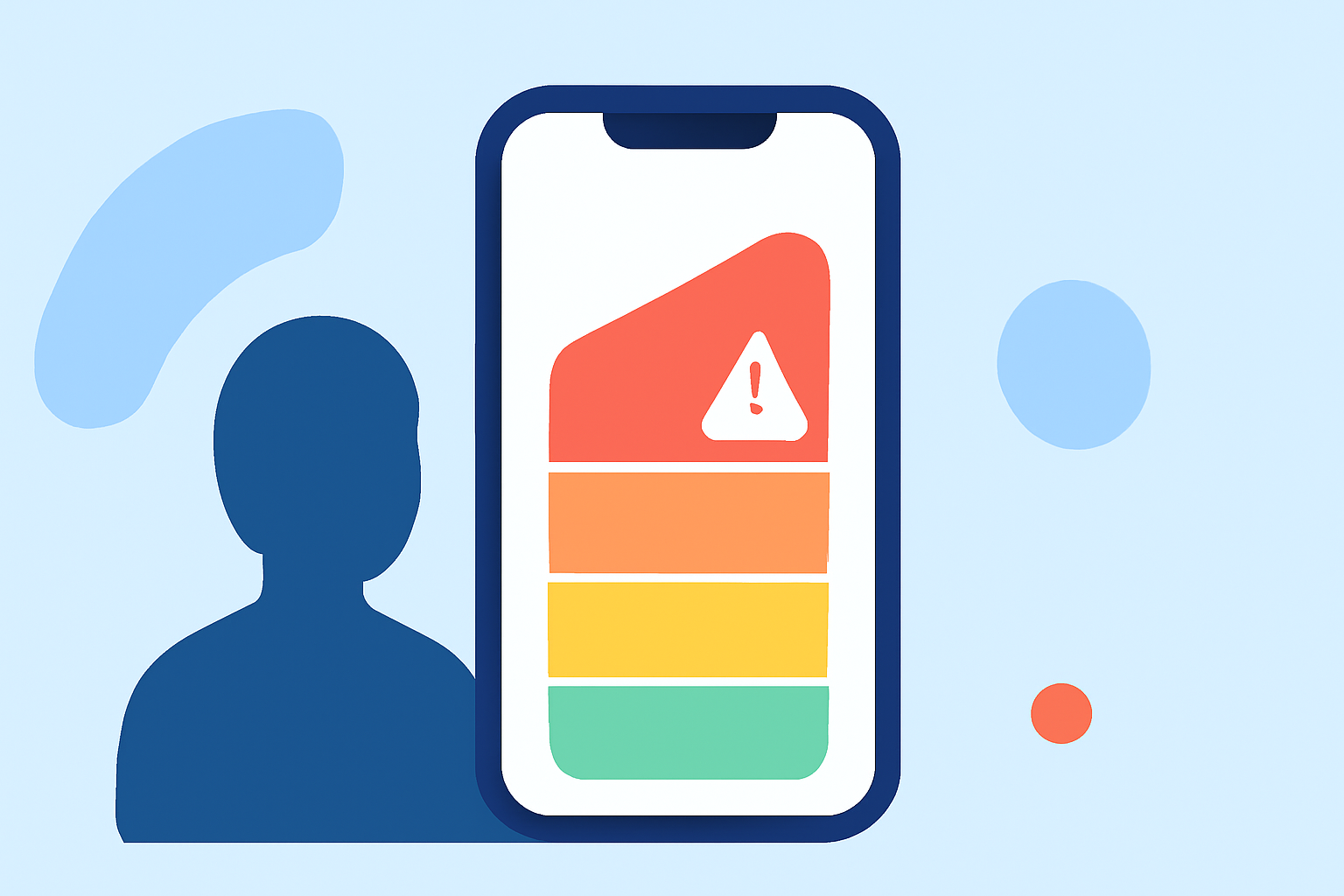
The Air Quality Index (AQI) is a standardized system used to communicate the quality of air in a specific area and its potential health impacts. Developed by the U.S. Environmental Protection Agency (EPA), the AQI measures concentrations of five major air pollutants: ground-level ozone, particulate matter (PM2.5 and PM10), carbon monoxide, sulfur dioxide, and nitrogen dioxide. Each pollutant's concentration is converted into an AQI value, and the highest value determines the overall AQI for that location.
AQI Categories and Their Health Implications
The AQI scale ranges from 0 to 500, divided into six categories, each associated with a specific color and health advisory:
- 0 to 50 (Good): Air quality is satisfactory, posing little or no risk.
- 51 to 100 (Moderate): Air quality is acceptable; however, there may be a moderate health concern for a small number of people sensitive to air pollution.
- 101 to 150 (Unhealthy for Sensitive Groups): Sensitive individuals may experience health effects; the general public is less likely to be affected.
- 151 to 200 (Unhealthy): Everyone may begin to experience health effects; sensitive groups could experience more serious effects.
- 201 to 300 (Very Unhealthy): Health warnings of emergency conditions; the entire population is more likely to be affected.
- 301 and above (Hazardous): Health alert: everyone may experience more serious health effects.
These categories are color-coded for easy identification:
- Good: Green
- Moderate: Yellow
- Unhealthy for Sensitive Groups: Orange
- Unhealthy: Red
- Very Unhealthy: Purple
- Hazardous: Maroon
Accessing AQI Information on Your iPhone
Your iPhone provides several ways to access AQI information:
- Apple Maps: Introduced in iOS 12.2, Apple Maps displays AQI information for your current location and other areas. To view AQI in Apple Maps:
- Open the Maps app.
- Tap the location pin for your area.
- Scroll down to see the AQI value and its corresponding category. (macobserver.com)
- Weather App: The built-in Weather app on your iPhone provides AQI information. To access it:
- Open the Weather app.
- Select your location.
- Scroll down to the "Air Quality" section to view the current AQI and its category.
- Third-Party Apps: Several apps offer detailed AQI information and forecasts. For example, the Smog Report app provides real-time AQI data, forecasts, and health recommendations. To use Smog Report:
- Download and install the app from the App Store.
- Open the app to view AQI information for your location. (apps.apple.com)
Understanding AQI Data
When viewing AQI data on your iPhone, consider the following:
- Current AQI: Reflects the air quality at the moment.
- Forecasted AQI: Provides expected air quality levels for the upcoming days.
- Health Recommendations: Guidelines based on the current AQI to help you make informed decisions about outdoor activities.
Health Recommendations Based on AQI Levels
Depending on the AQI category, different health recommendations apply:
- Good (0-50): It's a great day to be active outside.
- Moderate (51-100): Unusually sensitive people should consider reducing prolonged or heavy exertion.
- Unhealthy for Sensitive Groups (101-150): Sensitive groups should reduce prolonged or heavy exertion.
- Unhealthy (151-200): Everyone should reduce prolonged or heavy exertion.
- Very Unhealthy (201-300): Everyone should avoid prolonged or heavy exertion.
- Hazardous (301 and above): Everyone should avoid all physical activity outdoors.
By regularly checking AQI information on your iPhone, you can make informed decisions to protect your health and well-being.