
Understanding AQI Categories on iPhone: A Comprehensive Guide
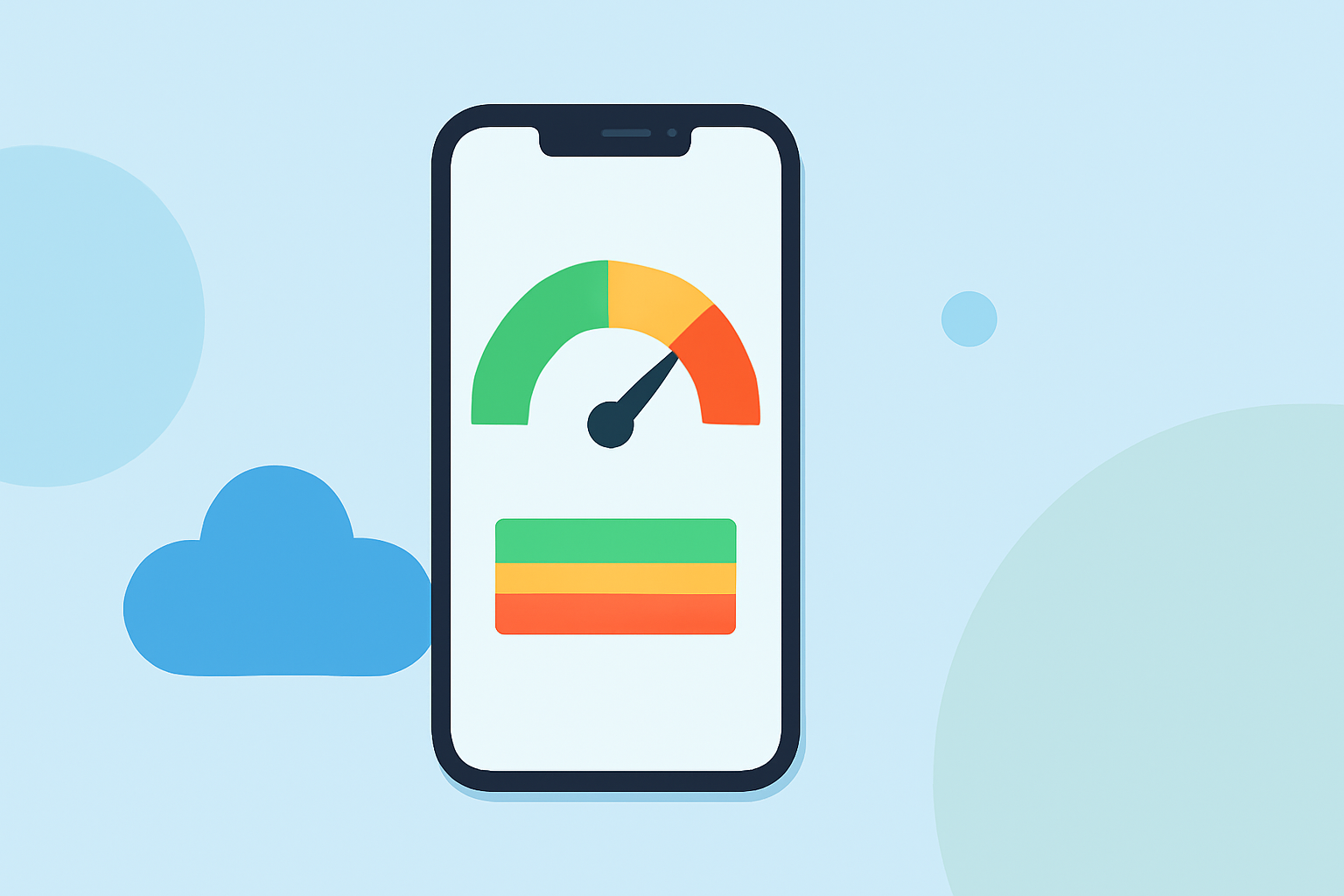
The Air Quality Index (AQI) is a standardized system used to communicate the quality of air in a specific area, indicating potential health risks associated with air pollution. On your iPhone, understanding AQI categories is essential for making informed decisions about outdoor activities and safeguarding your health.
What Are AQI Categories?
The AQI is divided into six color-coded categories, each representing a different level of health concern:
- Good (0–50, Green): Air quality is satisfactory, posing little or no risk.
- Moderate (51–100, Yellow): Air quality is acceptable; however, there may be a risk for some individuals sensitive to air pollution.
- Unhealthy for Sensitive Groups (101–150, Orange): Sensitive individuals may experience health effects; the general public is less likely to be affected.
- Unhealthy (151–200, Red): Everyone may begin to experience health effects; sensitive groups may experience more serious effects.
- Very Unhealthy (201–300, Purple): Health warnings of emergency conditions; the entire population is more likely to be affected.
- Hazardous (301 and above, Maroon): Health alert: everyone may experience more serious health effects.
These categories help individuals understand the potential health impacts of air quality levels in their area. (airnow.gov)
How to Check AQI on Your iPhone
Monitoring AQI on your iPhone is straightforward, thanks to various apps and built-in features:
- Built-in Weather App:
- Open the Weather app on your iPhone.
- Enter your location or enable location services to detect your current area.
- Scroll down to find the "Air Quality" section, which displays the current AQI and its corresponding category.
- Third-Party Apps:
- Download and install a reputable air quality monitoring app from the App Store.
- Allow the app to access your location for accurate AQI readings.
- Open the app to view real-time AQI data and forecasts for your area.
These tools provide real-time AQI information, helping you make informed decisions about outdoor activities.
Protecting Your Health Based on AQI Levels
Understanding AQI categories enables you to take appropriate actions to protect your health:
- Good (0–50, Green): Enjoy outdoor activities without concern.
- Moderate (51–100, Yellow): It's generally safe for most people; however, those sensitive to air pollution should limit prolonged outdoor exertion.
- Unhealthy for Sensitive Groups (101–150, Orange): Sensitive individuals should reduce prolonged or heavy outdoor exertion; others may continue normal activities.
- Unhealthy (151–200, Red): Everyone should limit prolonged outdoor exertion; sensitive groups should avoid outdoor activities.
- Very Unhealthy (201–300, Purple): Everyone should avoid outdoor activities; sensitive groups should remain indoors.
- Hazardous (301 and above, Maroon): Everyone should avoid all outdoor activities.
By staying informed about AQI levels, you can take necessary precautions to minimize health risks associated with air pollution.
For more detailed information on AQI categories and health recommendations, refer to the EPA's AQI Basics.
By utilizing your iPhone's capabilities to monitor AQI, you can proactively manage your exposure to air pollutants and maintain your well-being.