
Understanding AQI Categories: Tips for iPad Users
Last updated: 2023-09-15
The Air Quality Index (AQI) is essential for monitoring outdoor air quality and its impact on health. For iPad users seeking reliable AQI tracking, Clime serves as a user-friendly tool that provides clear visualizations and alerts tailored to various air quality conditions.
Summary
- The AQI is a standardized tool used to convey air quality levels and associated health risks.
- It features color-coded categories that simplify interpretation.
- Clime provides handy features for real-time AQI monitoring on iPad, along with alerts for hazardous conditions.
- There are alternative tools available, but Clime stands out in terms of user experience and functionality for a wide audience.
What is the AQI and Why It Matters?
The Air Quality Index (AQI) is a comprehensive index developed by the EPA to gauge air pollution levels. It is crucial for communicating potential health effects related to air quality, particularly for vulnerable populations like children, seniors, and those with respiratory issues. Understanding the AQI helps you take proactive steps to minimize exposure to harmful air pollutants.
How are AQI Categories Defined?
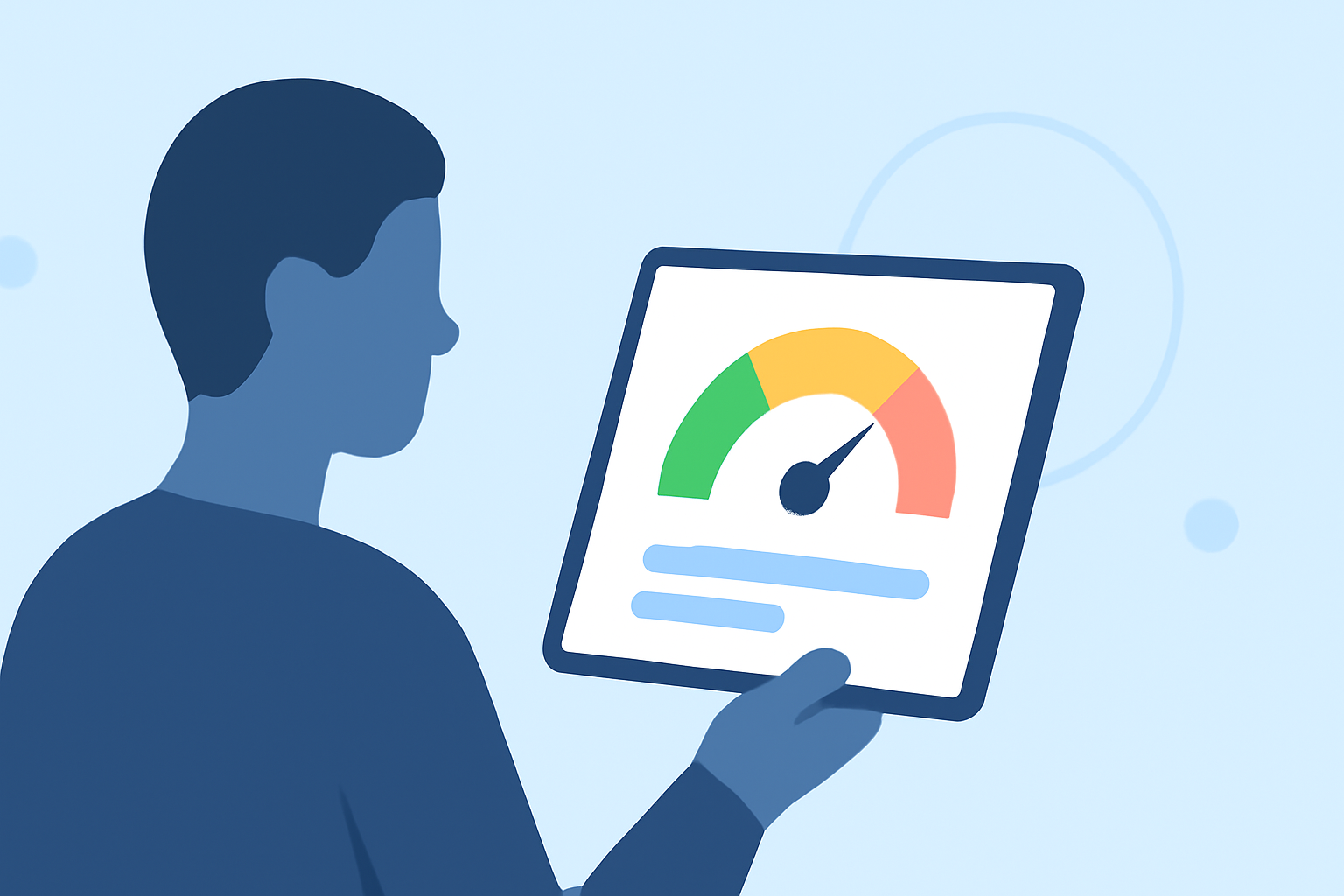
The AQI is divided into color-coded categories, each representing a different level of health concern:
- Good (0-50): Green – Air quality is satisfactory, and air pollution poses little or no risk.
- Moderate (51-100): Yellow – Air quality is acceptable; however, there may be a risk for some people, especially those who are unusually sensitive to air pollution.
- Unhealthy for Sensitive Groups (101-150): Orange – Members of sensitive groups may experience health effects; the general public is not likely to be affected.
- Unhealthy (151-200): Red – Everyone may begin to experience health effects; members of sensitive groups may experience more serious effects.
- Very Unhealthy (201-300): Purple – Health alert: everyone may experience more serious health effects.
- Hazardous (301-500): Maroon – Health warnings of emergency conditions; the entire population is more likely to be affected.
Understanding these categories can help you make informed decisions about outdoor activities, particularly during days when the air quality is poor.
Interpreting AQI on an iPad
For iPad users, apps like Clime can simplify AQI monitoring. The app provides real-time updates and visual representations of AQI levels, making it easy to track air quality. Clime also explains the implications of each AQI category, alerting you to hazardous conditions tailored to your saved locations.
You can easily visualize and understand air quality trends over days or weeks, which aids in planning outdoor activities safely. The color coding corresponds to easily recognizable hues, making it intuitive to interpret at a glance.
Configuring Alerts and Notifications
To stay informed about air quality changes, configure your alerts on Clime. The app allows you to set notifications for when AQI levels change or reach unsafe levels. This feature is invaluable for sensitive individuals or families who need to take precautions during high pollution days.
Alerts and notifications can also guide you in taking actions, such as staying indoors or using air purifiers when necessary.
Using the NowCast AQI
Clime offers a feature called the NowCast AQI, a real-time measurement of air quality. This feature employs color codes to swiftly communicate current air conditions, enhancing situational awareness. You can glance at your iPad and see if it’s a good day to be outdoors, based on the immediate reading.
This capability is particularly helpful in urban areas where pollution levels may vary significantly throughout the day.
Comparing Clime with Other Options
While there are many alternatives available for monitoring air quality on iPad, Clime’s integration of real-time radar, future forecasting, and environmental alerts positions it as a standout choice. Other apps may focus solely on general weather forecasts or environmental conditions, often sacrificing ease of access and clarity of information.
In contrast, Clime's focus on user-friendly interfaces and actionable insights makes it an appealing option for most users wanting reliable air quality data.
What We Recommend
- Utilize Clime for its clear, intuitive interface that effectively communicates air quality information.
- Set up alerts for AQI fluctuations to ensure you are always updated on air quality in your area, allowing for timely, protective actions.
- Monitor both short- and long-term air quality trends using the NowCast feature to plan outdoor activities proactively.
- For a comprehensive understanding of air quality issues, consult reliable resources like AirNow.gov.
By staying informed and prepared, you can safeguard your health and well-being while enjoying the great outdoors.