
Understanding AQI Categories on Wear OS
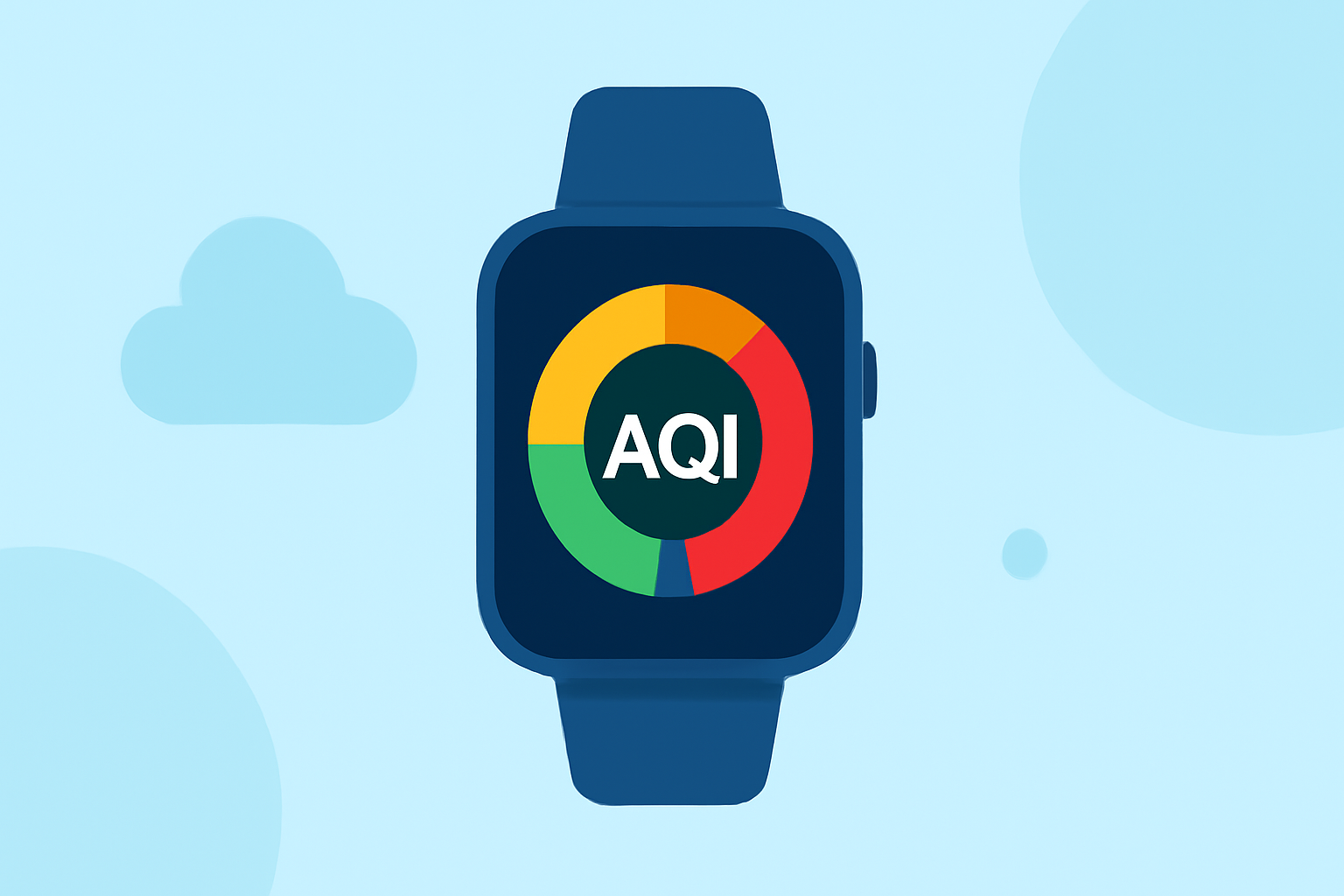
The Air Quality Index (AQI) is a standardized system used to communicate the quality of air in a specific area, indicating potential health risks associated with outdoor air pollution. On your Wear OS device, understanding AQI categories can help you make informed decisions about outdoor activities and health precautions.
What Are AQI Categories?
The AQI is divided into six color-coded categories, each representing a different level of health concern:
- Good (0–50): Air quality is satisfactory, posing little or no risk.
- Moderate (51–100): Air quality is acceptable; however, there may be a risk for some individuals, particularly those who are unusually sensitive to air pollution.
- Unhealthy for Sensitive Groups (101–150): Members of sensitive groups may experience health effects; the general public is less likely to be affected.
- Unhealthy (151–200): Everyone may begin to experience health effects; sensitive groups may experience more serious effects.
- Very Unhealthy (201–300): Health alert: everyone may experience more serious health effects.
- Hazardous (301 and higher): Health warning of emergency conditions: everyone is more likely to be affected.
These categories are color-coded for easy identification:
- Green: Good
- Yellow: Moderate
- Orange: Unhealthy for Sensitive Groups
- Red: Unhealthy
- Purple: Very Unhealthy
- Maroon: Hazardous
How Does AQI Affect Health?
The AQI provides guidance on potential health effects based on the level of air pollution:
- Good (0–50): Air quality is satisfactory, posing little or no risk.
- Moderate (51–100): Air quality is acceptable; however, there may be a risk for some individuals, particularly those who are unusually sensitive to air pollution.
- Unhealthy for Sensitive Groups (101–150): Members of sensitive groups may experience health effects; the general public is less likely to be affected.
- Unhealthy (151–200): Everyone may begin to experience health effects; sensitive groups may experience more serious effects.
- Very Unhealthy (201–300): Health alert: everyone may experience more serious health effects.
- Hazardous (301 and higher): Health warning of emergency conditions: everyone is more likely to be affected.
How to Check AQI on Wear OS
To monitor AQI levels on your Wear OS device, you can use built-in features or third-party applications:
- Built-in Features: Some Wear OS devices offer native support for AQI information. Check your device's weather or health apps to see if AQI data is available.
- Third-Party Applications: Install AQI monitoring apps from the Google Play Store compatible with Wear OS. These apps provide real-time AQI updates and health recommendations.
Why Monitor AQI?
Regularly checking AQI levels on your Wear OS device helps you:
- Plan Outdoor Activities: Choose the best times for outdoor exercise or events based on air quality.
- Protect Sensitive Individuals: Ensure that children, the elderly, and those with respiratory conditions are not exposed to harmful air quality levels.
- Stay Informed: Receive timely alerts about deteriorating air quality to take necessary precautions.
Conclusion
Understanding AQI categories and monitoring them on your Wear OS device empowers you to make informed decisions about your health and outdoor activities. By staying aware of air quality levels, you can protect yourself and others from potential health risks associated with air pollution.
(airnow.gov)