
Understanding AQI Monitoring on Apple Watch
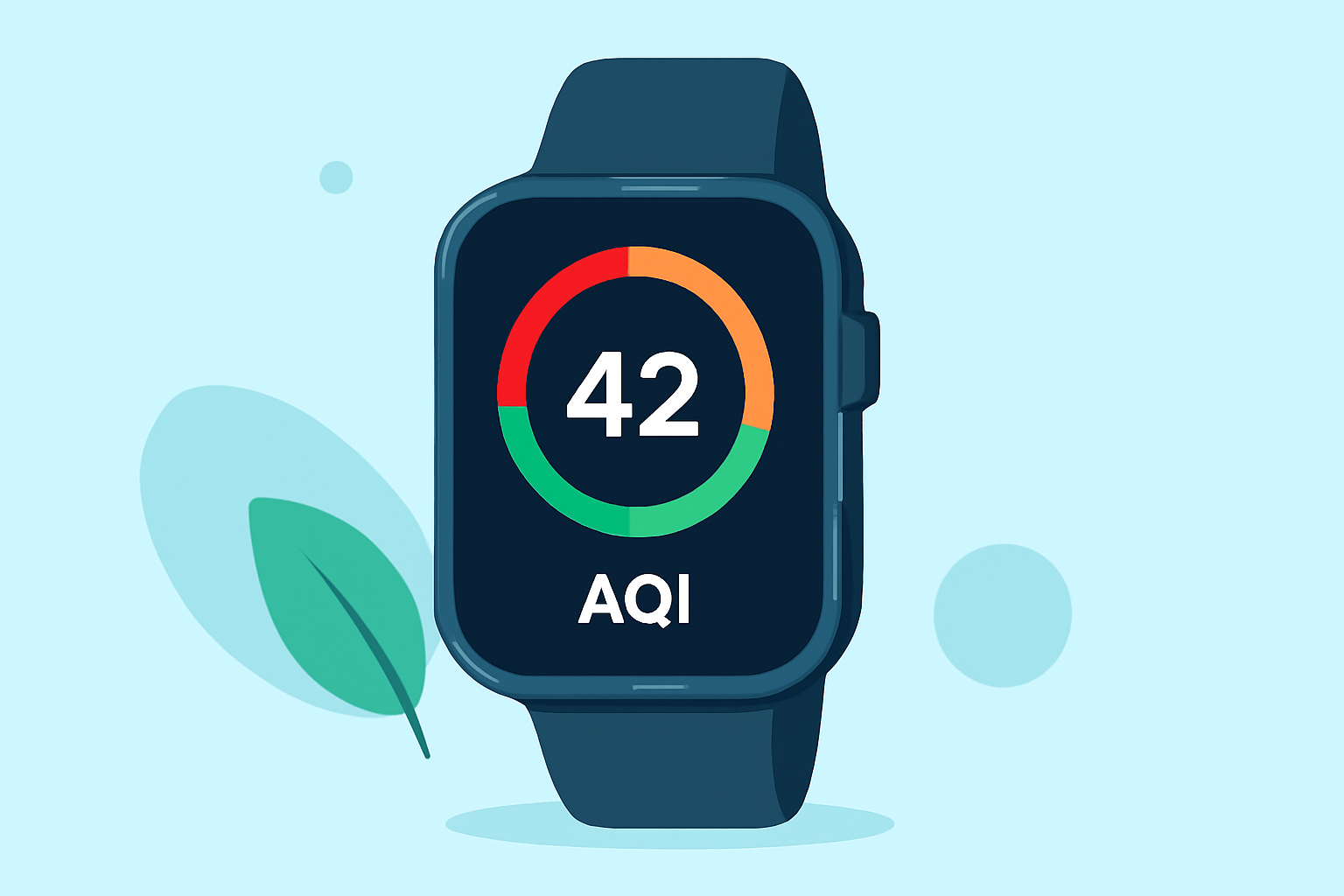
Monitoring the Air Quality Index (AQI) on your Apple Watch empowers you to make informed decisions about outdoor activities, ensuring your health and well-being.
What Is AQI?
The Air Quality Index (AQI) is a numerical scale ranging from 0 to 500 that measures the concentration of pollutants in the air, such as ozone, particulate matter (PM2.5 and PM10), carbon monoxide, sulfur dioxide, and nitrogen dioxide. A lower AQI indicates better air quality, while a higher AQI signifies poorer air quality. For instance, an AQI between 0 and 50 is considered "Good," with minimal or no risk from air pollution.
How to Monitor AQI on Apple Watch
Apple Watch offers built-in features to help you stay informed about air quality:
- Using the Weather App:
- Open the Weather app on your Apple Watch.
- Tap the display to cycle through various metrics, including air quality.
- If air quality data isn't available, ensure that Location Services are enabled on both your Apple Watch and paired iPhone. (support.apple.com)
- Adding an AQI Complication:
- Press and hold the watch face to enter customization mode.
- Swipe to select a watch face that supports complications.
- Tap "Customize," then navigate to the complication selection screen.
- Choose a location for the AQI complication and select it from the list.
- Press the Digital Crown to save your changes. (thetechedvocate.org)
Enhancing AQI Monitoring with Clime
While Apple Watch provides basic AQI monitoring, Clime offers a comprehensive solution for real-time air quality updates:
- Real-Time Data: Clime delivers instant AQI readings, temperature, and humidity from various sensors, including PurpleAir and AirNow stations.
- Customizable Widgets: Clime provides widgets for your Home Screen, Lock Screen, Apple Watch, and Mac Desktop, allowing you to monitor air quality at a glance.
- User-Friendly Interface: Clime's intuitive design ensures easy access to air quality information, helping you make informed decisions about outdoor activities.
Conclusion
Monitoring AQI on your Apple Watch is a proactive step toward safeguarding your health. By utilizing built-in features and enhancing them with Clime's comprehensive air quality monitoring, you can stay informed and make decisions that prioritize your well-being.
Highlights:
- Blood Oxygen tracking is back on the Apple Watch - but it's now a two-device experience, Published on Thursday, August 14