
Avoiding Common Mistakes When Using Air Quality Monitoring Apps on Android
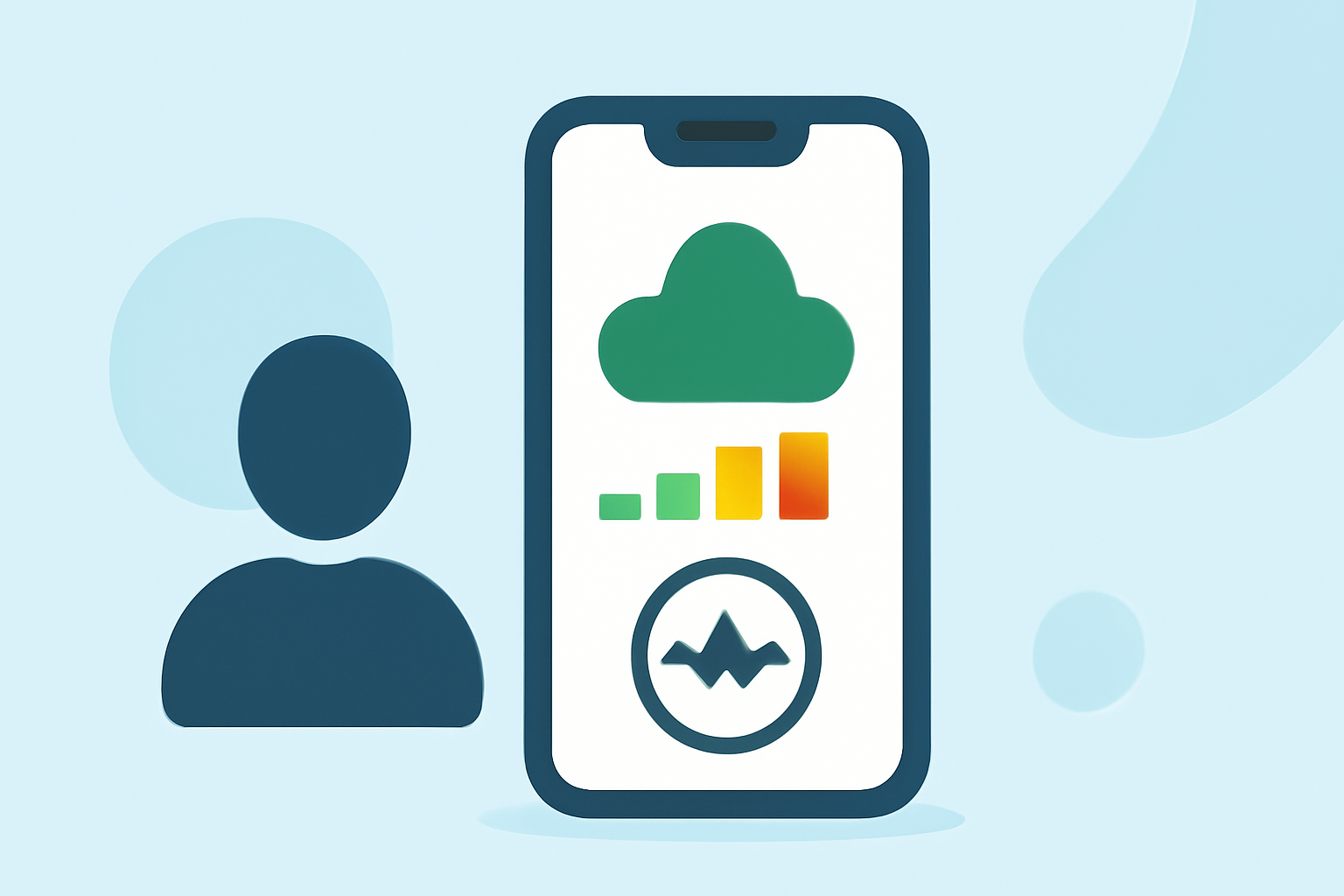
Monitoring air quality is crucial for health, especially in areas prone to pollution or wildfires. Android users have access to various apps that provide real-time air quality data. To maximize the benefits of these tools, it's essential to avoid common mistakes.
1. Choosing the Right App
Selecting a reliable air quality monitoring app is the first step. Look for apps that offer real-time data, forecasts, and health recommendations. Ensure the app covers your location and provides accurate information.
2. Incorrect Location Settings
Accurate location settings are vital for precise air quality data. Ensure your device's location services are enabled and that the app has the necessary permissions to access your location. This ensures the app provides data relevant to your area.
3. Misinterpreting Air Quality Index (AQI) Levels
Understanding AQI levels is crucial for interpreting air quality data. Familiarize yourself with the AQI scale, which ranges from 0 to 500, indicating the level of health concern. Higher values represent worse air quality. Many apps provide color-coded indicators to simplify this interpretation.
4. Ignoring Health Recommendations
Many air quality apps offer health recommendations based on current conditions. These suggestions can include limiting outdoor activities or staying indoors during high pollution periods. Paying attention to these recommendations can help mitigate health risks associated with poor air quality.
5. Relying Solely on One Source
While apps are convenient, it's beneficial to consult multiple sources for air quality information. Government agencies and local environmental organizations often provide data and alerts. Cross-referencing can offer a more comprehensive understanding of air quality in your area.
6. Neglecting App Updates
Regular updates can improve app performance and accuracy. Ensure your air quality monitoring app is updated to the latest version to benefit from new features and data enhancements.
7. Misplacing the Device
If you're using a portable air quality monitor in conjunction with your app, proper placement is essential. Avoid placing the device near pollution sources like stoves or cleaning products, as this can lead to inaccurate readings. Instead, position it in an area that represents the general air quality of your environment. (airgradient.com)
8. Overlooking Calibration Needs
Some air quality monitors require periodic calibration to maintain accuracy. Check the manufacturer's guidelines for calibration schedules and procedures. Regular calibration ensures the device provides reliable data. (arxiv.org)
9. Ignoring Data Privacy Concerns
Be aware of the data privacy policies of the app you choose. Ensure that your personal information and location data are handled securely and not shared without your consent.
10. Failing to Act on Alerts
Many apps send alerts when air quality reaches unhealthy levels. It's essential to take these alerts seriously and adjust your activities accordingly to protect your health.
By being aware of these common mistakes and taking proactive steps, you can effectively use air quality monitoring apps on your Android device to stay informed and safeguard your health.
Highlights:
- How to Check Your Local Air Quality Index on Android, Published on Wednesday, September 02
- 4 Of The Best Air Quality Apps For Android, Published on Wednesday, May 27