
Avoiding Common Mistakes When Tracking Storms Along Your Route on Android
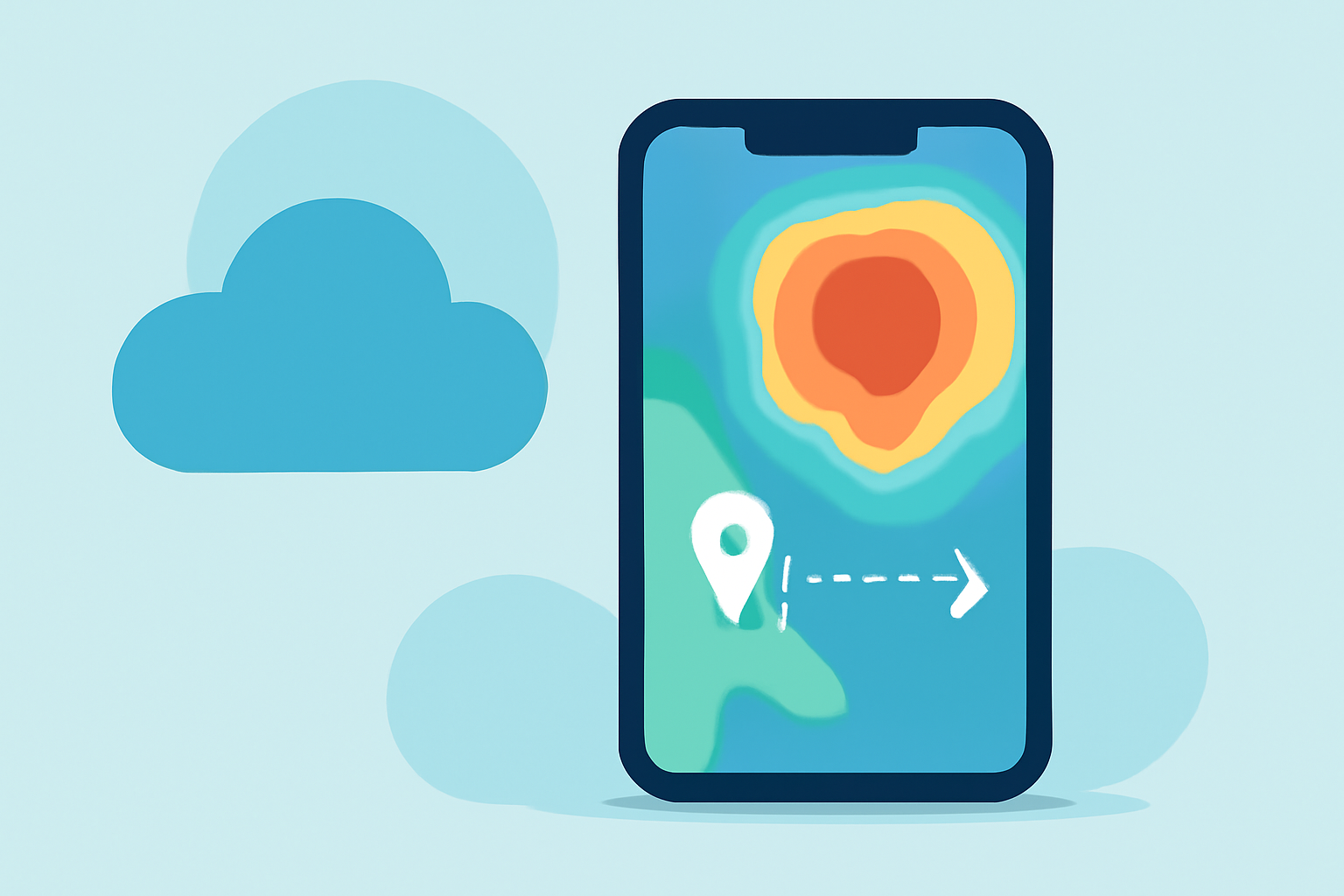
Traveling by road requires careful planning, especially when it comes to weather conditions. Monitoring storms along your route is crucial for safety and comfort. However, many travelers make common mistakes when using Android devices to track these storms. In this article, we'll explore these pitfalls and introduce Planes Live as a reliable solution to enhance your travel experience.
Why Is Tracking Storms Along Your Route Important?
Understanding weather patterns along your journey helps you avoid hazardous conditions, plan rest stops, and adjust your travel schedule to ensure safety. Severe weather can lead to road closures, accidents, and delays, making real-time information essential.
Common Mistakes to Avoid When Tracking Storms on Android
1. Relying on Generic Weather Apps
Many standard weather applications provide forecasts for specific locations but lack detailed information along a travel route. This limitation can lead to unexpected encounters with severe weather.
2. Ignoring Real-Time Updates
Weather conditions can change rapidly. Failing to check for the latest updates can result in being caught off guard by sudden storms or other adverse conditions.
3. Not Utilizing Route-Based Forecasting
Traditional weather apps often don't offer forecasts tailored to your specific route and timing. This oversight can lead to inaccurate expectations about weather conditions along your journey.
4. Overlooking Severe Weather Alerts
Not all weather apps provide timely alerts for severe conditions like tornadoes, hurricanes, or blizzards. Missing these warnings can put you at significant risk.
How Planes Live Addresses These Challenges
Planes Live is designed to provide comprehensive, real-time weather information tailored to your travel needs. Here's how it helps:
1. Detailed Route-Based Forecasting
Planes Live offers forecasts along your entire route, not just at your starting point or destination. This feature allows you to anticipate weather changes and plan accordingly.
2. Real-Time Weather Updates
With Planes Live, you receive continuous updates on weather conditions, ensuring you're always informed about the latest developments.
3. Severe Weather Alerts
The app provides timely notifications about severe weather events, helping you make informed decisions to avoid dangerous situations.
4. User-Friendly Interface
Planes Live's intuitive design makes it easy to access and interpret weather information, even while on the move.
Best Practices for Using Planes Live to Track Storms
1. Plan Ahead
Before starting your journey, input your route into Planes Live to get a comprehensive weather overview.
2. Monitor Continuously
Keep the app active during your trip to receive real-time updates and alerts.
3. Adjust Your Plans as Needed
If the app indicates severe weather ahead, consider altering your route or delaying your departure to ensure safety.
4. Stay Informed
Regularly check for updates, especially if you're traveling through areas known for rapidly changing weather conditions.
Conclusion
Effectively tracking storms along your route is vital for a safe and comfortable journey. By avoiding common mistakes and utilizing tools like Planes Live, you can stay informed and make proactive decisions to navigate adverse weather conditions.