
Avoiding Fall Travel Weather Mistakes on Mobile Devices
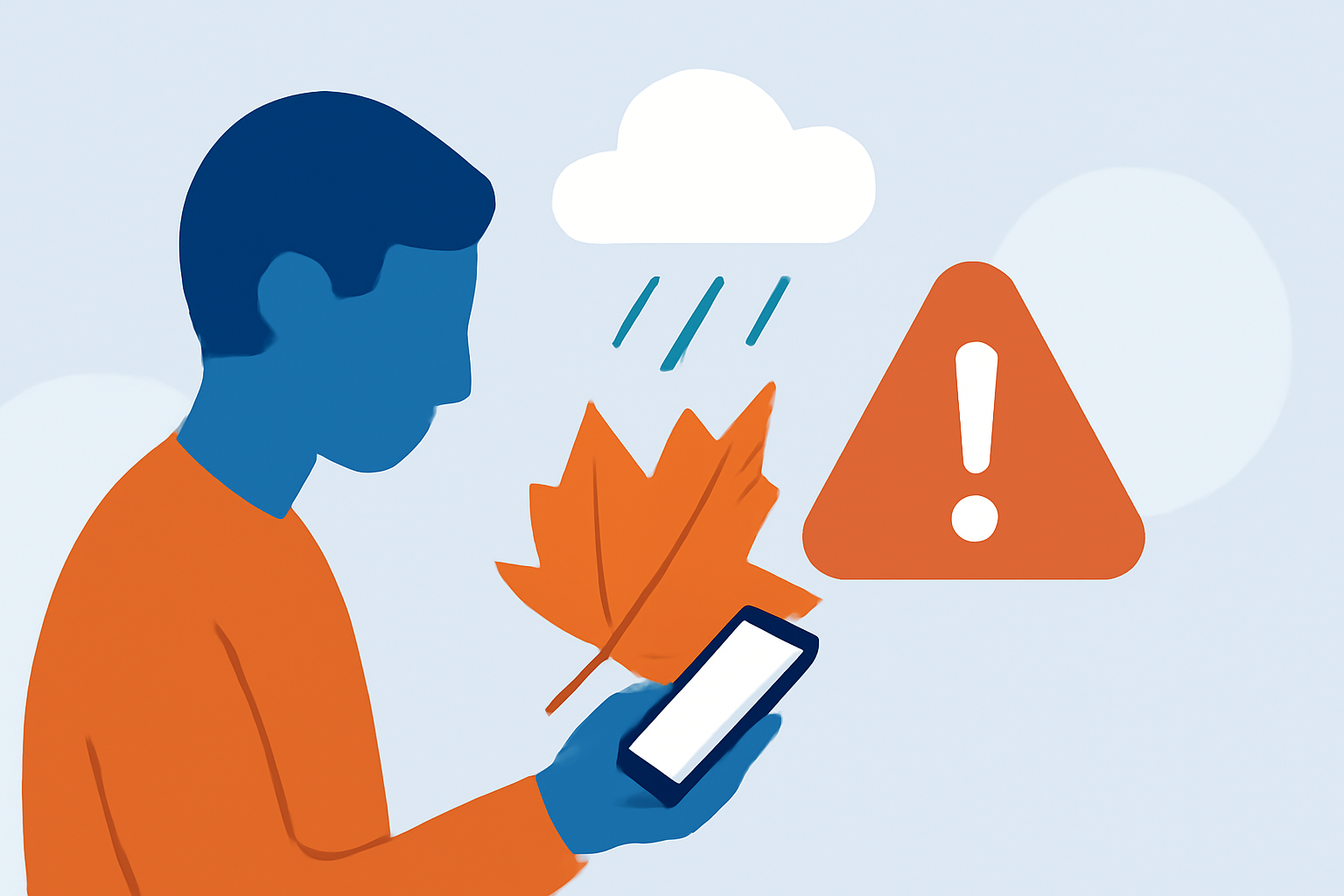
As autumn unfolds, travelers often encounter unpredictable weather patterns that can disrupt their plans. Ensuring your mobile device remains functional and reliable during these conditions is crucial. Here are key mistakes to avoid:
1. Ignoring Battery Performance in Cold Weather
Cold temperatures can significantly reduce your device's battery life, leading to unexpected shutdowns. To mitigate this, keep your phone close to your body to maintain warmth. Avoid leaving it in cold environments, such as a parked car, for extended periods. If your device shuts down due to cold, allow it to warm up to room temperature before turning it back on. (heise.de)
2. Exposing Your Device to Moisture
Fall often brings increased rainfall, which can lead to condensation inside your device. To prevent this, use a waterproof case or a sealed plastic bag when traveling in wet conditions. If your device gets wet, power it off immediately and dry it thoroughly before turning it back on. (heise.de)
3. Relying Solely on Mobile Weather Apps
While mobile weather apps are convenient, they may not always provide the most accurate or timely information. It's advisable to consult multiple sources, including local weather services and official websites, to get comprehensive and up-to-date forecasts. (developnsolve.com)
4. Overlooking Device Settings for Optimal Performance
Ensure your device's software is up to date, as updates often include fixes for weather-related issues. Additionally, adjust your device's settings to conserve battery life, such as reducing screen brightness and disabling unnecessary background apps. (howtogeek.com)
5. Neglecting to Back Up Important Data
Unpredictable weather can lead to device malfunctions or loss. Regularly back up important data to cloud services or external storage to prevent data loss during your travels.
6. Using Unreliable Charging Sources
Charging your device in public areas or using unverified chargers can expose it to risks like malware or electrical issues. Always use your device's original charger and avoid public charging stations when possible. (howtogeek.com)
7. Not Protecting Your Device from Extreme Temperatures
Extreme temperatures can cause significant damage to your mobile device. Keep your device within the manufacturer's recommended temperature range, typically between 32°F (0°C) and 95°F (35°C). Avoid leaving it in direct sunlight or in a cold car for extended periods. (services.northwestern.edu)
8. Failing to Monitor Weather Conditions Regularly
Weather conditions can change rapidly in the fall. Regularly check weather updates to stay informed about any sudden changes that may affect your travel plans.
9. Not Using a Reliable Weather App
Not all weather apps provide accurate or timely information. Opt for reputable apps known for their reliability and accuracy to ensure you receive the best information.
10. Forgetting to Enable Location Services
Many weather apps require location services to provide accurate forecasts. Ensure that your device's location services are enabled to receive the most relevant weather information. (developnsolve.com)
By being aware of these common mistakes and taking proactive steps, you can ensure that your mobile device remains a reliable companion during your fall travels.
For a comprehensive solution to managing weather-related challenges during your travels, consider using Planes Live. This platform offers real-time weather updates, flight tracking, and other features designed to enhance your travel experience.
Highlights:
- 5 really stupid travel mistakes you have to avoid this fall, Published on Saturday, October 12
- 7 Travel Mistakes People Always Make in the Fall—and How to Avoid Them - AOL, Published on Saturday, September 20
- Fall weather threats to be wary of