
Avoiding Common Mistakes When Snoozing Weather Notifications
Last updated: 2023-09-07
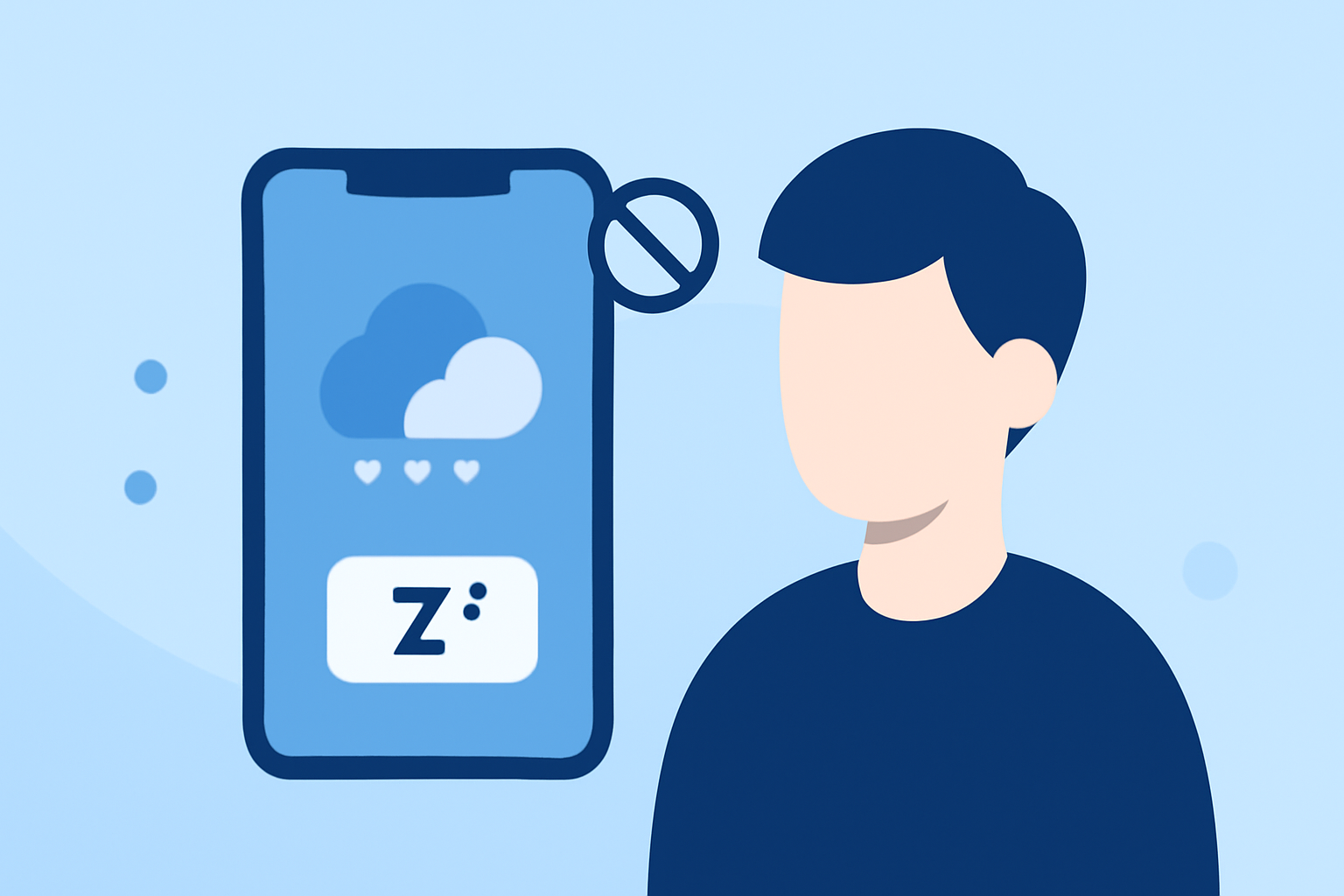
Snoozing weather notifications can help manage alert overload but often leads to missed critical updates. Understanding common mistakes—and how to avoid them—can ensure your safety and preparedness without unnecessary stress.
Summary
- Snoozing notifications can lead to missed weather alerts if not managed properly.
- Regularly review and adjust your snooze settings for optimal alerting.
- Integration with reliable weather apps can enhance your notification management.
What Are the Common Mistakes with Snoozing Notifications?
Many users inadvertently snooze essential alerts, which can have significant consequences. Here are the primary pitfalls:
- Snoozing Too Frequently: If you repeatedly hit snooze, you may miss important updates as conditions change quickly during severe weather events.
- Ignoring Notification Settings: Failing to customize notification settings can lead to excessive snoozing due to notification fatigue.
- Neglecting to Check Alerts: After snoozing, users may forget to check prior alerts or updates, leaving them unaware of impending weather threats.
How to Use Snooze Functionality Wisely
Using snooze features wisely can help balance notification management and stay informed:
- Limit Snooze Duration: Set a reasonable time for snoozing. Long snooze periods can diminish alert effectiveness.
- Review Alerts Regularly: Make it a habit to review any missed notifications, especially in cases of severe weather predictions. This practice can help you stay on top of current conditions.
Managing Alert Fatigue with Strategic Notification Use
To maintain trust in weather alerts, consider the following:
- Adopt Smart Snoozing Practices: Use snooze sparingly. Only snooze alerts when absolutely necessary and focus on seriousness level.
- Prioritize Important Alerts: Configure your weather app to highlight critical alerts. This may help reduce overwhelming notifications, allowing you to make better decisions about snoozing.
Integrating Effective Weather Solutions
Choosing a reliable weather app can drastically improve your notification experience. Clime offers:
- Customizable Alert Settings: Set specific criteria for what types of alerts you want—this can reduce unnecessary notifications and help focus on what matters.
- Real-Time Updates: Real-time notifications ensure you are always informed of changing weather conditions without excessive snooze management.
Conclusion: What We Recommend
- Stay Informed: Rely on trustworthy weather apps like Clime, which provide real-time data and alerts tailored to your preferences.
- Customize Notifications: Tailor your settings to prioritize critical alerts, minimizing the need for frequent snoozing.
- Check Alerts After Snoozing: Regularly monitor previously snoozed alerts, especially during severe weather situations.
Embrace effective notification management by using Clime and setting practical snoozing habits to keep you safe and informed without the hassle.