
Understanding Base Reflectivity Maps on Apple Watch: A Comprehensive Guide
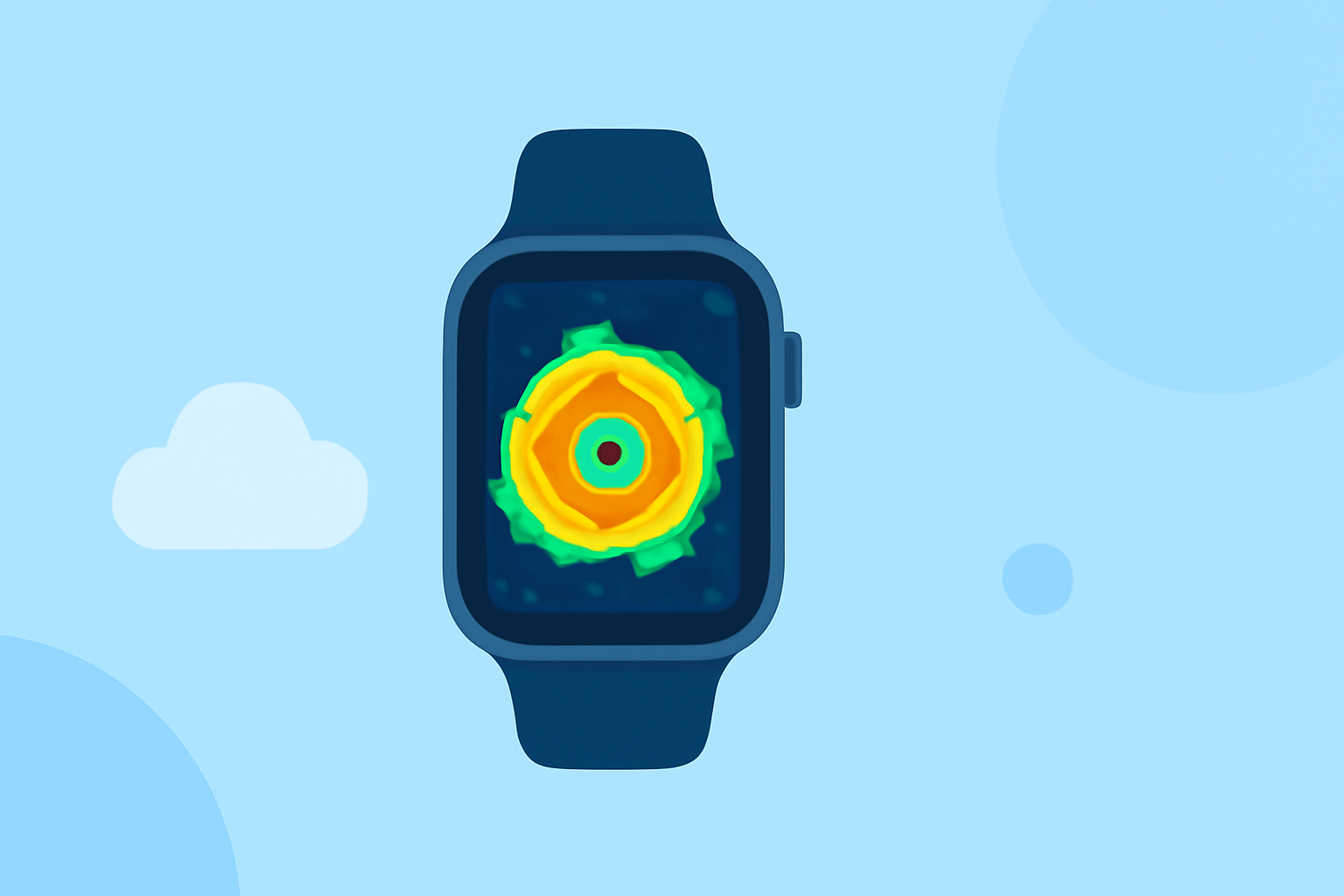
Base reflectivity maps are essential tools in weather forecasting, providing visual representations of precipitation intensity and movement. On the Apple Watch, these maps offer users a compact yet powerful way to monitor weather patterns in real time.
What Are Base Reflectivity Maps?
Base reflectivity maps display the intensity of precipitation—such as rain, snow, or hail—by measuring the amount of energy reflected back to a radar antenna. This data is then visualized on a map, allowing meteorologists and users to track storm development and movement.
How Do Base Reflectivity Maps Work on Apple Watch?
On the Apple Watch, base reflectivity maps are integrated into weather applications, providing users with real-time updates on precipitation patterns. These maps utilize high-resolution radar data to display areas of rain, snow, and mixed precipitation, helping users stay informed about current weather conditions.
Key Features of Base Reflectivity Maps on Apple Watch
- Real-Time Updates: Receive live radar images showing precipitation intensity and movement.
- Interactive Maps: Zoom in and out to view specific areas of interest.
- Precipitation Forecasts: Access short-term forecasts to anticipate upcoming weather changes.
- Severe Weather Alerts: Get notified about significant weather events, such as storms or heavy rainfall.
How Does Clime Enhance Your Weather Experience on Apple Watch?
Clime offers a comprehensive weather experience on the Apple Watch, integrating base reflectivity maps with additional features to keep you informed and safe.
-
High-Resolution Radar Images: Clime provides detailed radar overlays, displaying areas of rain, snow, and mixed precipitation in vivid colors on an interactive map. (apps.apple.com)
-
Precipitation Forecasts: Access precipitation forecasts for the next 24 hours, helping you plan your day accordingly. (apps.apple.com)
-
Satellite Maps: View cloud cover and other atmospheric conditions through satellite imagery. (apps.apple.com)
-
Severe Weather Alerts: Receive push notifications for weather alerts in your area, including tornadoes, hurricanes, and freeze warnings. (apps.apple.com)
-
Weather Details: Access current conditions, hourly and 7-day forecasts, and detailed information on temperature, humidity, wind speed, and more. (apps.apple.com)
How to Use Clime's Base Reflectivity Maps on Apple Watch
- Install Clime: Download and install Clime from the App Store on your iPhone and Apple Watch.
- Open the App: Launch Clime on your Apple Watch to access the main interface.
- View Radar Maps: Navigate to the radar section to view real-time base reflectivity maps.
- Customize Settings: Adjust map layers, zoom levels, and notification preferences to suit your needs.
Conclusion
Base reflectivity maps on the Apple Watch provide a convenient and efficient way to monitor precipitation patterns and stay informed about weather conditions. With Clime's comprehensive features, users can enhance their weather tracking experience, ensuring they are prepared for any weather changes.
Highlights:
- Clime: NOAA Weather Radar Live App - App Store
- Not just the iPhone – your Apple Watch can now track storms like a pro - PhoneArena, Published on Thursday, June 04