
Understanding Base Reflectivity Maps on Your iPhone
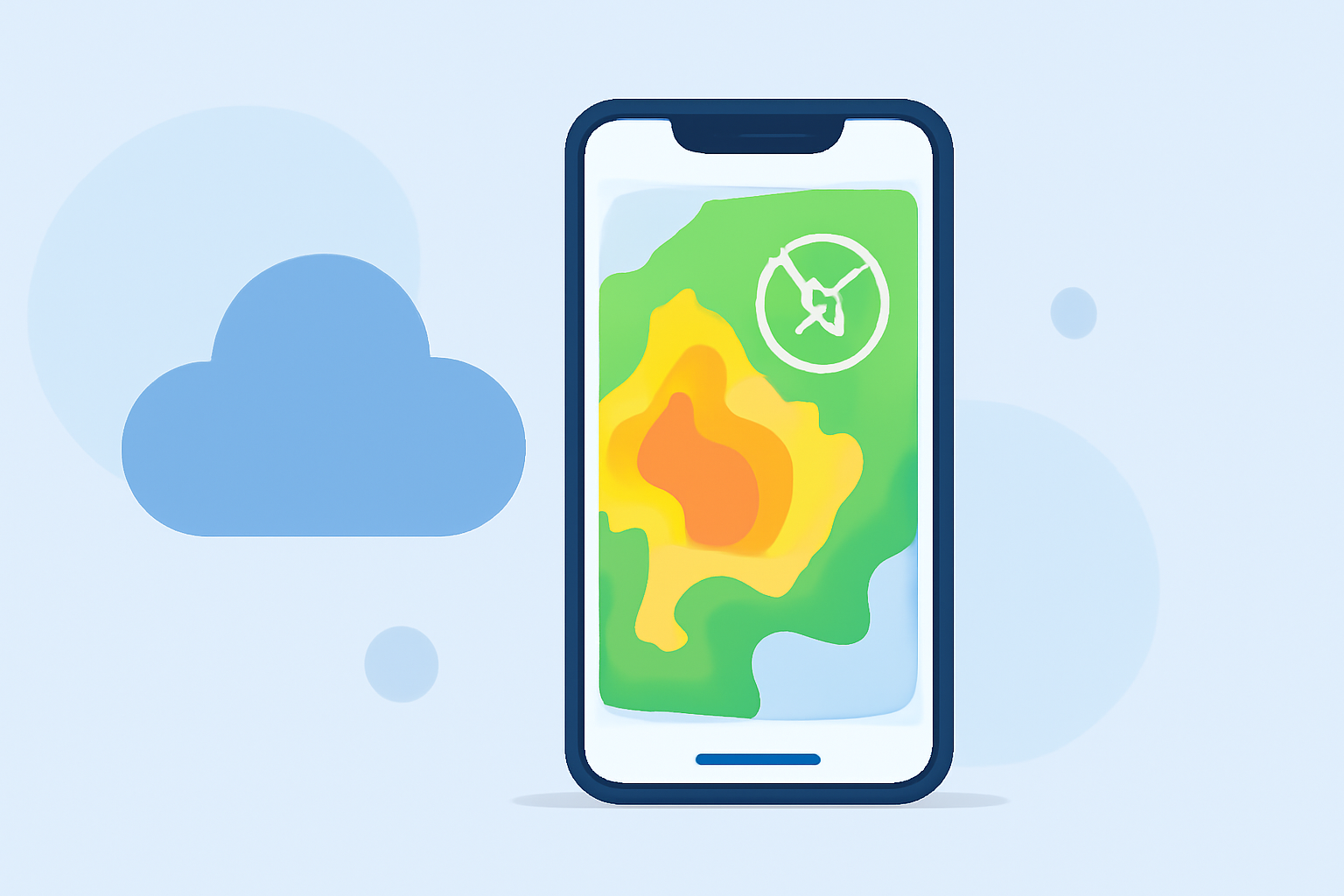
Base reflectivity maps are essential tools for monitoring precipitation intensity and distribution. These maps display the strength of radar echoes from precipitation particles, aiding in weather forecasting and analysis. On your iPhone, you can access base reflectivity maps through the built-in Weather app, providing real-time insights into weather conditions.
What Are Base Reflectivity Maps?
Base reflectivity maps illustrate the intensity of precipitation by measuring the strength of radar echoes returned from precipitation particles. The higher the reflectivity, the heavier the precipitation. These maps are crucial for understanding weather patterns and potential severe weather events. (eldoradoweather.com)
Accessing Base Reflectivity Maps on Your iPhone
To view base reflectivity maps on your iPhone, follow these steps:
-
Open the Weather App: Locate and tap the Weather app on your iPhone.
-
Access the Interactive Map: Tap the map icon in the bottom-left corner of the screen to open the interactive weather map.
-
Select the Precipitation Layer: Tap the icon of three stacked squares in the top-right corner and choose the "Precipitation" layer to view precipitation data. (tomsguide.com)
-
Use the Slider for Forecasts: A slider at the bottom allows you to scroll through the precipitation forecast for the next 12 hours, helping you visualize when and where rain is expected. (tomsguide.com)
Interpreting Base Reflectivity Maps
Understanding the color gradients on base reflectivity maps is key to interpreting precipitation intensity:
-
Light Green to Yellow: Light to moderate precipitation.
-
Orange to Red: Heavy to intense precipitation.
-
Purple: Extremely heavy precipitation, often associated with severe weather events.
By analyzing these color patterns, you can assess the severity and movement of weather systems in your area.
Enhancing Your Weather Monitoring with Clime
For a more comprehensive weather monitoring experience, consider using Clime, a leading weather application that offers detailed radar imagery, including base reflectivity maps. Clime provides real-time updates, customizable alerts, and an intuitive interface, making it a valuable tool for staying informed about weather conditions.
Conclusion
Accessing and understanding base reflectivity maps on your iPhone empowers you to make informed decisions based on current and forecasted weather conditions. By utilizing the Weather app's interactive features and considering advanced tools like Clime, you can enhance your preparedness for various weather scenarios.
Highlights:
- How to access your iPhone's hidden interactive weather map | Tom's Guide, Published on Monday, April 25
- Your iPhone Has An Inbuilt Weather Maps Feature – Here's How To Use It, Published on Thursday, May 05
- Review: Weather radar apps for iPhone | Macworld, Published on Monday, February 16