
Beekeeping Weather Monitoring on Wear OS: A Comprehensive Guide
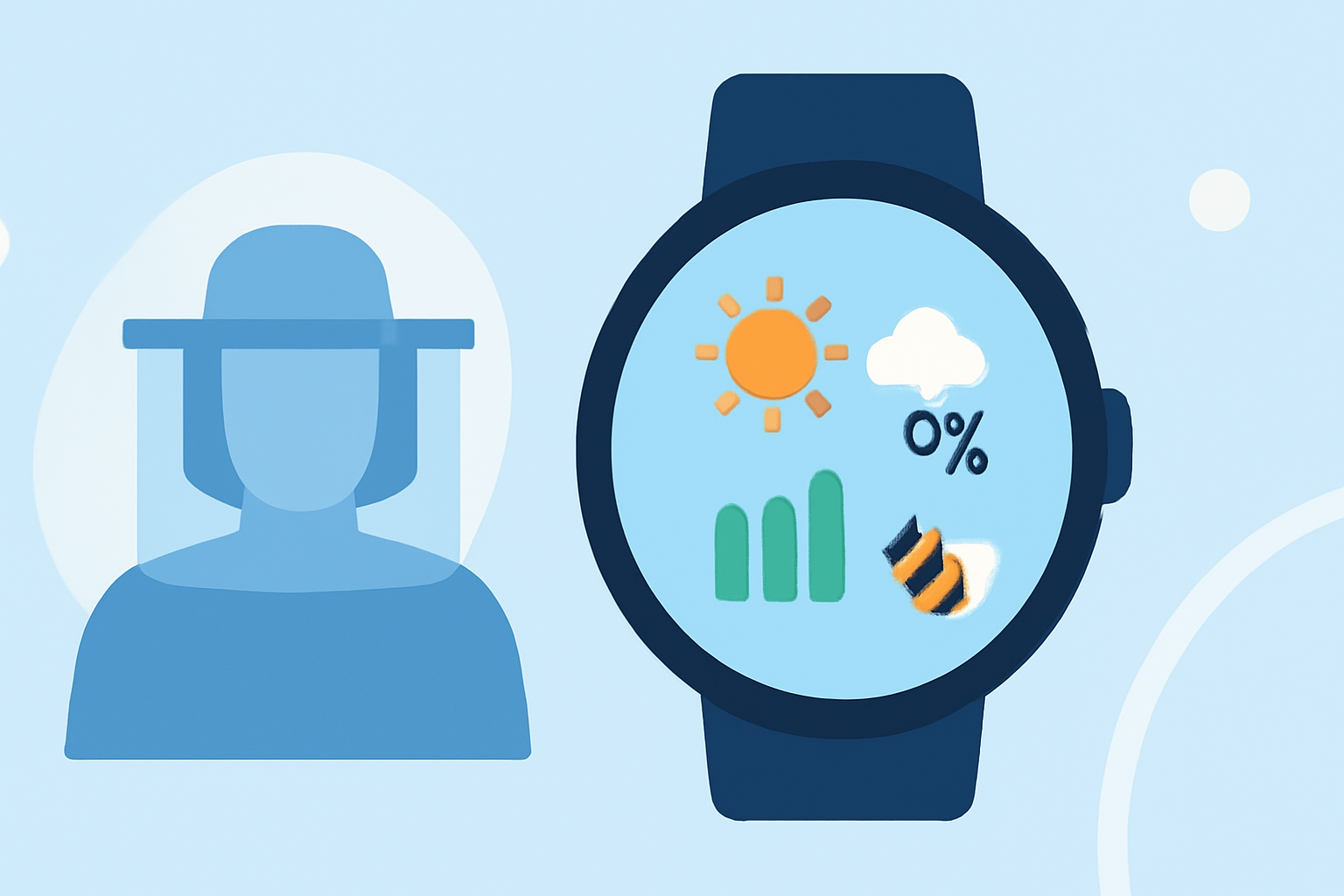
Monitoring weather conditions is crucial for successful beekeeping, as it directly influences hive health and honey production. With the advent of Wear OS smartwatches, beekeepers can now access real-time weather data conveniently on their wrists. This guide explores how to utilize Wear OS devices for weather monitoring in beekeeping, highlighting Clime's advanced features tailored for this purpose.
Why is Weather Monitoring Essential for Beekeepers?
Bees are sensitive to environmental changes, and their behavior is closely linked to weather patterns. Extreme temperatures, humidity levels, and precipitation can affect their foraging habits, hive activity, and overall health. By monitoring weather conditions, beekeepers can make informed decisions about hive management, such as when to harvest honey or protect hives from adverse weather.
How Can Wear OS Devices Assist Beekeepers?
Wear OS smartwatches offer a portable and efficient way to access weather information. With the discontinuation of Google's default Weather app on Wear OS 6 and newer devices, users are encouraged to explore alternative weather applications available on the Google Play Store. (9to5google.com)
Introducing Clime: A Market-Leading Solution for Beekeepers
Clime is a comprehensive weather application designed to provide accurate and timely weather data, essential for beekeepers. Its user-friendly interface and advanced features make it an invaluable tool for monitoring conditions that affect hive health.
Key Features of Clime for Beekeepers
-
Real-Time Weather Updates: Clime delivers up-to-date weather information, including temperature, humidity, wind speed, and precipitation, allowing beekeepers to stay informed about current conditions.
-
Hourly and Daily Forecasts: The app provides detailed forecasts, helping beekeepers plan their activities around favorable weather conditions.
-
Severe Weather Alerts: Clime sends notifications about severe weather events, enabling beekeepers to take timely actions to protect their hives.
-
Customizable Notifications: Users can set alerts for specific weather parameters, ensuring they receive information pertinent to their beekeeping needs.
How to Set Up Clime on Your Wear OS Device
-
Install Clime: Navigate to the Google Play Store on your Wear OS device and search for "Clime." Download and install the app.
-
Configure Location Settings: Open Clime and set your location to receive accurate weather data for your area.
-
Customize Notifications: Access the app's settings to tailor notifications based on your preferred weather parameters, such as temperature thresholds or precipitation levels.
-
Add Clime to Your Watch Face: Enhance accessibility by adding Clime's weather information as a complication on your watch face. This allows for quick glances at essential data without navigating through the app.
Best Practices for Using Clime in Beekeeping
-
Regular Monitoring: Check Clime frequently to stay updated on changing weather conditions that may impact your hives.
-
Plan Activities Accordingly: Use the forecasts to schedule hive inspections, honey harvesting, and other beekeeping tasks during optimal weather windows.
-
Stay Alert to Alerts: Pay attention to severe weather notifications and take proactive measures to safeguard your hives during adverse conditions.
Conclusion
Integrating Clime into your beekeeping routine via your Wear OS device offers a streamlined approach to weather monitoring. Its tailored features equip beekeepers with the necessary tools to make informed decisions, ensuring the health and productivity of their hives.
Highlights:
- Google is phasing out the Wear OS Weather app, but for something better, Published on Friday, September 12