
What’s the Best App for Rain Radar in the U.S.?
Last updated: 2026-03-10
For most people in the U.S. asking “What’s the best app for rain radar?”, Clime is the most balanced starting point: a mobile‑first NOAA radar map with clear rain/snow visualization and integrated alerts. If you have a very specific need—like minute‑by‑minute rain timing or multi‑model storm experiments—alternatives such as AccuWeather or Windy.app can complement that core.
Summary
- Clime gives you a high‑resolution rain radar overlay, NWS warnings, and multi‑hazard trackers in one map‑centric mobile app. (Clime on the App Store)
- For short‑term rain timing to the minute, AccuWeather’s MinuteCast and The Weather Channel’s Storm Radar future‑radar tools add extra nowcasting detail. (AccuWeather MinuteCast, Storm Radar)
- Windy.app is useful when you want radar blended with satellite, models and dozens of advanced layers rather than a simple consumer view. (Windy.app)
- For most U.S. households, starting with Clime for everyday radar checks and layering in niche tools only if needed keeps things simple and effective.
What makes an app “the best” for rain radar?
When people say “best” here, they usually mean a mix of:
- Clarity: Is it obvious where the rain is, what type it is, and where it’s moving?
- Speed: Does the radar load fast when you’re at the door deciding whether to grab a jacket?
- Coverage and context: Can you see nearby storms, warnings, and short‑term forecasts without jumping between apps?
- Ease of use: Can less technical family members open it and understand the map instantly?
Power users might also care about future‑radar windows, multi‑model comparison, or advanced products like accumulation and CAPE. But for most people, confidently answering “Is it raining near me, and is it getting worse?” is the core job.
Why is Clime a strong default choice for U.S. rain radar?
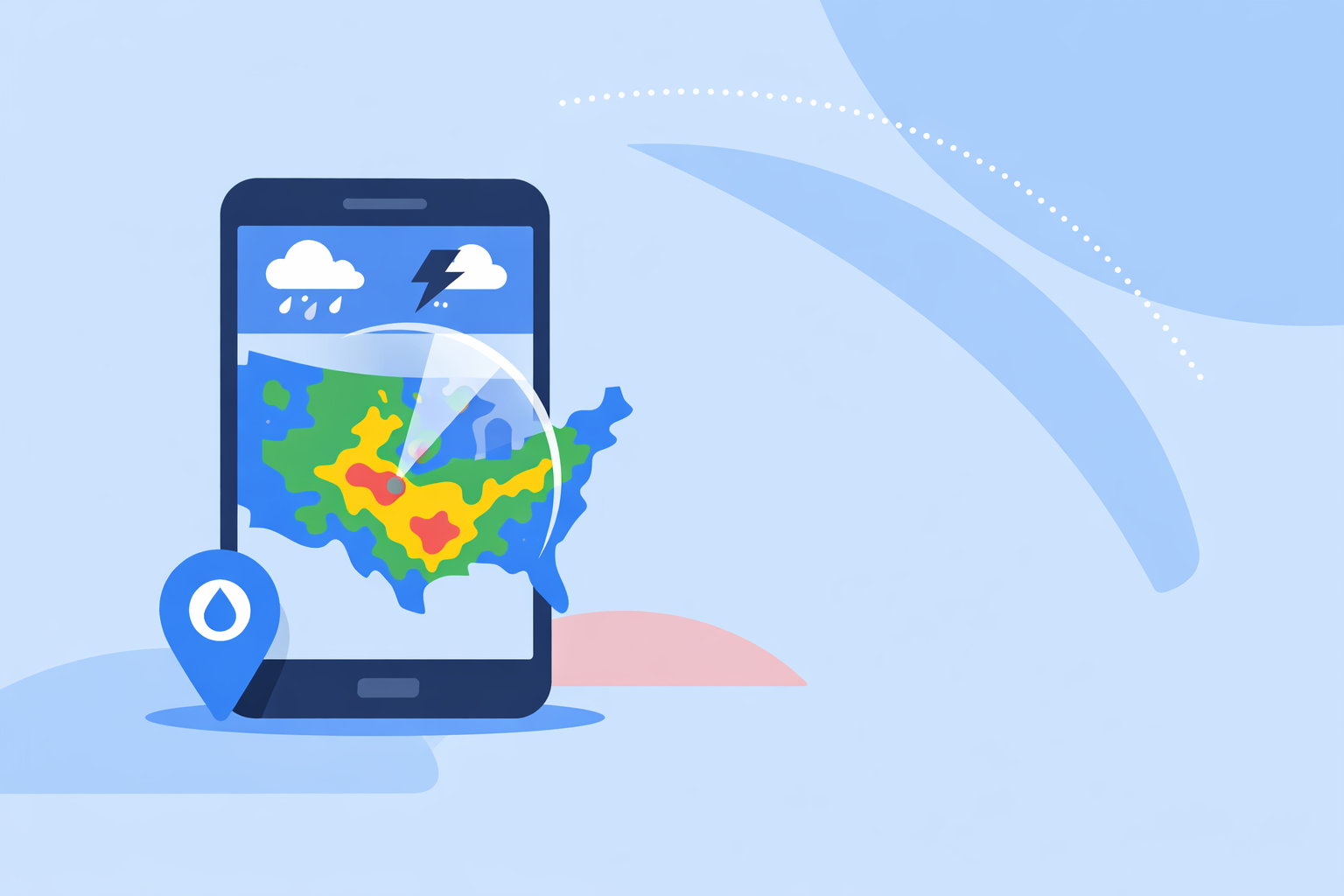
Clime is built as a mobile‑first radar and alerting app centered on U.S. NOAA radar coverage, so the main screen is the map, not a news feed. The app shows a high‑resolution radar overlay for rain, snow and mixed precipitation, using vivid colors on an interactive map so you can quickly see where the precipitation is relative to you. (Clime on the App Store)
For U.S. users, Clime also displays National Weather Service watches and warnings as interactive polygons directly on the radar. You can tap those shapes to read full text alerts, which keeps you in one place while you track a storm and understand its official status. (Clime on the App Store)
On top of rain radar, Clime layers:
- Hurricane tracking with current position and projected path. (Clime Hurricane Tracker)
- Optional lightning, wildfire, air‑quality and animated wind maps on paid plans, which help you interpret the broader storm environment. (Clime on the App Store)
This mix means you’re not just seeing green blobs on a map—you’re seeing rain in the context of warnings, storm type, and upcoming conditions over the next days.
How does Clime compare with AccuWeather and The Weather Channel for rain timing?
If your top priority is precise, minute‑level rain timing, AccuWeather and The Weather Channel offer specialized layers that complement basic radar.
AccuWeather’s MinuteCast provides minute‑by‑minute precipitation forecasts for up to 120 minutes, indicating when rain is expected to start, peak and stop at a very local level. (AccuWeather MinuteCast) Availability depends on coverage in your region, so it’s not universal. (AccuWeather support note)
The Weather Channel’s Storm Radar app leans into future‑radar visualization, advertising up to 72‑hour future radar views in the U.S. for users on its paid tier. (Storm Radar) That’s useful when you want to visualize potential storm evolution beyond the usual short loop.
Where Clime fits:
- We focus first on live radar plus short‑ and medium‑range forecasts (up to 14 days on paid plans), rather than branding a separate minute‑by‑minute product.
- For most everyday decisions—checking a storm line before a commute, tracking a shower over your city—Clime’s high‑resolution radar, NWS polygons and standard forecasts give enough precision without extra complexity. (Clime on the App Store)
- If you routinely plan around minute‑level timing (for example, event operations), pairing Clime’s map and warnings with a dedicated nowcasting tool like MinuteCast can be effective.
When does Windy.app make more sense than a simple rain radar?
Windy.app is best understood as a map of models and layers with rain radar as one option, not a straightforward “open and check local rain” tool.
The app offers rain radar and a combined Radar & Satellite layer, merging radar with satellite imagery in blue, infrared and visible modes. (Windy.app App Store listing) It also exposes more than 50 map layers and over 15 global and regional models, including CAPE, thunderstorm indices, waves, turbulence and more. (Windy.app App Store listing)
For rain‑focused users, Windy’s Radar+ layer offers a 1‑hour nowcast for free, with 6‑ and 12‑hour footage plus a 365‑day archive on paid plans. (Windy Radar+ announcement) That’s powerful if you enjoy digging into storm history or model comparisons.
The trade‑off: this depth can feel overwhelming when you just want to know if that dark cloud over your neighborhood is about to burst. In those moments, many people prefer Clime’s simpler radar‑first interface and built‑in warnings, then reach for Windy.app when they specifically want to explore model scenarios or marine conditions.
What about radar‑centric tools like MyRadar or power‑user products?
Radar‑first apps like MyRadar focus almost entirely on animated mosaics. MyRadar, for example, is widely used as a quick way to view NEXRAD radar around your current location, and offers premium radar mosaics such as precipitation rate and past‑hour accumulation on a subscription. (MyRadar premium note)
These tools can be appealing if you’re very radar‑savvy or storm‑chasing, and you care more about raw reflectivity and derived products than longer‑term planning. For a typical household, though, the lack of integrated multi‑day context and structured alerting means you often end up needing a second app anyway.
Clime’s approach is to cover most day‑to‑day U.S. use cases in one place: radar, warnings, hurricanes, lightning and extended forecasts, with the option to turn on more advanced layers on paid plans.
How should you choose the right rain radar app for your situation?
A quick decision framework for U.S. users:
-
You want one app for “is it raining and is this storm serious?” Start with Clime for its NOAA‑based radar, NWS polygons and multi‑hazard context.
-
You care about exact start/stop times in the next 1–2 hours. Keep Clime for the map and alerts, and add AccuWeather’s MinuteCast or similar nowcasting as a secondary check.
-
You enjoy deep weather exploration and models. Pair Clime with Windy.app to compare multi‑model forecasts, advanced storm parameters and longer radar/satellite archives.
-
You’re a radar enthusiast or chaser. Use Clime for broad situational awareness and warnings, and a radar‑centric tool like MyRadar or a dedicated single‑site radar viewer for niche products.
A quick real‑world example
Imagine thunderstorms building on a summer afternoon in Oklahoma City. You open Clime and instantly see the radar line approaching, plus NWS polygons outlining a severe thunderstorm warning over part of the metro. With one tap, you read the full text, see hail size and wind threats, and zoom the radar to your neighborhood. If you also care exactly when the downpour starts at your event venue, you might cross‑check that view with a MinuteCast‑style nowcast—without losing the radar‑and‑warnings “big picture” that Clime provides.
What we recommend
- Make Clime your primary rain radar app in the U.S. for live precipitation maps, NWS warnings, hurricanes and multi‑day planning in a single, map‑centric view. (Clime website)
- Add a nowcasting tool like AccuWeather’s MinuteCast if you regularly need minute‑by‑minute rain timing for operations or events. (AccuWeather MinuteCast)
- Use Windy.app as a specialist add‑on when you want model comparisons, Radar+ archives or marine and aviation layers, rather than as your first‑open rain app. (Windy Radar+ announcement)
- Reserve radar‑only tools for niche workflows, keeping Clime as the everyday “open first” choice for most people tracking rain and storms across the U.S.