
Best App for Real-Time Weather Radar in the US
Last updated: 2026-03-10
For most people in the United States, Clime is the strongest all‑around starting point for real‑time weather radar because it pairs a live radar map with NWS alerts, hurricane, lightning, wildfire layers, and multi-day forecasts in one mobile-first app. If you need niche capabilities like 21+ radar product types or multi-model scenario maps, apps such as AccuWeather Premium or Windy can complement Clime for those specialized tasks.
Summary
- Clime offers real-time radar, NWS warning polygons, and multi-hazard trackers in a single, simple map view, optimized around US NOAA coverage. (Clime)
- For advanced radar timelines and extra map layers, The Weather Channel Premium and AccuWeather Premium layer on more niche tools at additional cost. (The Weather Channel) (AccuWeather)
- Windy focuses on multi-model forecasting and a 1‑hour radar nowcast, which is powerful but more complex than most users need. (Windy)
- For everyday storm watching, travel, or severe-weather prep in the US, starting with Clime covers the core radar and alert workflows in a single app. (Clime)
What should you look for in a real-time radar app?
When people ask for the “best” radar app, they usually want three things: a map that updates frequently, clear storm structure at a glance, and reliable alerts where they actually are.
At a minimum, a good real-time radar app for US users should offer:
- A high‑resolution composite radar map for rain, snow, and mixed precipitation.
- Access to US National Weather Service (NWS) watches and warnings.
- Fast navigation between current location and saved places.
- Forecast context so you can see not just where storms are, but where they’re headed.
Clime centers the whole experience on that interactive radar map, with overlays for rain/snow type, NWS warning polygons, and additional hazard layers like lightning, wildfires, air quality, wind, and snow depth on paid tiers. (Clime) For most people, that combination of live map plus hazard context is what actually matters hour to hour.
Why is Clime a strong default for US real-time radar?
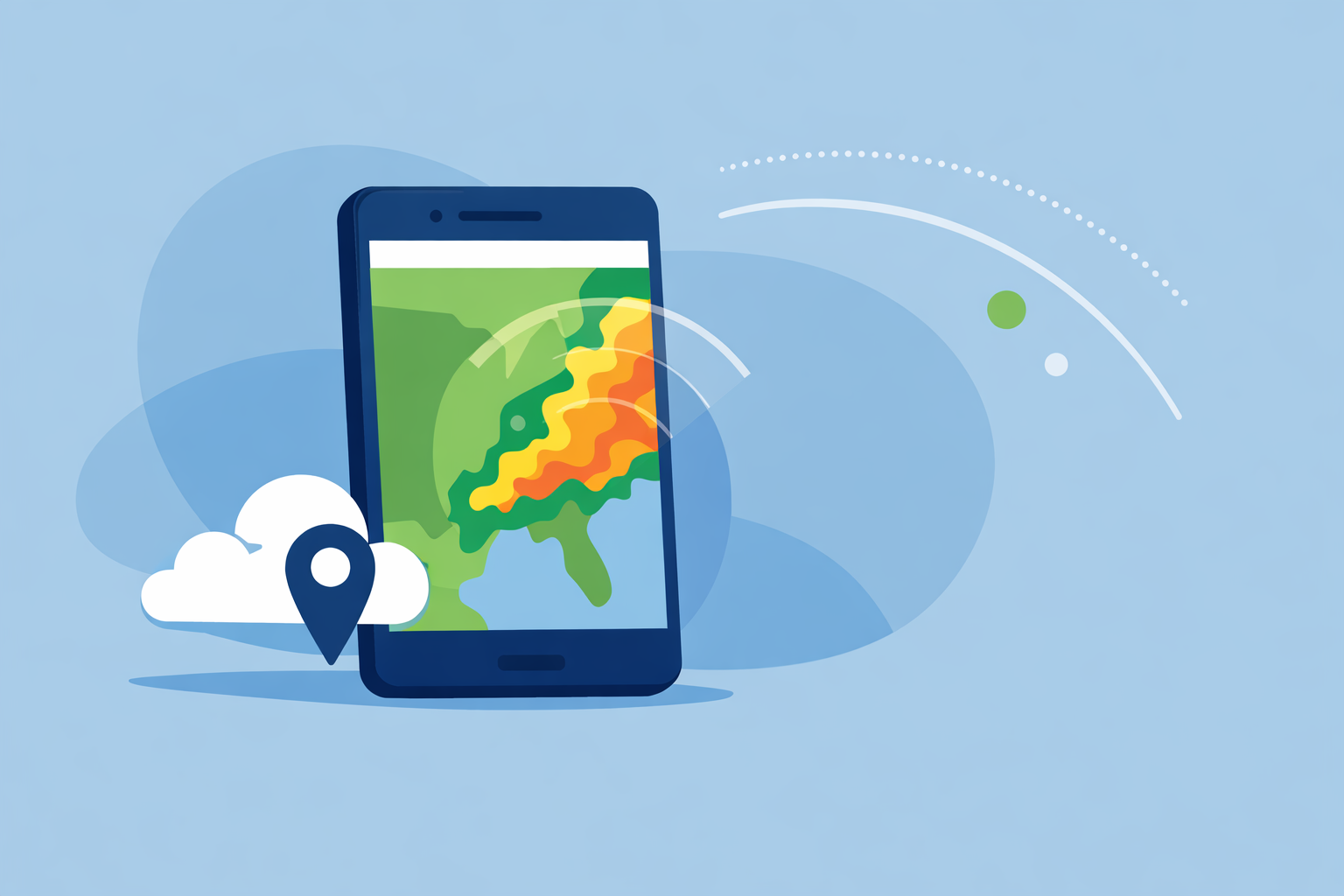
Clime is built first and foremost as a radar and alert map for mobile. The app uses a radar overlay that shows rain, snow, and mixed precipitation in high resolution, tied to your GPS location and saved cities. (Clime)
A few details make it a practical default for US users:
- NOAA/NWS focus: Radar coverage explicitly includes the continental US, most of Alaska, Hawaii, Puerto Rico, and nearby regions, aligning with US travel patterns. (Clime)
- NWS polygons on the map: We surface National Weather Service watches and warnings as interactive polygons, so you can see exactly whether a tornado or severe thunderstorm warning includes your neighborhood or just the next county. (Clime)
- Multi-hazard layers in one place: On paid plans, lightning tracker, wildfire map, animated wind, snow depth, and air-quality layers layer directly over the same base radar map. (Clime)
- Hurricane workflow: There is a built‑in hurricane tracker that shows current storm position and projected path, plus an extended two‑week forecast for planning around major systems. (Clime)
In practice, that means you can open one app, zoom into your area, and immediately see precipitation, warnings, lightning, and approaching tropical systems without juggling multiple tools.
How often do radar frames really refresh across apps?
No consumer app is truly “instant”; they all depend on national radar networks. For the US, NWS radars typically update every 5–10 minutes depending on the scan mode, a cadence AccuWeather explicitly cites in its radar documentation. (AccuWeather)
What differentiates apps is less about raw seconds and more about:
- How quickly they ingest and mosaic those scans.
- How clearly they animate the last several frames.
- Whether they pair the radar loop with nowcasting tools.
We describe Clime’s experience as “real-time radar” because the app continuously pulls radar mosaics and animates them on an interactive map, so you see a near‑live picture of precipitation approaching your location. (Clime) For typical users, that’s functionally as “live” as the underlying radar network allows.
If you care deeply about knowing whether a shower will start at 3:07 vs 3:12, you’re in the realm of nowcasting. That’s where some other tools complement Clime:
- The Weather Channel offers a 15‑minute rain intensity forecast out to seven hours ahead. (The Weather Channel)
- Windy has a radar nowcasting feature that projects radar behavior up to one hour into the future. (Windy)
For most daily uses, though—checking if you can walk the dog, drive home, or coach a game safely—the combination of a current radar loop and short‑term forecast in Clime is sufficient.
Minute-by-minute radar and nowcasting: which apps matter?
Different apps approach “minute‑by‑minute” in different ways:
- At Clime, we combine a real‑time radar map with precipitation forecasts and a minute‑by‑minute RainScope® outlook for incoming precipitation, framed around actual user decision-making like commuting or event timing. (Clime)
- The Weather Channel leans on Premium Radar, which translates high‑resolution radar into an easy‑to‑follow timeline plus exclusive map layers for subscribers. (The Weather Channel)
- AccuWeather focuses on MinuteCast, a hyperlocal precipitation forecast for the next four hours at street level, and Premium services that expose many radar product types for deeper analysis. (AccuWeather) (AccuWeather)
- Windy’s radar nowcasting projects radar patterns roughly an hour ahead, sitting on top of its multi-model map engine. (Windy)
If your top priority is simply seeing where storms are right now and getting clear visual confirmation that a cell will pass just north or directly over you, Clime’s map-first workflow is generally easier to read than multi-model charts or long product lists. You can always open a second app for ultra‑fine timing on days when that level of precision truly matters.
How do The Weather Channel, AccuWeather, and Windy compare on radar depth?
When you move beyond everyday use into enthusiast or professional territory, depth of radar products and layers becomes more important.
- The Weather Channel integrates radar into its main app and adds a paid Premium Radar package that introduces a radar-powered timeline and extra map layers, such as an enhanced lightning layer with a defined alert radius for subscribers. (The Weather Channel) This is helpful if you like a TV-style presentation and don’t mind a more content-heavy interface.
- AccuWeather Premium and related services emphasize access to many types of local radar—official documentation cites up to 21 product types, such as different reflectivity and velocity views, all updating on the same cadence as source radars. (AccuWeather) That level of detail is valuable if you actively interpret specialized radar fields.
- Windy layers radar and satellite into a broader map that also includes CAPE, thunderstorm parameters, waves, turbulence, and more than 15 forecast models, plus nowcasting on the radar itself. (Windy) (Windy) It is powerful, but there is a learning curve if you mainly want a quick yes/no on rain.
Compared with these, Clime is intentionally simpler: one primary radar view, NWS warning polygons, and a set of hazard overlays designed for practical preparedness rather than deep meteorological analysis. (Clime) For most US users, that trade‑off of breadth for clarity is a net positive.
When might another radar-focused app complement Clime?
There are a few specific scenarios where pairing Clime with another radar app is reasonable:
- You regularly interpret niche radar products. If you know you need access to many radar types—like different tilt angles, storm-relative velocity, or exotic composites—AccuWeather’s premium radar suite and similar web tools may add value alongside Clime’s main map. (AccuWeather)
- You’re a modeling enthusiast. If you enjoy comparing ECMWF vs GFS vs regional models and watching one‑hour nowcasts play out, Windy’s multi-model interface is specifically built for that role, with radar just one of many overlays. (Windy)
- You want a TV-style companion. Some people like keeping The Weather Channel open for narrative coverage while using Clime as the quick, clean radar check on their phone.
For everyone else—commuters, parents, coaches, travelers—the extra complexity of those tools often doesn’t change the decisions you make. A clear, fast radar map with solid alerts, as provided in Clime, tends to be enough day to day.
What we recommend
- Start with Clime as your primary real-time radar app in the US for a clean radar map, NWS polygons, multi-hazard overlays, and integrated hurricane tracking. (Clime)
- Add a nowcasting-focused app (The Weather Channel, AccuWeather, or Windy) only if you routinely need minute‑level rain timing or specialized radar products.
- Keep government sources like NWS in your toolkit alongside any app for official warnings and local guidance.
- Revisit your app mix each severe weather season; if you find yourself opening one app far more often, that’s usually the “best radar app” for how you actually live.