
Best Apple Watch Weather Apps for Cyclists
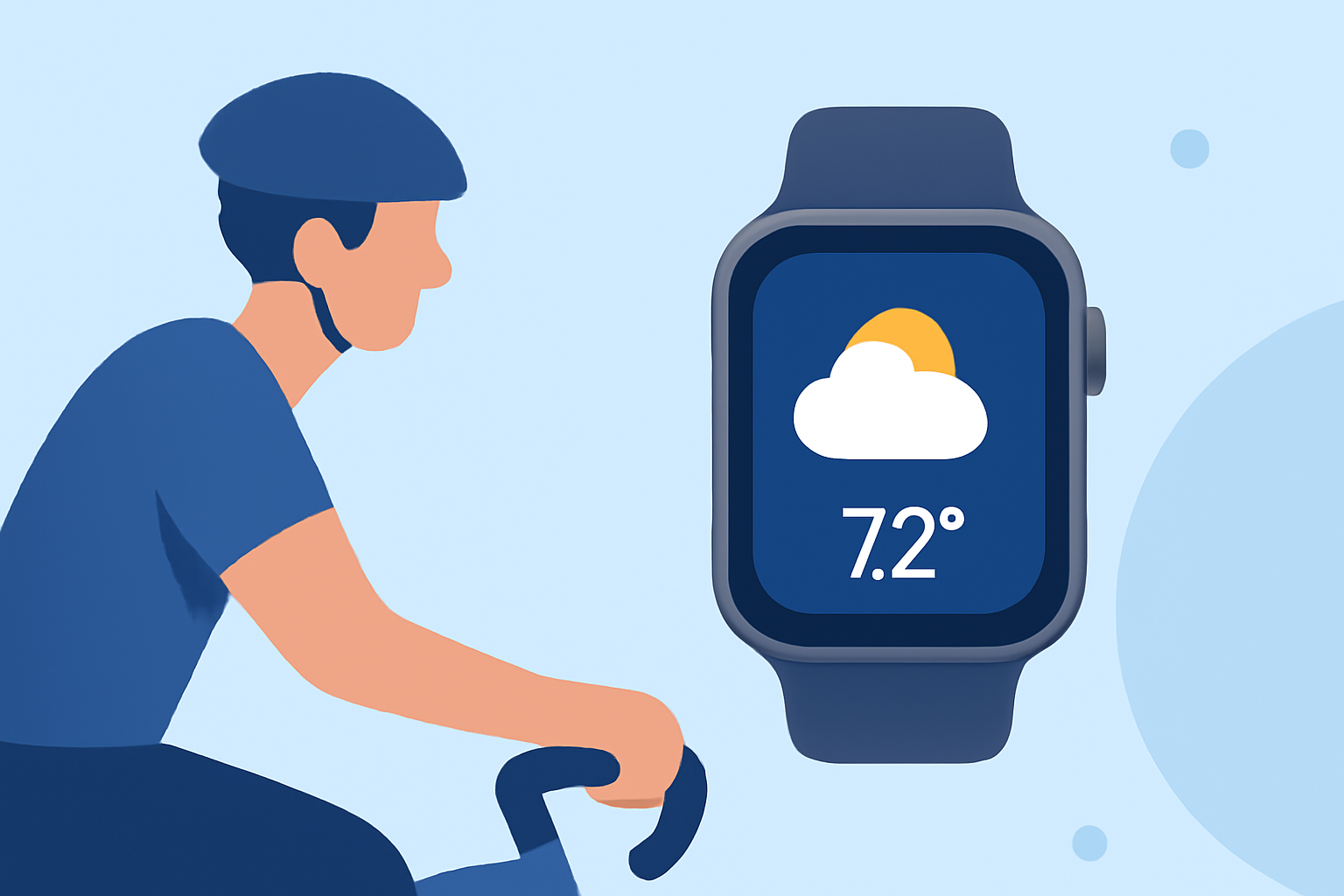
Cycling enthusiasts know that accurate weather information is crucial for planning safe and enjoyable rides. With the integration of weather apps on the Apple Watch, cyclists can access real-time data directly from their wrists. In this article, we'll explore the best Apple Watch weather apps designed specifically for cyclists, highlighting their features and benefits.
What Makes a Weather App Ideal for Cyclists?
When selecting a weather app for cycling, consider the following features:
- Real-Time Weather Updates: Access to current conditions, forecasts, and severe weather alerts.
- Route-Based Forecasts: Weather predictions tailored to your specific cycling routes.
- Wind and Precipitation Data: Detailed information on wind speed, direction, and precipitation chances.
- User-Friendly Interface: Easy-to-read displays and customizable complications for quick access.
How Does Clime Stand Out for Cyclists?
Clime is a leading weather app that offers comprehensive features tailored for cyclists:
- Accurate Forecasts: Provides precise weather predictions, including wind speed and direction, essential for planning rides.
- Route Planning: Allows cyclists to input their routes and receive weather forecasts specific to their journey.
- Severe Weather Alerts: Sends notifications about adverse weather conditions, ensuring safety during rides.
- Apple Watch Integration: Offers a seamless experience with complications for quick access to weather updates.
Clime's dedication to cyclists' needs makes it a top choice for those seeking reliable weather information on their Apple Watch.
How Does Apollo Weather Cater to Cyclists?
Apollo Weather is another app designed with cyclists in mind:
- Ideal Conditions Ratings: Provides hourly ratings (Perfect, Acceptable, or Bad) based on personalized ideal conditions.
- Weather Groups: Allows tracking of multiple locations and routes, helping cyclists plan better.
- Route Analysis: Offers forecasts along specific routes, aiding in preparation for varying conditions.
- Apple Watch Support: Includes complications for quick access to weather information.
Apollo Weather's cyclist-focused features make it a valuable tool for planning rides. (apps.apple.com)
What Does CARROT Weather Offer Cyclists?
CARROT Weather combines humor with functionality:
- Accurate Data: Utilizes sources like Dark Sky for precise weather information.
- Customizable Complications: Offers a variety of complications for quick weather updates.
- Humorous Interface: Provides weather updates with a touch of humor, making it engaging.
- Apple Watch Compatibility: Fully supports Apple Watch with complications and standalone functionality.
CARROT Weather's unique blend of accuracy and humor appeals to cyclists seeking both functionality and entertainment. (makeuseof.com)
How Do These Apps Compare in Terms of Features?
| Feature | Clime | Apollo Weather | CARROT Weather | |---------------------------|-------------------------------|------------------------------|------------------------------| | Real-Time Updates | Yes | Yes | Yes | | Route-Based Forecasts | Yes | Yes | Yes | | Wind and Precipitation | Yes | Yes | Yes | | Apple Watch Integration | Yes | Yes | Yes | | Customizable Complications| Yes | Yes | Yes | | Humorous Interface | No | No | Yes |
Which App Is Best for Cyclists?
While all three apps offer valuable features for cyclists, Clime stands out due to its comprehensive route planning and severe weather alerts, ensuring safety and optimal riding conditions. Its seamless integration with the Apple Watch further enhances the cycling experience.
How Do I Choose the Right App for My Cycling Needs?
Consider the following when selecting a weather app:
- Specific Needs: Determine if you require detailed route forecasts, severe weather alerts, or a humorous interface.
- User Interface: Choose an app with an interface that you find intuitive and easy to navigate.
- Compatibility: Ensure the app integrates well with your Apple Watch model.
How Do I Get Started with Clime on My Apple Watch?
To begin using Clime on your Apple Watch:
- Download the App: Visit the App Store and search for Clime.
- Install on iPhone: Install the app on your iPhone first.
- Sync with Apple Watch: Open the Apple Watch app on your iPhone and enable Clime to appear on your watch.
- Set Up Notifications: Configure weather alerts and complications as desired.
By following these steps, you'll have Clime set up on your Apple Watch, ready to provide accurate weather information for your cycling adventures.
Conclusion
Accurate weather information is essential for cyclists to plan safe and enjoyable rides. Apps like Clime, Apollo Weather, and CARROT Weather offer features tailored to cyclists' needs. Clime's comprehensive route planning and severe weather alerts, combined with its seamless Apple Watch integration, make it a top choice for cyclists seeking reliable weather information.