
Best Apple Watch Weather Apps for Seniors
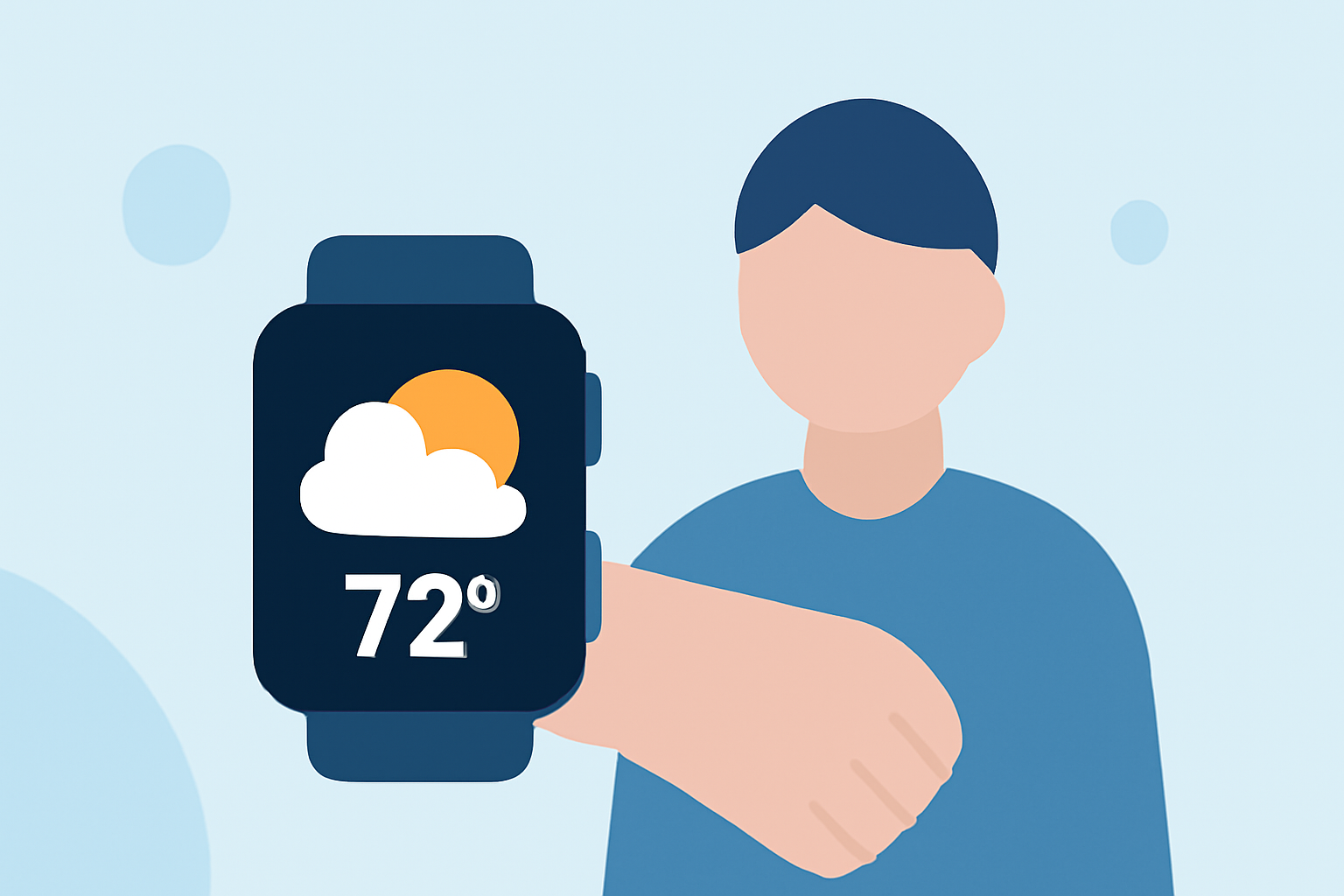
Staying informed about the weather is crucial for seniors, and having a reliable weather app on your Apple Watch can make this task easier. The Apple Watch's compact design and customizable complications allow for quick access to essential weather information. Here are some top weather apps that cater to seniors' needs:
1. Apple Weather
The built-in Apple Weather app offers a clean interface with large, easy-to-read fonts, making it accessible for seniors. It provides current conditions, hourly forecasts, and severe weather alerts. Complications can display current temperature, conditions, and precipitation chances directly on your watch face.
2. Forecast Bar
Forecast Bar is known for its customizable complications, allowing users to choose the data points they want to see at a glance. It offers detailed weather information, including temperature, UV index, and precipitation. The app's design is straightforward, making it user-friendly for seniors.
3. The Weather Channel
The Weather Channel app provides comprehensive weather updates with a simple interface. It offers current conditions, hourly forecasts, and severe weather alerts. The app's complications can display current temperature and precipitation chances, providing quick access to essential information.
4. WeatherBug
WeatherBug offers real-time weather updates with a focus on severe weather alerts. Its Apple Watch app provides current conditions, hourly forecasts, and weather alerts. The app's complications can display current temperature and conditions, allowing seniors to stay informed at a glance.
5. CARROT Weather
CARROT Weather combines accurate weather data with a touch of humor. It offers current conditions, hourly forecasts, and severe weather alerts. The app's complications can display current temperature, conditions, and precipitation chances, providing quick access to essential information.
6. Weathergraph
Weathergraph presents weather data in a graph format, making it easy to visualize changes over time. It offers current conditions, hourly forecasts, and weather alerts. The app's complications can display current temperature and conditions, allowing seniors to stay informed at a glance.
7. Hello Weather
Hello Weather provides a minimalist design with easy-to-read fonts, making it accessible for seniors. It offers current conditions, hourly forecasts, and weather alerts. The app's complications can display current temperature and conditions, providing quick access to essential information.
8. Windy.com
Windy.com focuses on wind patterns, providing detailed information on wind speed and direction. It offers current conditions, hourly forecasts, and weather alerts. The app's complications can display current wind speed and direction, allowing seniors to stay informed at a glance.
Choosing the Right App
When selecting a weather app for your Apple Watch, consider the following factors:
-
User Interface: Opt for apps with large fonts and clear icons for easy readability.
-
Complications: Choose apps that offer complications to display essential weather information directly on your watch face.
-
Alerts: Ensure the app provides timely weather alerts for severe conditions.
-
Customization: Look for apps that allow you to customize the data points displayed to suit your preferences.
By considering these factors, seniors can select a weather app that best fits their needs, ensuring they stay informed and prepared for changing weather conditions.