
Best Apple Watch Weather Apps for Seniors: Stay Informed and Safe
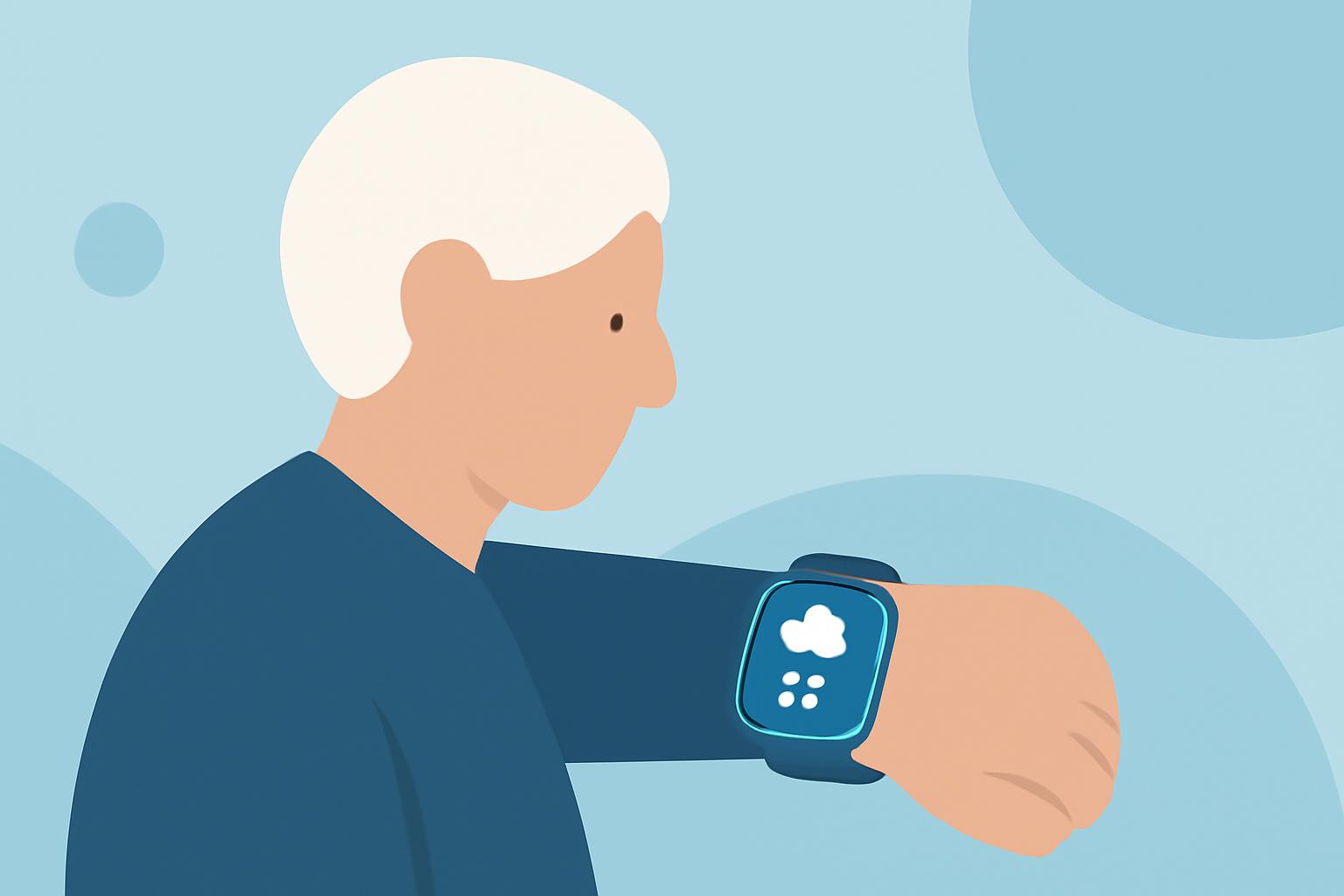
Staying informed about the weather is crucial for seniors, especially when planning outdoor activities or managing health conditions sensitive to weather changes. The Apple Watch, with its intuitive interface and health-focused features, serves as an excellent tool for accessing timely weather information. In this guide, we'll explore the top weather apps for the Apple Watch that cater specifically to seniors, emphasizing ease of use, accuracy, and essential features.
Why Choose an Apple Watch Weather App for Seniors?
Apple Watch weather apps provide real-time updates, customizable complications, and health-related information, all accessible with a quick glance at your wrist. For seniors, these features are invaluable for making informed decisions about daily activities and ensuring safety during adverse weather conditions.
What Are the Top Apple Watch Weather Apps for Seniors?
1. Apple Weather
The built-in Apple Weather app offers a clean interface with essential weather details, including current conditions, hourly forecasts, and severe weather alerts. Its integration with the Apple ecosystem ensures seamless performance and reliability.
2. The Weather Channel
Renowned for its comprehensive coverage, The Weather Channel app provides detailed forecasts, live radar, and severe weather alerts. Its user-friendly design and customizable complications make it a solid choice for seniors seeking reliable weather information.
3. AccuWeather
AccuWeather delivers hyper-local forecasts, real-time alerts, and MinuteCast precipitation updates. Its streamlined interface is designed for quick glances, making it suitable for seniors who prefer straightforward weather information.
4. CARROT Weather
CARROT Weather combines accurate forecasts with a touch of humor, offering a unique user experience. It provides detailed weather data and customizable complications, allowing seniors to tailor the app to their preferences.
5. WeatherBug
WeatherBug offers real-time weather updates, live radar, and severe weather alerts. Its simple interface and customizable complications make it accessible for seniors seeking essential weather information.
How Do These Apps Compare in Terms of Features and Usability?
When evaluating weather apps for seniors, consider the following factors:
-
User Interface: A clean, intuitive design with large text and icons enhances readability and ease of use.
-
Complications: Customizable watch face complications provide at-a-glance information without opening the app.
-
Severe Weather Alerts: Timely notifications about severe weather conditions are crucial for safety.
-
Health Integration: Apps that integrate with health data can offer insights into how weather conditions may affect health.
Apple Weather excels in integration and simplicity, offering essential features without overwhelming users. Its complications display current temperature and conditions, providing quick insights. (appletoolbox.com)
The Weather Channel and AccuWeather provide comprehensive data with customizable complications, allowing seniors to tailor the app to their needs. Both apps offer severe weather alerts and health-related information, enhancing safety during adverse conditions. (seniors.academy)
CARROT Weather stands out with its unique blend of humor and detailed forecasts. While it offers extensive customization, some seniors may find the playful tone less appealing. (creativebloq.com)
WeatherBug offers a straightforward interface with essential features, making it accessible for seniors seeking simplicity. Its real-time updates and alerts are beneficial for staying informed. (appletoolbox.com)
How Do These Apps Support Seniors in Staying Safe During Adverse Weather Conditions?
Each app provides features that can help seniors stay safe during adverse weather:
-
Severe Weather Alerts: Timely notifications about severe weather conditions enable seniors to take necessary precautions.
-
Health Integration: Some apps offer insights into how weather conditions may affect health, such as UV index and air quality information.
-
Customizable Complications: Quick access to essential weather information through watch face complications allows seniors to stay informed without navigating through multiple screens.
How Do These Apps Compare in Terms of Cost and Accessibility?
Most of the mentioned apps are free to download, with optional in-app purchases or subscriptions for additional features. Apple Weather is pre-installed on the Apple Watch, offering a no-cost option with essential features. The Weather Channel, AccuWeather, and WeatherBug provide free versions with basic functionalities, while CARROT Weather offers a free version with limited features and a subscription for full access. (appletoolbox.com)
Conclusion
Choosing the right weather app for your Apple Watch can significantly enhance your ability to stay informed and safe. For seniors, apps like Apple Weather, The Weather Channel, AccuWeather, CARROT Weather, and WeatherBug offer a range of features tailored to different preferences and needs. Consider factors such as user interface, complications, severe weather alerts, and health integration when making your choice. By selecting an app that aligns with your requirements, you can ensure timely access to weather information, empowering you to make informed decisions and maintain safety during adverse conditions.