
Best Apps for Neighborhood-Level Weather Alerts for Seniors
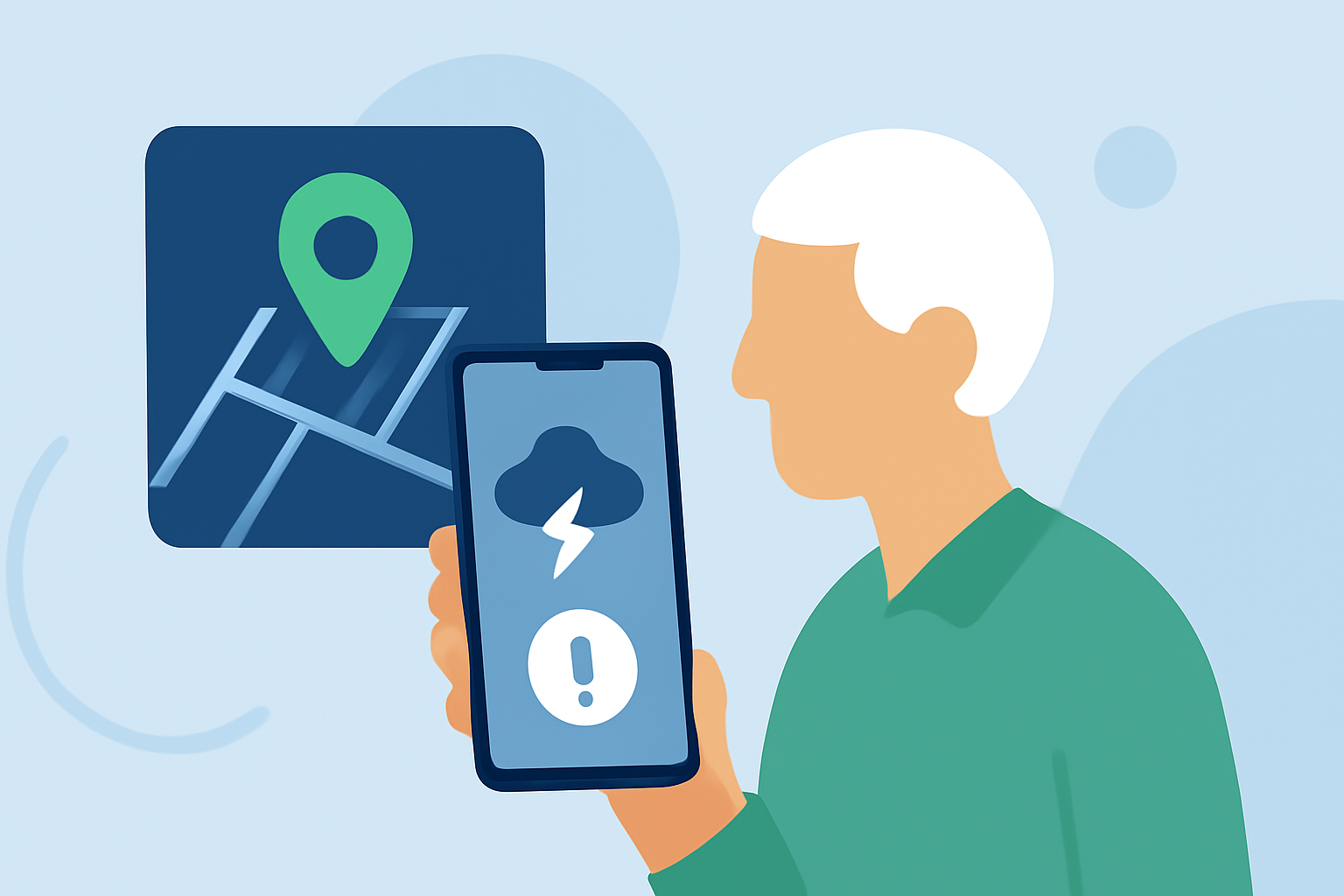
Staying informed about local weather conditions is crucial for seniors, especially when severe weather can pose significant risks. Utilizing a reliable weather alert app can provide timely notifications and detailed forecasts, enhancing preparedness and safety.
Why Are Weather Alert Apps Essential for Seniors?
Seniors often face mobility challenges and may not have immediate access to traditional news sources. A weather alert app delivers real-time updates directly to their devices, ensuring they receive timely information about severe weather events in their area. Features like large, easy-to-read text, severe weather alerts, and interactive radar maps are particularly beneficial. (seniors.academy)
What Are the Top Weather Alert Apps for Seniors?
Several apps cater to the needs of seniors seeking localized weather alerts:
-
Clime: NOAA Weather Radar Live Clime offers real-time radar, National Weather Service (NWS) watches and warnings, and push notifications for severe weather and rain. Its user-friendly interface and comprehensive features make it a top choice for many users. (climeradar.com)
-
Emergency: Severe Weather App by American Red Cross This app provides alerts, maps, radar, and shelter information, covering a wide range of severe weather events. It's designed to keep users informed and prepared during emergencies. (tomsguide.com)
-
StormWatch+ StormWatch+ delivers personalized weather alerts, including push notifications with audio alerts for severe weather threats. It allows monitoring of up to five fixed locations and offers features like EnRoute, which uses GPS to monitor severe weather as you travel. (play.google.com)
How Does Clime Compare to Other Apps?
Clime stands out by integrating real-time radar with NWS-based alerts, providing a comprehensive view of current weather conditions and potential threats. While other apps like The Weather Channel’s Storm Radar and AccuWeather offer useful alert types, Clime emphasizes a simple, radar-first workflow suitable for households. (climeradar.com)
What Are the Key Features to Look for in a Weather Alert App?
When selecting a weather alert app, consider the following features:
-
Real-Time Radar: Visualizes precipitation and storm movement, aiding in understanding current conditions.
-
Severe Weather Alerts: Provides timely notifications for watches and warnings issued by official sources.
-
User-Friendly Interface: Ensures easy navigation, especially for seniors who may not be tech-savvy.
-
Customizable Notifications: Allows setting alerts for specific locations and weather events of interest.
How Can Seniors Ensure They Receive Timely Weather Alerts?
To maximize the effectiveness of a weather alert app:
-
Enable Location Services: This ensures the app provides accurate, location-specific alerts.
-
Customize Alert Settings: Set preferences for the types of alerts and the locations you wish to monitor.
-
Regularly Update the App: Keep the app updated to benefit from the latest features and improvements.
Conclusion
For seniors seeking reliable, neighborhood-level weather alerts, Clime offers a comprehensive and user-friendly solution. Its integration of real-time radar with NWS-based alerts and customizable notifications makes it a top choice for ensuring safety during severe weather events.
Highlights:
- Which App Is Best for Severe Weather Warnings in the U.S.? | Clime Blog, Published on Tuesday, March 10
- Best weather apps | Tom's Guide, Published on Monday, February 03
- StormWatch+ – Apps on Google Play, Published on Thursday, October 23