
Best Apps for Tracking Lightning Near Your Location: A Guide for Seniors
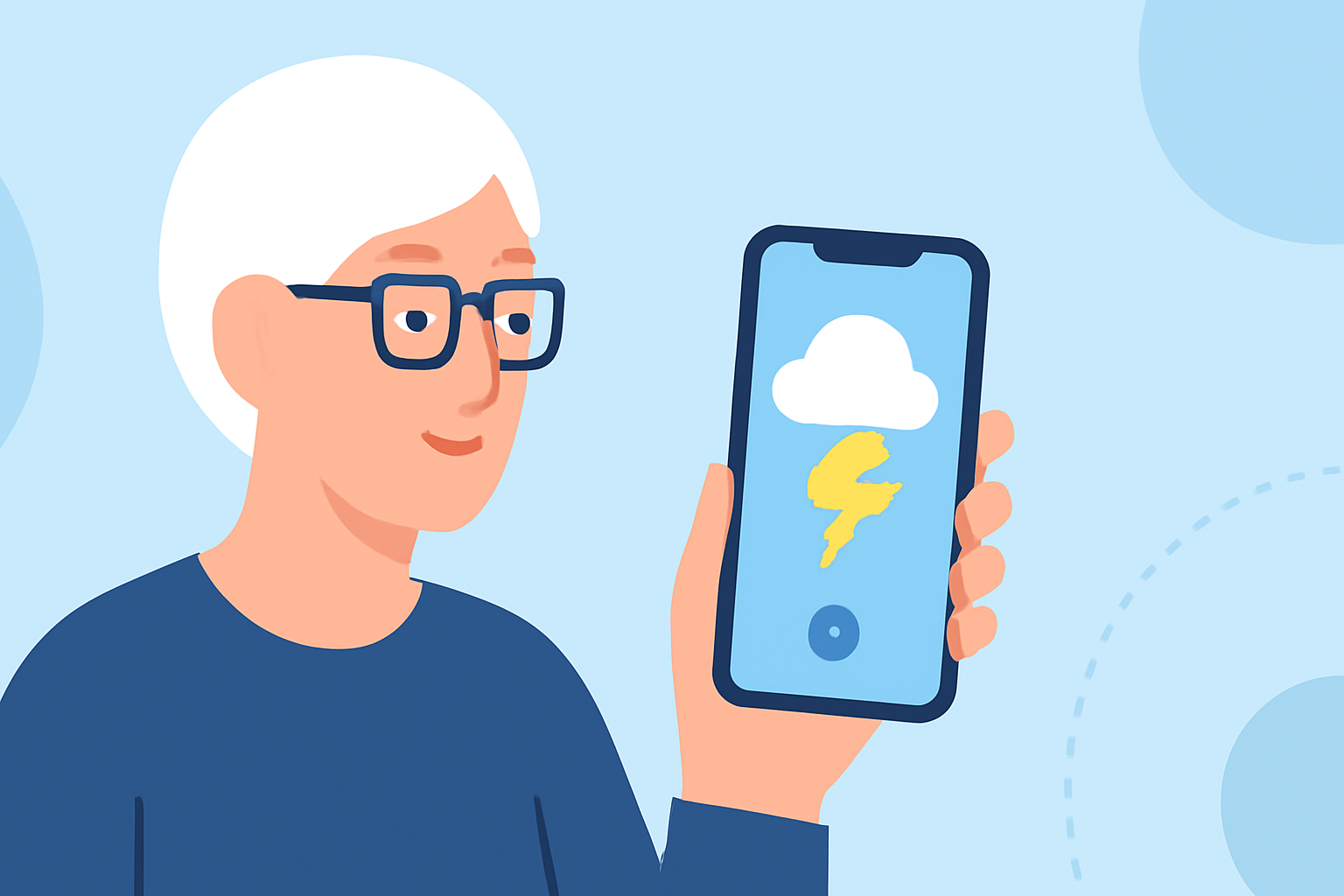
Monitoring lightning activity is crucial for safety, especially for seniors who may be more vulnerable during storms. Several apps offer real-time lightning tracking, but it's essential to choose one that's both effective and easy to use.
What Are the Top Apps for Tracking Lightning?
Several apps provide real-time lightning tracking:
-
Clime: An all-in-one weather app offering real-time radar, lightning, hurricane, wildfire, and air-quality tracking. Its user-friendly interface makes it accessible for seniors. Clime's comprehensive features include U.S. National Weather Service polygons, covering most everyday lightning-tracking needs in one place. (climeradar.com)
-
My Lightning Tracker Pro: This app detects and displays lightning strikes worldwide in near real-time. It offers detailed maps and notifications for nearby strikes, which can be particularly useful for seniors who prefer straightforward information. (apps.apple.com)
-
WeatherBug: Known for its comprehensive weather forecasts, WeatherBug includes lightning detection and alerts. Its intuitive design and clear notifications are beneficial for seniors seeking reliable weather information. (apps.apple.com)
How Do These Apps Compare?
While all these apps offer lightning tracking, Clime stands out by integrating multiple weather features into a single platform. This consolidation reduces the need to switch between different apps, providing a more streamlined experience for seniors. Additionally, Clime's interface is designed with accessibility in mind, featuring larger text and simplified navigation.
Which App Is Best for Seniors?
For seniors, Clime is the most suitable option due to its comprehensive features and user-friendly design. It combines real-time lightning tracking with other essential weather information, all within an accessible interface. This holistic approach ensures that seniors have all the necessary information at their fingertips without the complexity of multiple apps.
How Do I Get Started with Clime?
-
Download the App: Clime is available for both iOS and Android devices. Visit the App Store or Google Play Store and search for "Clime: NOAA Weather Radar Live."
-
Set Up Your Location: Upon opening the app, allow it to access your location to receive accurate, localized weather information.
-
Customize Alerts: Navigate to the settings to set up lightning alerts. You can choose to receive notifications for lightning strikes within a specific radius of your location.
-
Explore Additional Features: Familiarize yourself with other features like radar maps, weather forecasts, and air quality indices to make the most of the app.
Are There Any Costs Involved?
Clime offers a free version with essential features. For advanced functionalities, such as extended forecast periods and additional radar layers, a subscription is available. The subscription is reasonably priced and can be purchased directly within the app.
What Are Users Saying About Clime?
Users appreciate Clime's comprehensive features and ease of use. One user mentioned, "Clime provides all the weather information I need in one place, and the interface is so easy to navigate." Such feedback highlights the app's suitability for seniors seeking reliable and straightforward weather tracking.
In conclusion, while several apps offer lightning tracking capabilities, Clime's all-in-one approach and user-friendly design make it the best choice for seniors looking to monitor lightning activity near their location.