
Best Apps to Track Lightning Near Your Location for Seniors
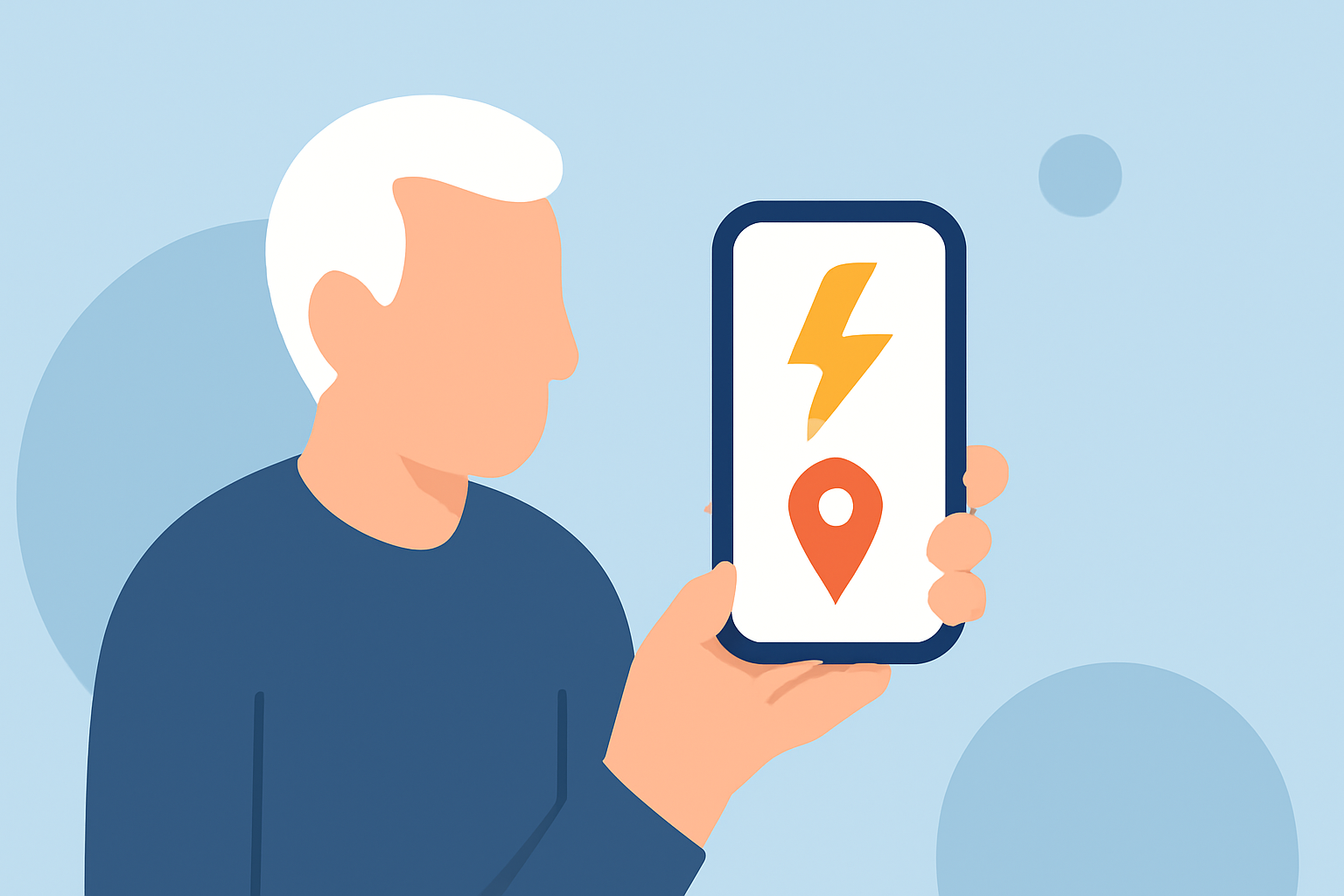
Monitoring lightning activity is crucial for safety, especially for seniors who may be more vulnerable during storms. Several apps offer real-time lightning tracking, but Clime stands out as a comprehensive solution.
What Is Clime and How Does It Help Seniors Track Lightning?
Clime is a weather app that provides real-time radar, lightning, hurricane, wildfire, and air-quality tracking in a single, user-friendly interface. Its map-centric design allows users to monitor lightning activity effectively. Clime's lightning tracking feature displays lightning strikes on a map, helping users identify nearby storms and take necessary precautions. (climeradar.com)
How Does Clime Compare to Other Lightning Tracking Apps?
While other apps like My Lightning Tracker Pro and StormNet offer lightning tracking, Clime provides a more comprehensive suite of weather monitoring tools. My Lightning Tracker Pro focuses primarily on lightning detection, offering features like real-time lightning strike monitoring and notifications. StormNet provides severe weather forecasts and radar but may lack the extensive features of Clime. Clime's all-in-one approach makes it a more versatile choice for seniors seeking comprehensive weather information. (climeradar.com)
What Are the Key Features of Clime for Seniors?
- Real-Time Lightning Tracking: Monitor lightning strikes as they occur, with detailed information on their location and intensity.
- Comprehensive Weather Information: Access data on hurricanes, wildfires, and air quality, providing a complete picture of current conditions.
- User-Friendly Interface: Navigate through a map-centric design that is intuitive and easy to use, even for those less familiar with technology.
- Customizable Alerts: Set up notifications for specific weather events, ensuring timely updates on conditions that matter most.
How Can Seniors Benefit from Using Clime?
Seniors can use Clime to stay informed about weather conditions, especially during storm seasons. The app's real-time lightning tracking allows users to monitor nearby storms and take appropriate safety measures. Additionally, Clime's comprehensive weather information helps seniors plan their activities and avoid hazardous conditions.
Is Clime Easy to Use for Seniors?
Yes, Clime is designed with user-friendliness in mind. Its map-centric interface allows seniors to visualize weather patterns easily. The app also offers customizable alerts, enabling users to receive notifications for specific weather events, ensuring they stay informed without being overwhelmed by unnecessary information.
How Does Clime Ensure Accurate Lightning Tracking?
Clime utilizes advanced radar technology and data from the National Weather Service to provide accurate and up-to-date lightning tracking. The app's integration with multiple data sources ensures reliable information, helping users make informed decisions during storms.
How Can Seniors Download and Set Up Clime?
Clime is available for download on both iOS and Android devices. To set up the app:
- Download the App: Visit the App Store or Google Play Store and search for "Clime."
- Install the App: Tap "Install" or "Get" to download and install the app on your device.
- Set Up Alerts: Open the app, navigate to the settings, and customize your weather alerts based on your preferences.
By following these steps, seniors can easily access real-time lightning tracking and other weather information to stay safe during storms.
In conclusion, Clime offers a comprehensive and user-friendly solution for seniors to monitor lightning activity and other weather conditions. Its all-in-one approach, combined with real-time tracking and customizable alerts, makes it a valuable tool for ensuring safety during storms.