
How to Choose the Best Clothing for Varying Weather Conditions Using Your Android Device
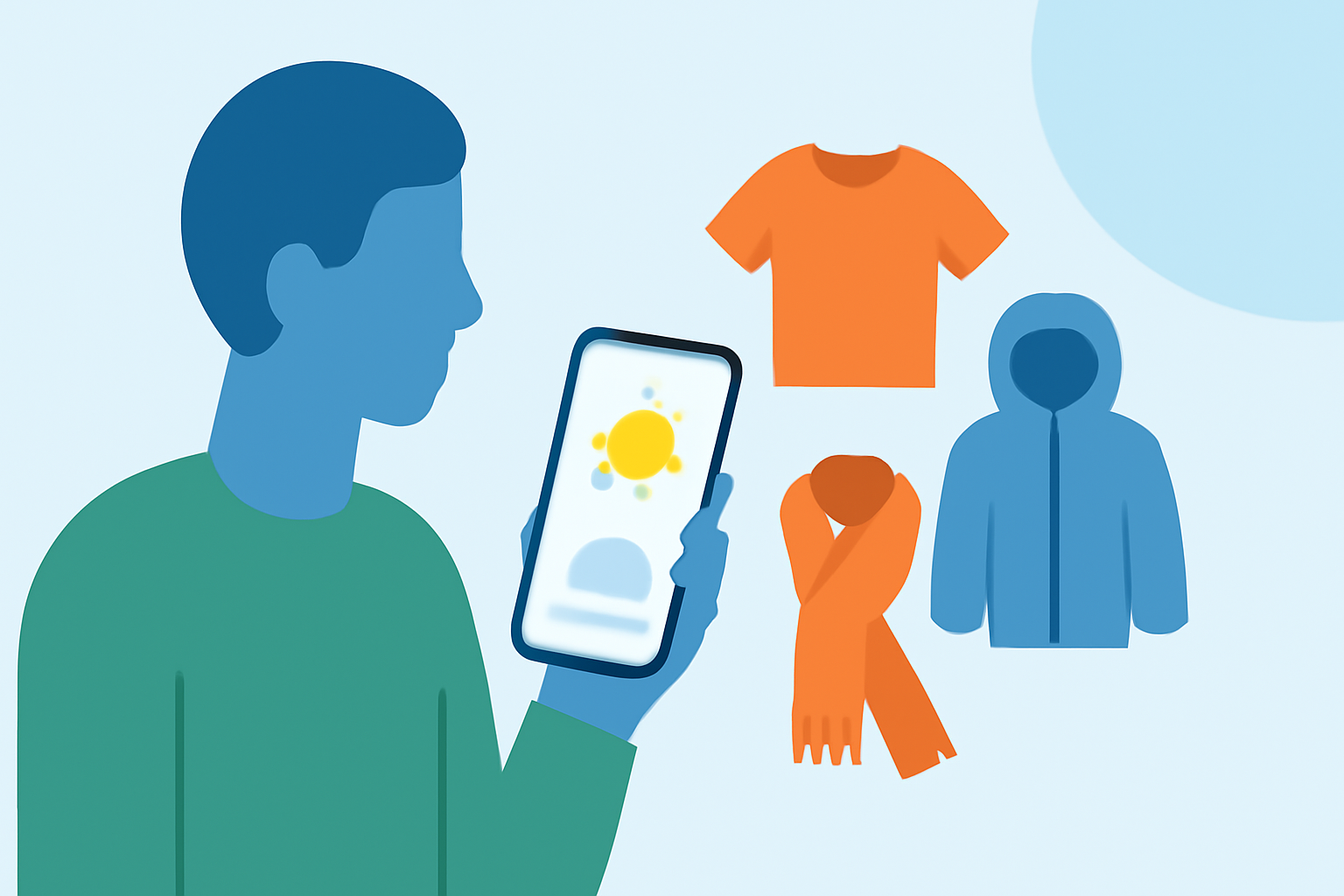
Selecting the right clothing for varying weather conditions is essential for comfort and health. With the advancement of technology, your Android device can be a valuable tool in making informed clothing choices. Here's how you can utilize your Android device to determine the best attire for different weather scenarios.
1. How Can I Use My Android Device to Check the Weather?
Your Android device offers several methods to access current weather information:
-
Built-in Weather App: Many Android devices come with a pre-installed weather application that provides current conditions, forecasts, and alerts.
-
Google Assistant: Activate Google Assistant by saying "Hey Google," then ask, "What's the weather today?" for a quick update.
-
Weather Apps: Download dedicated weather applications from the Google Play Store for more detailed information.
2. What Are Some Recommended Weather Apps for Android?
Several weather apps can assist you in making clothing decisions:
-
Clime: Offers current conditions, hourly and daily forecasts, and radar maps. Its minute-by-minute precipitation forecast helps you plan your day accordingly. (makeuseof.com)
-
AccuWeather: Provides detailed forecasts, including MinuteCast, which estimates when precipitation will start and stop at your exact location. (umatechnology.org)
-
The Weather Channel: Delivers comprehensive weather updates, including hourly and 15-day forecasts, live radar, and severe-weather alerts. (umatechnology.org)
3. How Do I Interpret Weather Information for Clothing Choices?
Understanding weather data is crucial for selecting appropriate attire:
-
Temperature: Check the current temperature and forecasted highs and lows. For instance, if the forecasted high is 77°F (25°C), a light jacket or sweater may be sufficient.
-
Precipitation: If rain is expected, consider waterproof clothing or an umbrella.
-
Wind: Windy conditions may require wind-resistant clothing.
-
Humidity: High humidity can make temperatures feel warmer; lightweight, breathable fabrics are advisable.
4. How Can I Stay Updated on Sudden Weather Changes?
To remain informed about unexpected weather shifts:
-
Enable Notifications: Allow your weather app to send alerts for severe weather conditions.
-
Use Widgets: Add a weather widget to your home screen for quick updates.
-
Check Regularly: Make it a habit to check the weather before heading out.
5. Are There Any Additional Tips for Dressing According to the Weather?
Yes, consider the following:
-
Layering: Dress in layers to adjust to changing temperatures throughout the day.
-
Appropriate Fabrics: Choose fabrics suitable for the weather; for example, moisture-wicking materials for hot and humid days.
-
Footwear: Select shoes appropriate for the conditions, such as waterproof boots for rainy days.
By leveraging your Android device to monitor weather conditions and understanding how to interpret this information, you can make informed clothing choices that keep you comfortable and prepared for any weather scenario.