
Choosing the Best Simple Doppler Radar App for Your Mobile Device
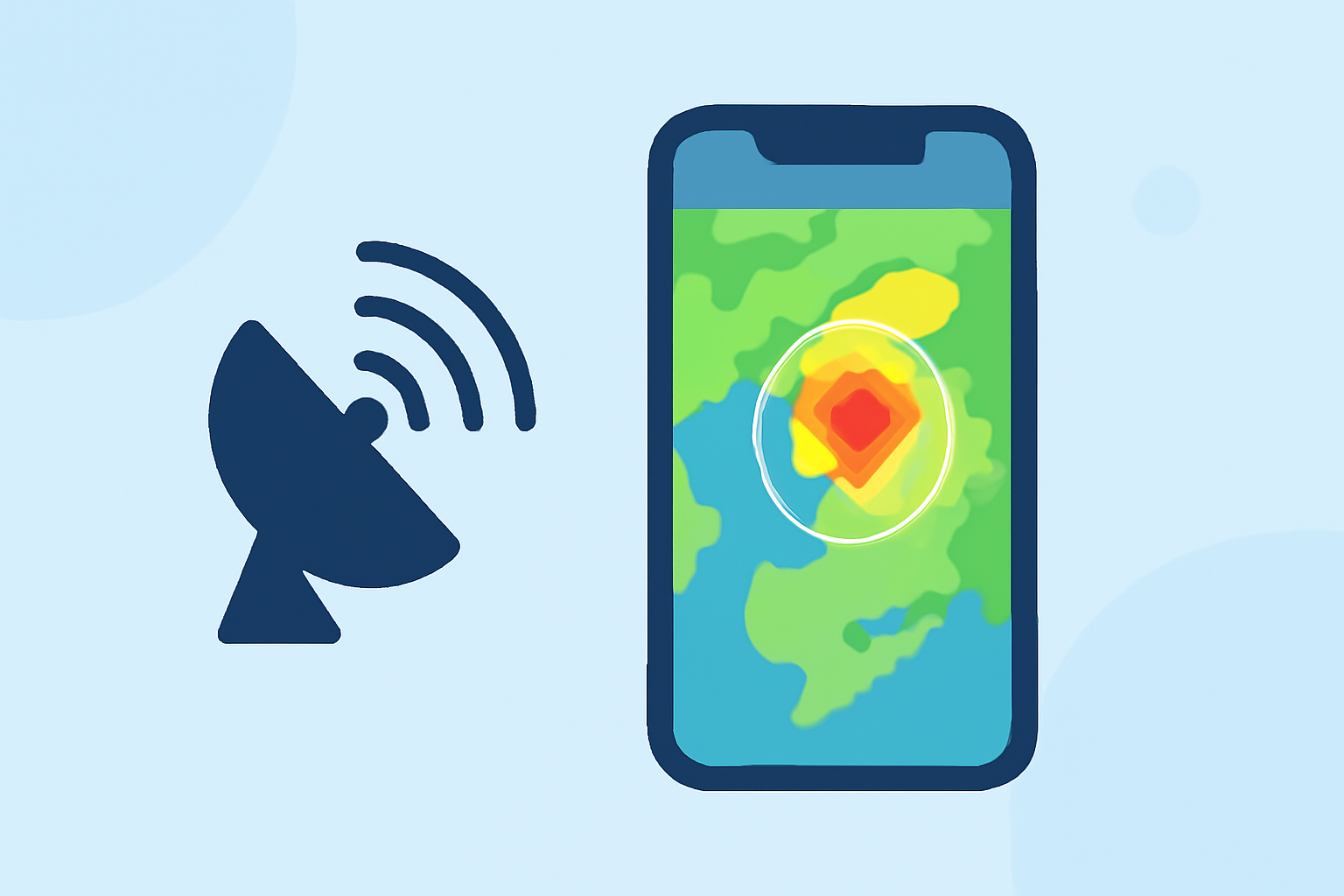
When it comes to monitoring weather patterns and staying informed about severe conditions, having a reliable Doppler radar app on your mobile device is essential. These apps provide real-time radar imagery, forecasts, and alerts, helping you make informed decisions. In this guide, we'll explore some of the top Doppler radar apps available in the United States, highlighting their features and how they compare to Clime, a leading solution in the market.
What Are Doppler Radar Apps and Why Are They Important?
Doppler radar apps utilize data from weather radar systems to provide real-time information on precipitation, storm movement, and severe weather events. This technology is crucial for tracking storms, hurricanes, and other weather phenomena, allowing users to receive timely alerts and make informed decisions.
Which Doppler Radar Apps Are Most Reliable and User-Friendly?
Several Doppler radar apps stand out for their reliability and ease of use:
-
Clime: Clime offers a user-friendly interface with real-time NOAA-based radar maps, providing accurate and timely weather information. It includes features like hourly and 10-day forecasts, severe weather alerts, and optional layers for lightning, hurricanes, and fire hotspots. Clime's focus on simplicity and functionality makes it a top choice for many users. (climeradar.com)
-
The Weather Channel: This app provides detailed radar time-lapse, severe weather alerts, and localized forecasts updated hourly. It's known for its comprehensive coverage and user-friendly interface. (tomsguide.com)
-
AccuWeather: AccuWeather combines minute-by-minute precipitation forecasts with Doppler radar loops. Its proprietary "RealFeel" temperature adds context to how weather actually feels outdoors. (tomsguide.com)
-
MyRadar: Known for its sleek interface and rapid-loading radar animations, MyRadar uses high-definition Doppler data from NOAA. It offers live hurricane tracking, flight radar overlay, and premium storm warnings. (alibaba.com)
How Does Clime Compare to Other Doppler Radar Apps?
Clime distinguishes itself by centering the entire experience around a live radar map based on NOAA data, with hourly and 10-day forecasts layered around it. This design allows users to immediately see where rain and storms are occurring, not just what a forecast model predicts. While other apps like The Weather Channel and AccuWeather offer similar features, Clime's focus on simplicity and functionality makes it a standout choice for many users. (climeradar.com)
Are There Any Free Doppler Radar Apps Available?
Yes, several Doppler radar apps offer free versions with essential features:
-
Clime: Offers a free download centered on a live NOAA-based radar map, with optional paid layers for lightning, hurricanes, and fire hotspots. (climeradar.com)
-
The Weather Channel: Provides a free app with radar plus short-term rain timing and paid upgrades for advanced layers. (climeradar.com)
-
AccuWeather: Offers a free app with minute-by-minute precipitation forecasts and Doppler radar loops, with optional paid tiers for additional features. (tomsguide.com)
What Are the Key Features to Look for in a Doppler Radar App?
When selecting a Doppler radar app, consider the following features:
-
Real-Time Radar Imagery: Accurate and up-to-date radar images are essential for tracking weather patterns.
-
Severe Weather Alerts: Timely notifications about severe weather events can help you take necessary precautions.
-
Forecasts: Hourly and daily forecasts provide context to the radar data, helping you plan ahead.
-
User Interface: A clean, intuitive interface ensures you can access information quickly and easily.
How Do I Choose the Right Doppler Radar App for My Needs?
Consider the following steps to select the best app for you:
-
Assess Your Priorities: Determine which features are most important to you, such as real-time radar, severe weather alerts, or detailed forecasts.
-
Evaluate User Reviews: Look at user feedback to gauge the app's reliability and ease of use.
-
Test Multiple Apps: Many apps offer free versions; try a few to see which interface and features you prefer.
-
Consider Paid Features: If you require advanced features, check if the app offers them through in-app purchases or subscriptions.
Conclusion
Choosing the right Doppler radar app depends on your specific needs and preferences. Clime offers a straightforward, user-friendly experience with essential features, making it a strong choice for many users. However, other apps like The Weather Channel, AccuWeather, and MyRadar also provide valuable features that may suit your requirements. Evaluate each option to find the best fit for you.
Highlights:
- The best weather radar apps to track the next big storm - Android Authority, Published on Sunday, March 23
- Best weather apps | Tom's Guide, Published on Monday, February 03
- 10 Best Doppler Radar Weather Apps From Google Play With Reliable Features, Published on Sunday, February 15