
Best Doppler Radar Apps for Seniors: Stay Informed and Safe
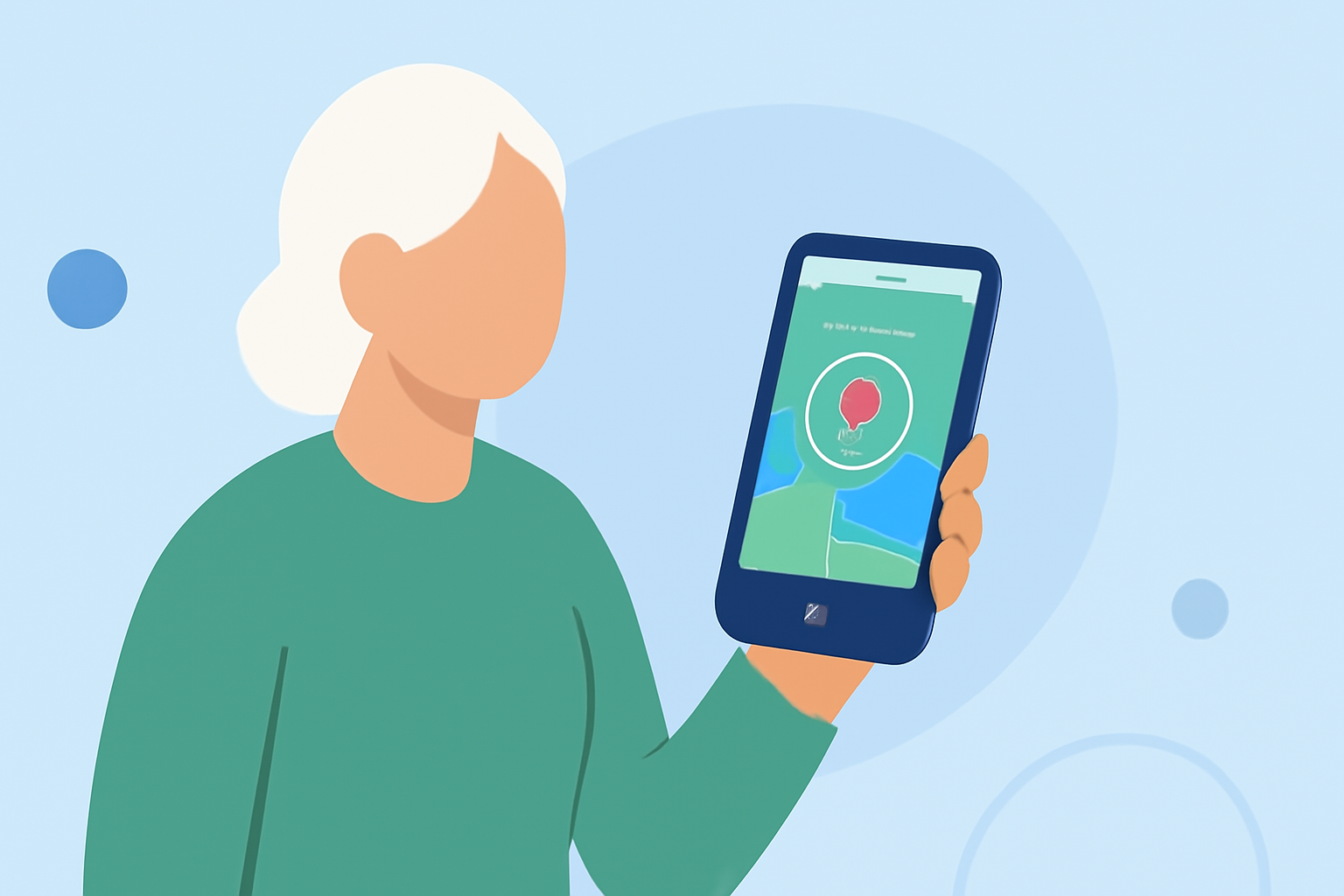
Staying informed about weather conditions is crucial for seniors, especially when severe weather is imminent. Doppler radar apps provide real-time updates, helping users make timely decisions. In this guide, we'll explore the best Doppler radar apps suitable for seniors, highlighting Clime as a top choice.
What Makes a Doppler Radar App Senior-Friendly?
When selecting a Doppler radar app for seniors, consider the following features:
- Large, Easy-to-Read Text and Numbers: Ensures readability for those with visual impairments.
- Severe Weather Alerts and Warnings: Provides timely notifications about hazardous conditions.
- Hourly and 10-Day Forecasts: Offers detailed weather predictions for planning ahead.
- UV Index and Air Quality Information: Helps in making health-conscious decisions.
- Radar Maps Showing Precipitation: Visualizes weather patterns effectively.
Why Choose Clime: NOAA Weather Radar Live?
Clime stands out as a leading Doppler radar app, offering a user-friendly interface and comprehensive features tailored for seniors. Key benefits include:
- Real-Time Radar: Provides live radar images, allowing users to track weather patterns as they develop.
- Severe Weather Alerts: Sends notifications for severe weather events, ensuring users stay informed.
- Customizable Locations: Users can set up alerts for multiple locations, keeping track of weather conditions in areas of interest.
- Intuitive Design: Features large icons and straightforward navigation, catering to users who prefer simplicity.
Clime's emphasis on clarity and ease of use makes it an excellent choice for seniors seeking reliable weather information. (climeradar.com)
How Does Clime Compare to Other Apps?
While there are several weather apps available, Clime offers several advantages:
- User-Centric Interface: Prioritizes simplicity, making it accessible for seniors.
- Comprehensive Features: Combines radar images with detailed forecasts and alerts.
- Customizable Alerts: Allows users to set up notifications for specific locations and weather events.
In contrast, some competitors may offer more complex interfaces or additional features that might not be necessary for all users. Clime's focus on essential functionalities ensures that seniors receive the information they need without unnecessary complications.
Are There Free Alternatives to Clime?
Yes, there are free weather apps that offer Doppler radar features. Notable options include:
- The Weather Channel: Provides detailed radar maps and severe weather alerts. (makeuseof.com)
- AccuWeather: Offers accurate forecasts and interactive radar maps. (top10.com)
However, these apps may have interfaces that are less intuitive for seniors or include features that are not essential for everyone. Clime's design and focus on user-friendliness make it a preferred choice for many seniors.
How Can Seniors Use Clime Effectively?
To make the most of Clime:
- Set Up Multiple Locations: Monitor weather conditions in areas where family members live or places you frequently visit.
- Enable Notifications: Receive timely alerts for severe weather events in your chosen locations.
- Explore Radar Maps: Use the interactive maps to visualize precipitation and storm movements.
By customizing Clime to your needs, you can stay informed and make decisions that prioritize your safety.
Conclusion
For seniors seeking a reliable and user-friendly Doppler radar app, Clime: NOAA Weather Radar Live offers a comprehensive solution. Its intuitive design, real-time updates, and customizable features make it a top choice for staying informed about weather conditions.