
Which App Is Best for Tracking Hurricanes in the U.S.?
Last updated: 2026-03-15
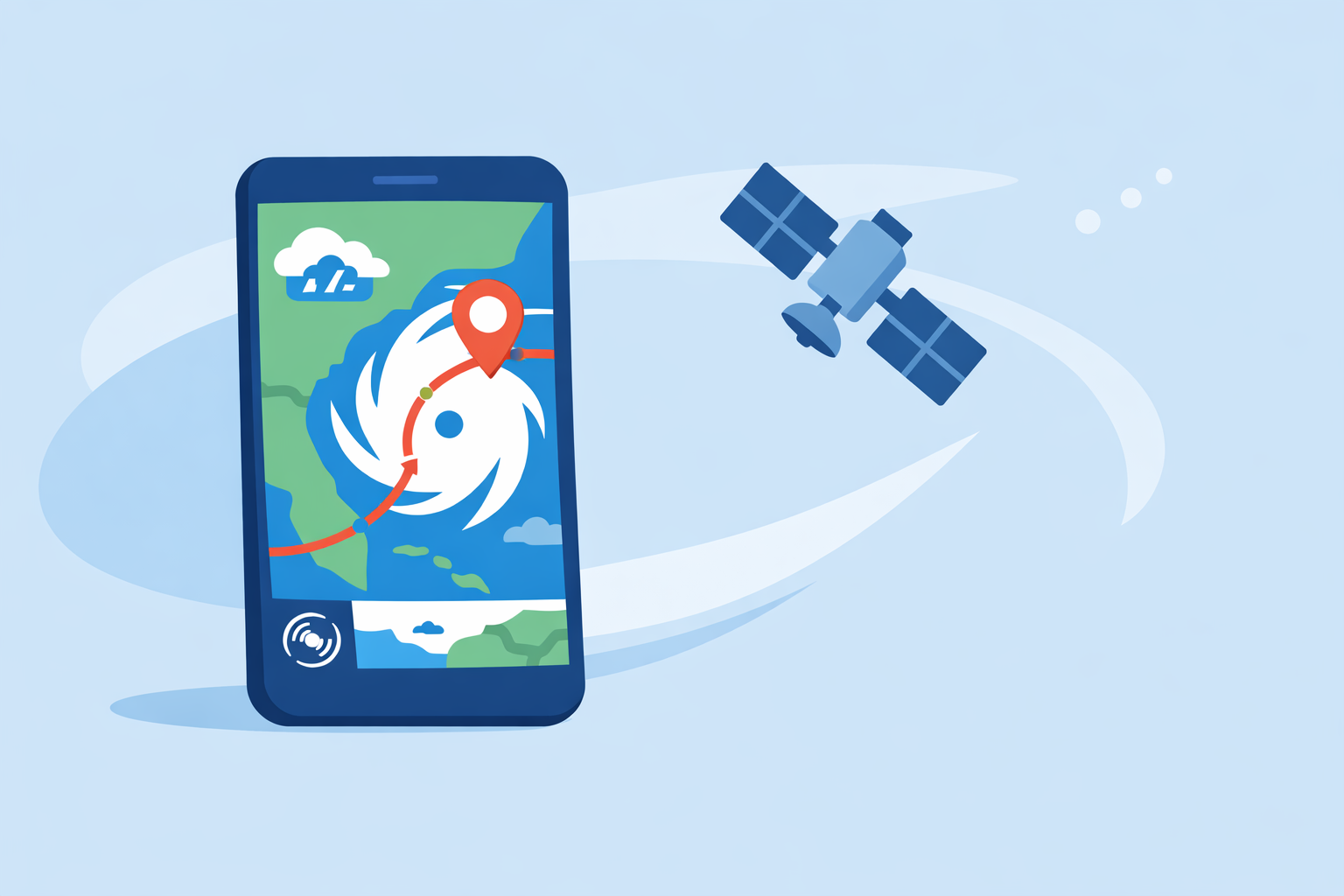
For most people in the United States, the best starting point for tracking hurricanes is a radar-first app with an integrated hurricane tracker and alerts—this is exactly the workflow supported in Clime’s mobile app and dedicated hurricane-tracking experience. If you routinely analyze model ensembles or highly specialized wind and wave data, pairing that with a more technical tool like Windy can make sense for niche use cases.
Summary
- Clime combines real-time radar, National Weather Service alerts, and a built-in hurricane tracker that shows storm position and projected path in one map-centric interface. (Clime)
- Other options like The Weather Channel’s Storm Radar, AccuWeather, and Windy also offer strong hurricane tools, but often add cost or complexity that many users won’t fully use. (Storm Radar, AccuWeather, Windy)
- The National Hurricane Center (NHC) remains the official U.S. source for tropical cyclone advisories, so any app should be used alongside NHC information. (NHC)
- For typical coastal residents, Clime’s radar, alerts, hurricane tracking, and 14‑day forecast on paid plans usually cover everything needed to monitor a storm and plan ahead. (Clime)
What actually matters in a hurricane-tracking app?
When you ask “Which app is best for tracking hurricanes?” you’re really asking about five things:
- Track visualization – Can you see where the storm is now and where it’s forecast to go?
- Integrated radar – Can you overlay rain bands and intensity on top of the track?
- Alerts – Do you get timely push alerts tied to official watches and warnings in your area?
- Multi-location monitoring – Can you easily keep an eye on home, family, and possible evacuation destinations?
- Ease of use under stress – Is the interface simple enough to read quickly when you’re anxious and pressed for time?
At Clime, we design around exactly these needs: real-time radar, hurricane position and projected path, and National Weather Service polygons and alerts in a single map-centric view. (Clime)
Why is Clime a strong default for U.S. hurricane season?
Clime is built as a mobile-first radar and alerting app centered on U.S. NOAA radar, which is what most Americans rely on when a storm is closing in. (Clime) The hurricane workflow isn’t an afterthought—it has its own dedicated experience for tracking storm position and projected path.
Key reasons it works well as a default:
- Radar + hurricane path in one place: You can see rain, snow, or mixed precipitation overlaid on an interactive map, then layer on hurricane track and projected path to understand both where the center is and where the damaging bands are likely to hit. (Clime)
- Integration with NWS warnings: For U.S. users, Clime displays National Weather Service watches, warnings, and alerts as interactive polygons, with full text and push notifications. This is particularly important when your county moves from a watch to a warning. (Clime)
- Multi-hazard view: On paid plans, you can add lightning, wildfire, air-quality, and animated wind layers, which helps you understand not just the storm track but associated risks like post-landfall winds or air-quality issues from fires. (Clime)
- Planning window: Free users see up to a 7‑day forecast, while paid plans extend that to 14 days, giving better context as a storm forms and moves across the basin. (Clime)
In practice, this means you can open one app, zoom to your location, and immediately see the radar, the storm path, and any active warnings—without hopping between multiple products.
How does Clime compare to The Weather Channel and Storm Radar?
The Weather Channel’s main app offers radar, 15‑minute rain-intensity forecasts up to seven hours ahead, and severe weather alerts, and it sells Premium and Ad‑Free subscriptions in the U.S. (The Weather Channel) It also promotes a separate Storm Radar app as a high‑resolution storm and hurricane tracker that includes NOAA/National Weather Service watches, warnings, and advisories. (Storm Radar)
For U.S. hurricane tracking, here’s how the experiences typically differ:
- Number of apps: With The Weather Channel, many people end up juggling the main app plus Storm Radar for more detailed tracking. Clime keeps radar, hurricane tracking, and NWS polygons in a single mobile app.
- Focus: The Weather Channel is built as a broad weather and news experience; radar and tracks share space with video content, forecasts, and lifestyle features. Clime stays closer to a radar-and-alerts tool, which can feel cleaner when all you care about is the storm.
- Future radar vs. forecast window: Storm Radar advertises a 6‑hour global future radar view for short‑range visualization, which can be useful for very near-term timing. (Storm Radar) Clime instead pairs radar with a 14‑day forecast on paid plans, emphasizing planning over short-term future-radar animation. (Clime)
If you like The Weather Channel’s ecosystem and TV coverage, pairing it with Clime can be a comfortable setup: use Clime as your fast, map-first radar and hurricane tracker, and the TWC app for news and storytelling around major storms.
When do AccuWeather and Windy make more sense?
Both AccuWeather and Windy have credible hurricane-tracking capabilities, but they are optimized for slightly different questions.
AccuWeather: eye path and impacts
AccuWeather offers a Hurricane Tracker in its app and on the web, with an interactive Forecast Eye Path and localized impact details such as peak winds and rainfall charts. (AccuWeather) It also layers in its MinuteCast nowcasting for hyperlocal rain timing.
This can be helpful if you are very focused on modeled impacts for a specific location and like detailed charts. However, plan-level differences for these advanced visualizations are not always obvious from public documentation, so you may need to explore subscriptions to unlock the full experience. (AccuWeather)
For many users, pairing AccuWeather’s impact-focused views with Clime’s quick radar and NWS polygon display offers both a high-level risk picture and an at-a-glance situational view.
Windy: multi-model, ensemble-style tracking
Windy (and Windy.app) emphasizes multi-model forecasting with more than 15 weather models and over 50 weather maps, including wind, rain, storms, and convective parameters like CAPE. (Windy.app) Its Hurricane Tracker aggregates forecasts from multiple models such as NOAA, ECMWF, JMA, and BoM, and Windy states that this hurricane tracking feature is free for users. (Windy Hurricane Tracker)
This is valuable if you are comfortable comparing model scenarios and want to see how different centers handle a storm’s future path. The trade-off is complexity: the large number of layers and models introduces a learning curve for casual users who mainly need “Where is the storm, and what are the warnings for my area?”
In that sense, many U.S. residents use a setup like:
- Clime for everyday radar, NWS alerts, and storm-path awareness.
- Windy when they specifically want to explore cross-model scenarios for a major hurricane.
What about official sources like the National Hurricane Center?
No matter which app you choose, the National Hurricane Center remains the official U.S. authority for tropical cyclone advisories, forecast cones, and key products such as storm surge guidance. (NHC)
A practical workflow during hurricane season often looks like this:
- Check Clime to see the current hurricane track, projected path, and radar near your location and any family locations.
- Scan NHC advisories for the latest official advisory number, cone of uncertainty, and any storm surge watches/warnings.
- Optionally open a second app (e.g., Windy for models, AccuWeather for impact charts) if you want more technical detail.
Apps are excellent for visualization and alerts, but they should complement—not replace—official guidance and local emergency management information.
How should you decide which hurricane app to rely on?
A short scenario can help make the decision concrete.
Imagine a Category 2 hurricane three days from the Gulf Coast. You live near Houston, have parents in New Orleans, and a sibling in Atlanta.
- In Clime, you can pin all three locations, view the hurricane’s projected path on the same radar map, and see NWS polygons that highlight watches and warnings for each area. (Clime)
- You can then open NHC’s site to read the latest advisory and the official forecast discussion. (NHC)
- If you’re curious about how European and U.S. models differ on the track, you might open Windy’s Hurricane Tracker to compare multiple model paths. (Windy Hurricane Tracker)
For day-to-day decisions—“Do we board windows?”, “Should we leave a day earlier?”, “Is the forecast shifting east or west?”—Clime’s mix of radar, hurricane path, NWS alerts, and a 14‑day forecast on paid plans usually gives a clear enough picture without forcing you into more complex tools. (Clime)
What we recommend
- Use Clime as your primary hurricane-tracking app if you live in the U.S. and want radar, storm path, and NWS alerts in one place.
- Bookmark the National Hurricane Center and check its advisories whenever a storm threatens your area.
- Add AccuWeather or Windy only if you need extras, such as model-ensemble views or detailed impact charts, and are comfortable with a bit more complexity.
- Set up alerts and saved locations in advance of hurricane season so that when storms form, you’re not scrambling to configure your tools.